


Event Agenda Builder Software for Personalized Schedules

Build personalized event agendas that make even complex programs easy to navigate. Amego gives attendees one place to discover sessions, create their own schedules, access event content, and stay up to date as plans change.
Profile card showing Chris Jordan, Senior Developer at Umbrella Corporation, with icons for website, YouTube, LinkedIn, and X social media.Chat bubbles showing a conversation: 'Hey, let’s meet after the talk' followed by 'Let’s do it!' with a heart emoji reaction.Digital meeting invitation card with a photo of a man in a suit, showing details for Christopher Nguyen's meeting on Tuesday the 25th at 4 PM, with Decline and Accept buttons.Digital meeting invitation card with a photo of a man in a suit, showing details for Christopher Nguyen's meeting on Tuesday the 25th at 4 PM, with Decline and Accept buttons.Digital meeting invitation card with a photo of a man in a suit, showing details for Christopher Nguyen's meeting on Tuesday the 25th at 4 PM, with Decline and Accept buttons.Networking mobile mockupNetworking mobile mockup
Stacked mobile app screens showing event introductions and dashboards for FictionFest, Google Cloud, Hewlett Packard Enterprise, and DocuSign Discover 25.

A Centralized Hub for Session Discovery

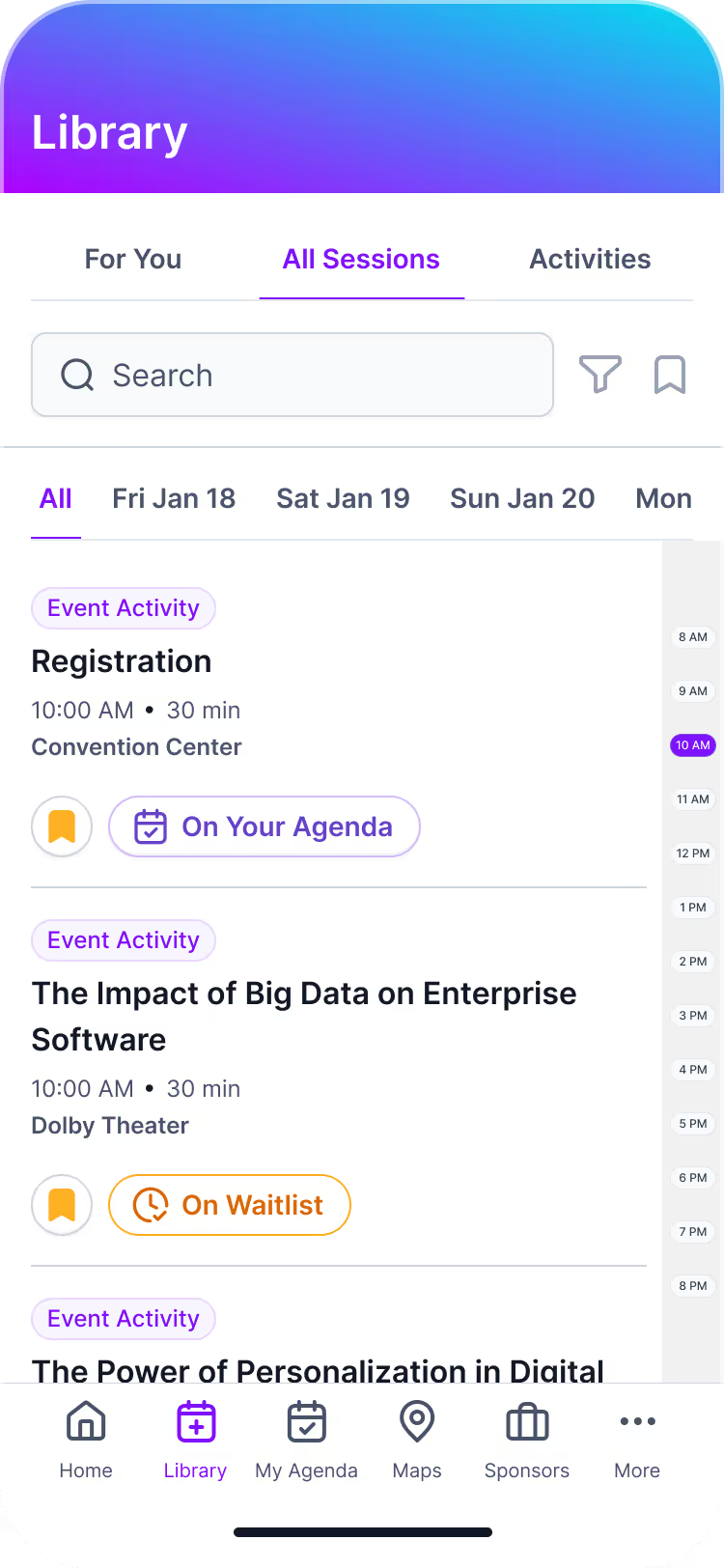
The Library gives attendees one place to explore sessions, speakers, and supporting content, while My Agenda turns discovery into a personalized schedule. Together, they make even large, multi-track programs easier to navigate.

Built for Complex, Multi-Track Event Agendas

Amego’s event agenda builder software helps teams manage multi-day schedules, session capacity, enrollment, speakers, content, and real-time changes from one centralized CMS—while giving attendees a personalized agenda that stays current throughout the event.

Event Agenda Tools Attendees Can Rely On

From discovering sessions to building a personalized schedule, Amego gives attendees intuitive tools to plan their time, access event content, and stay organized throughout the event.

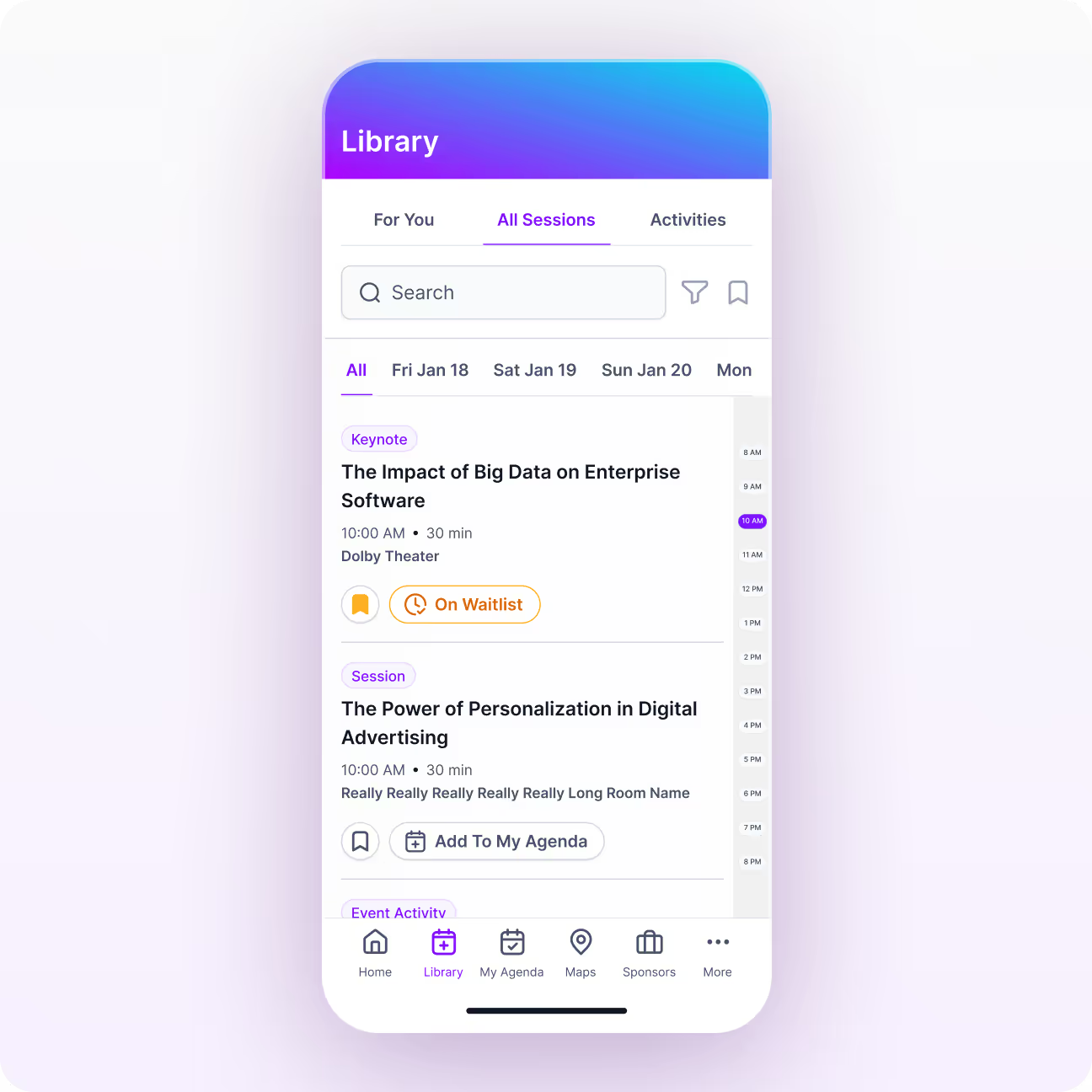
Session Library

Give attendees one searchable place to explore the full event program, discover speakers and sessions, and access supporting content without jumping between screens.

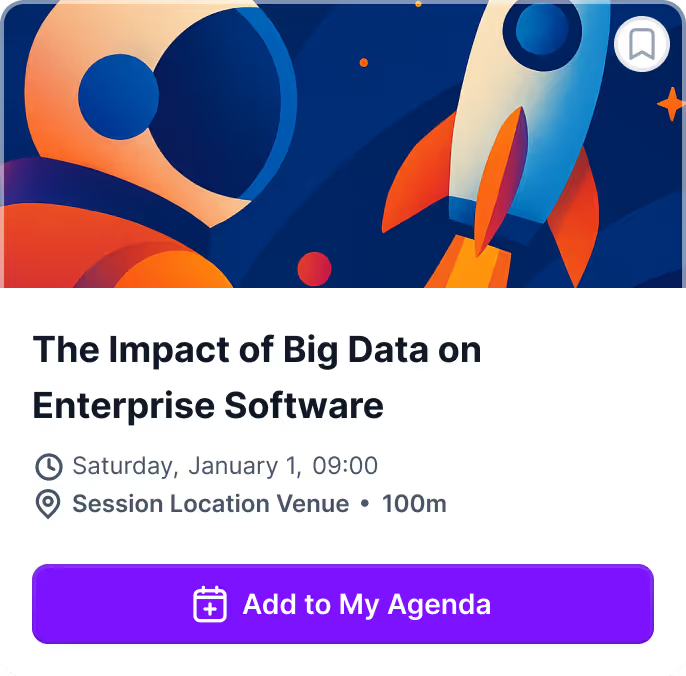
  • Browse sessions with times, locations, speakers, and descriptions
  • Search and filter by track, topic, date, or other event criteria
  • Add sessions directly to My Agenda
  • Access slides, PDFs, links, videos, and related resources
My Agenda

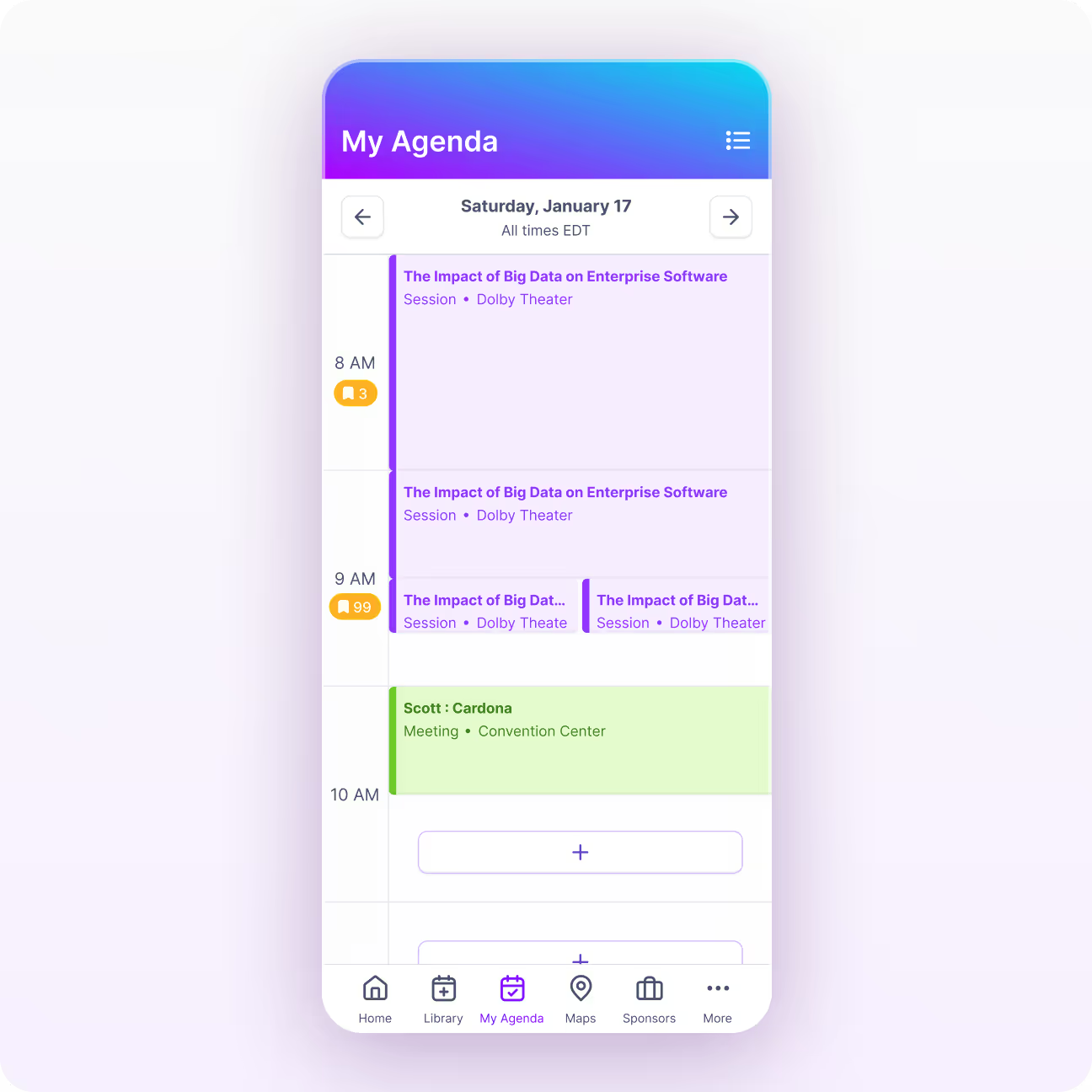
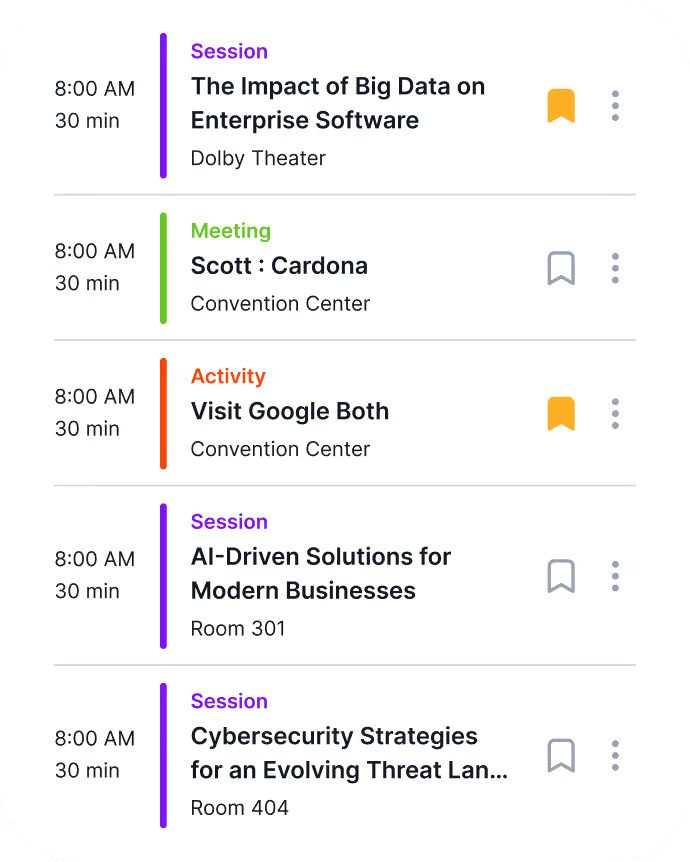
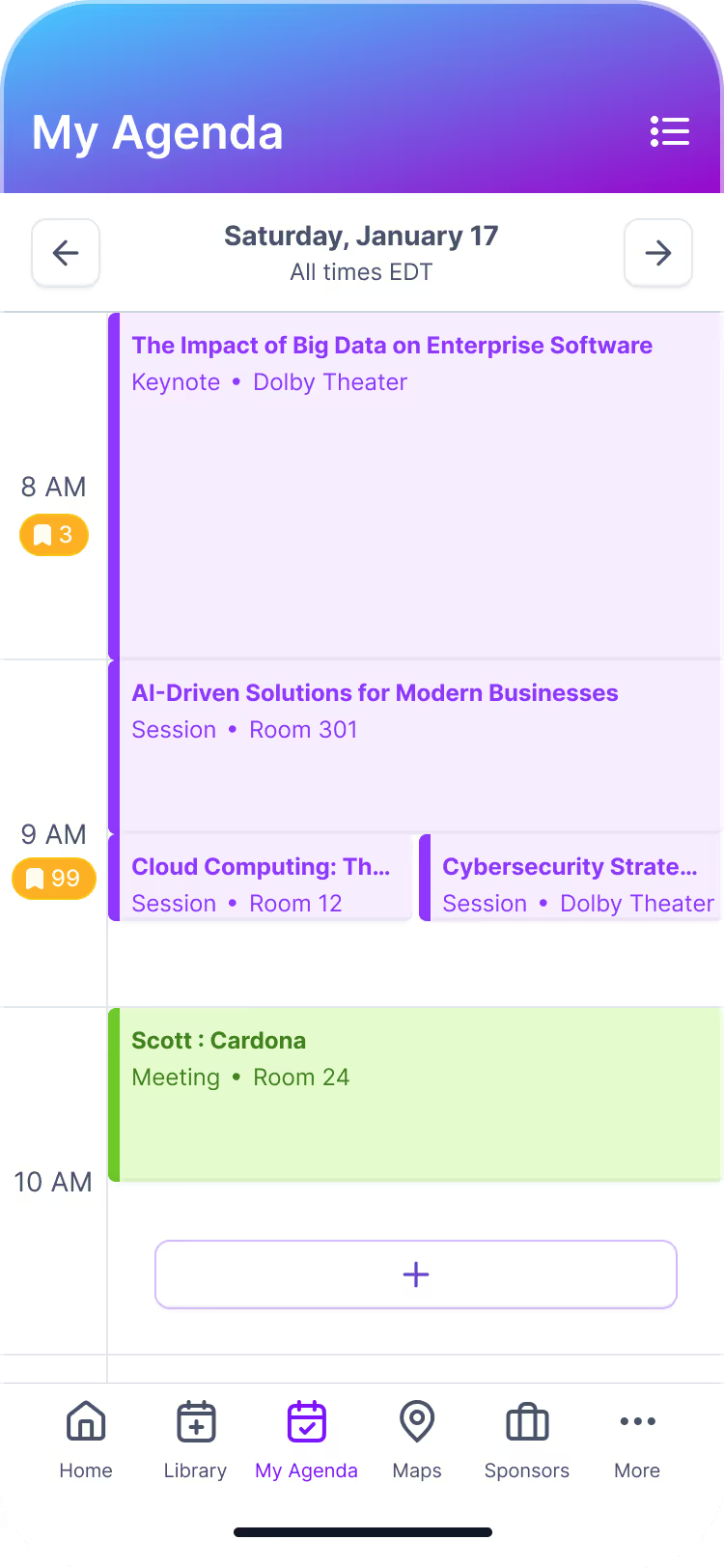
My Agenda turns session discovery into a personalized event schedule. Attendees can save the sessions and activities that matter to them, see their day at a glance, and quickly access the details they need next.

  • Enroll in sessions directly from the Library or session detail pages
  • View saved sessions and activities by day
  • Sync schedules with Apple, Google, or Outlook calendars
  • Jump directly to session details, maps, and supporting resources

The result is a schedule that feels personal, manageable, and easy to follow—even at complex, multi-track events.

Home Screen

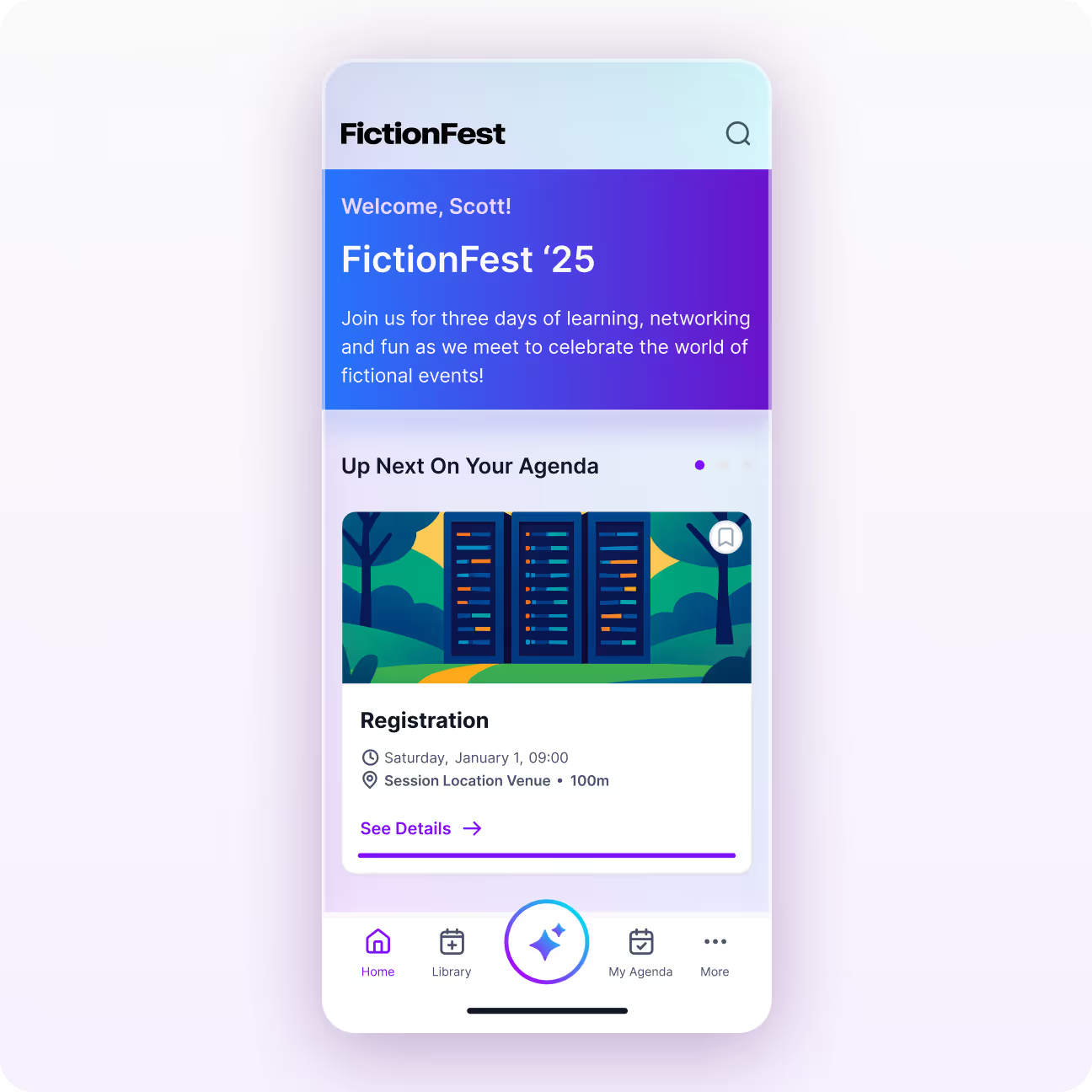
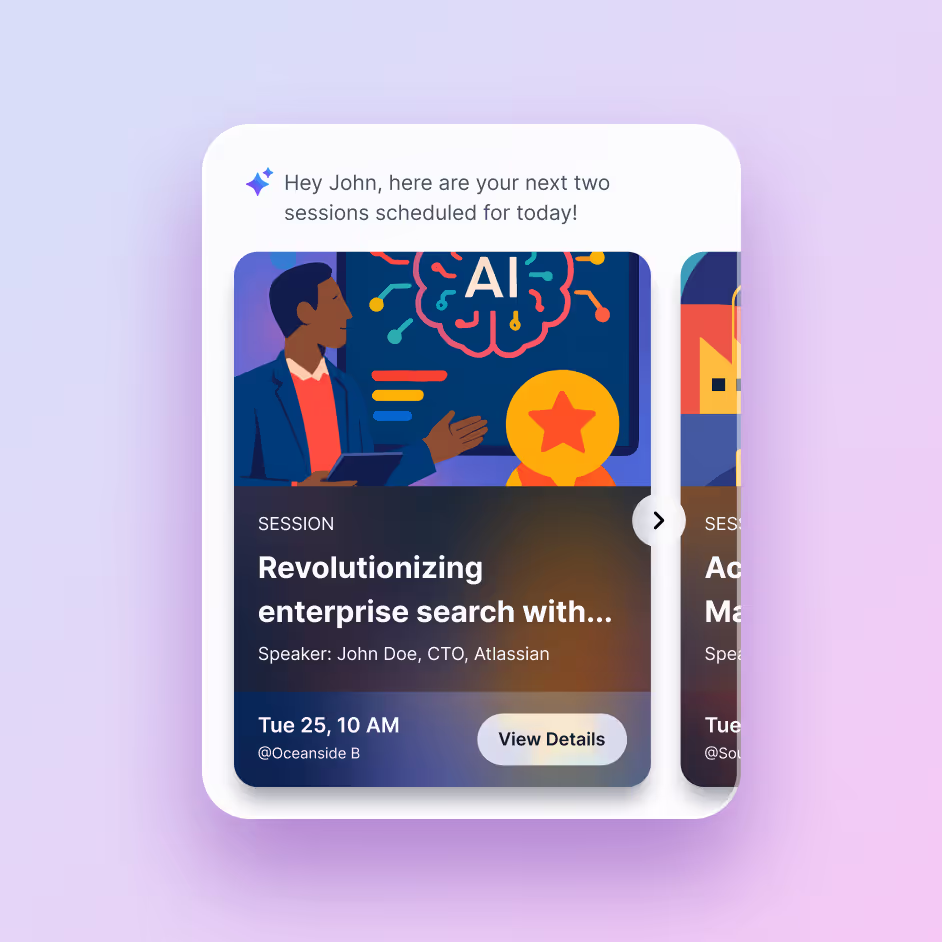
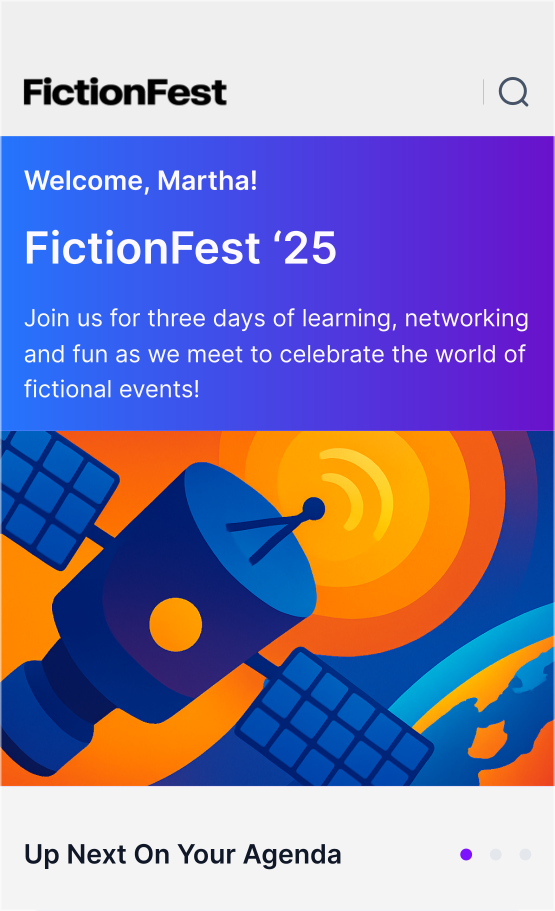
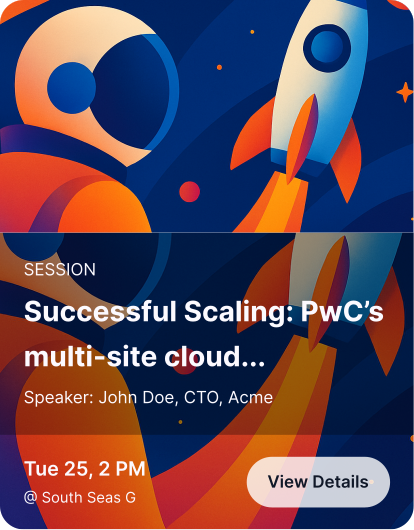
Bring the most relevant parts of the agenda directly to the app home screen so attendees can see what’s happening next without searching for it.

  • Surface upcoming sessions and activities with “Up Next”
  • Highlight session titles, times, and locations at a glance
  • Promote relevant Library content and event experiences
  • Help attendees move smoothly from one part of their day to the next

These personalized home screen modules keep timely information front and center throughout the attendee journey.

Toggle Agenda Views

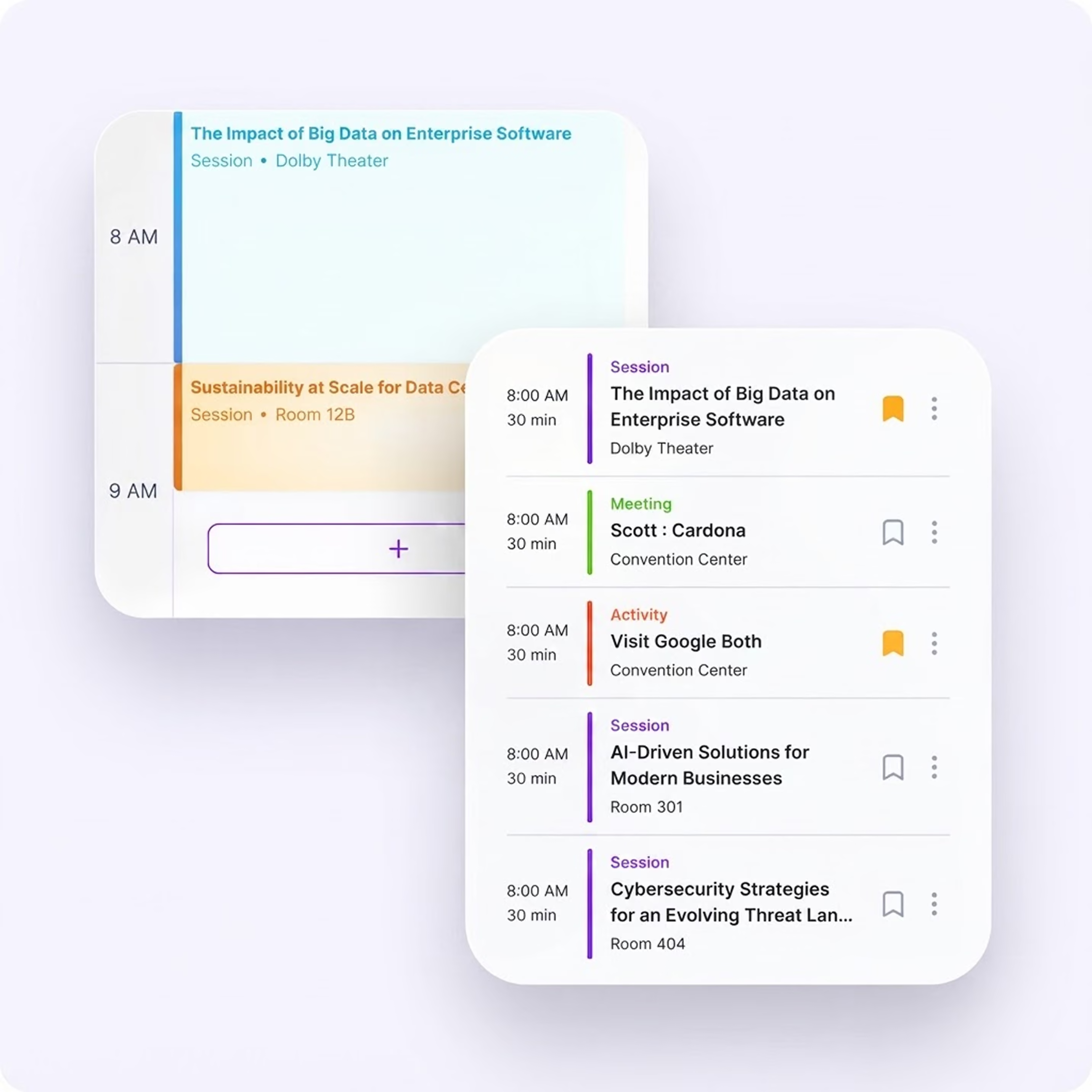
The Amego event app supports multiple displays so users can easily view their schedule in the way that feels most intuitive to them.

  • Toggle between a clean calendar view or a simple timeline format
  • Options to show the calendar with or without scheduled activities
  • Agenda views update automatically as organizers add or change sessions

Flexible viewing options in the app make it easier for attendees to stay organized and view their event schedules how they want.

Built For Enterprise-Scale Events That Can’t Afford Scheduling Chaos

Large multi-track events and conferences need more than a basic schedule editor. Amego’s feature-rich event app keeps complex agendas organized with real-time updates, capacity controls, and conflict prevention to limit confusion and minimize help desk traffic.

Rules-based personalization can also support limiting visibility for executive programs, certification tracks, and restricted sessions at scale.

Higher app adoption
Increased session attendance
Improved sponsor engagement
Stronger attendee participation

Even Deeper Personalization With Sidekick

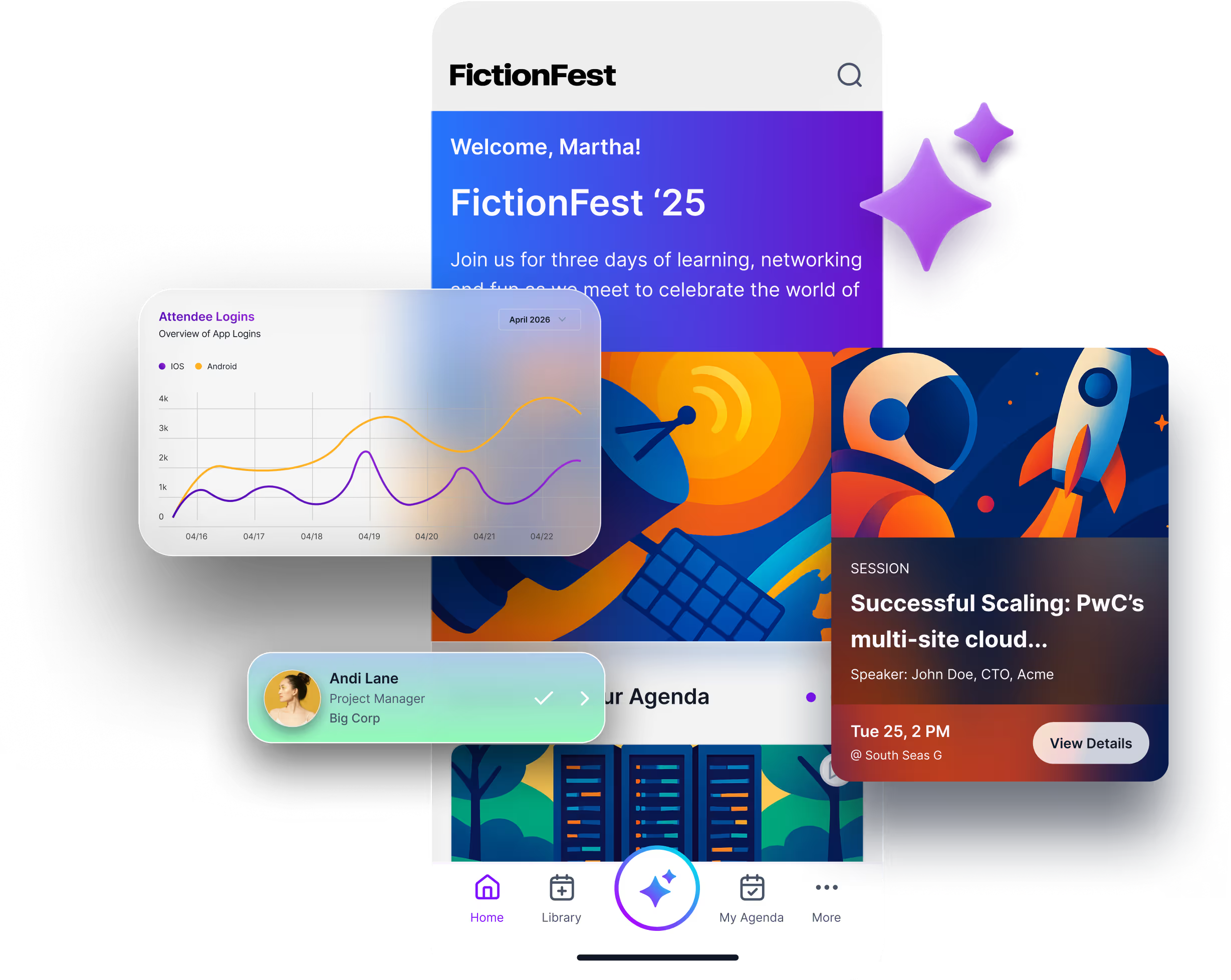
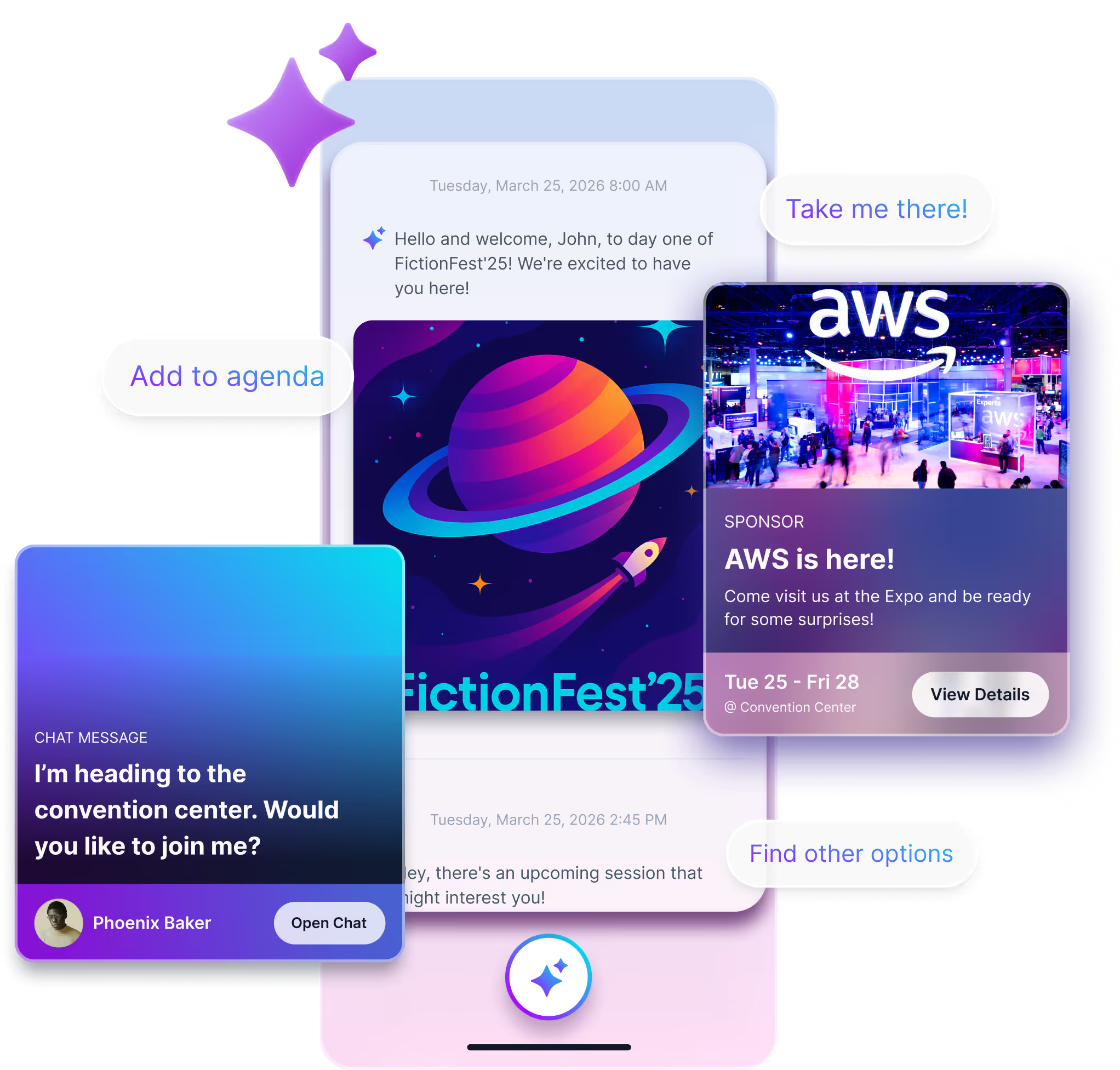
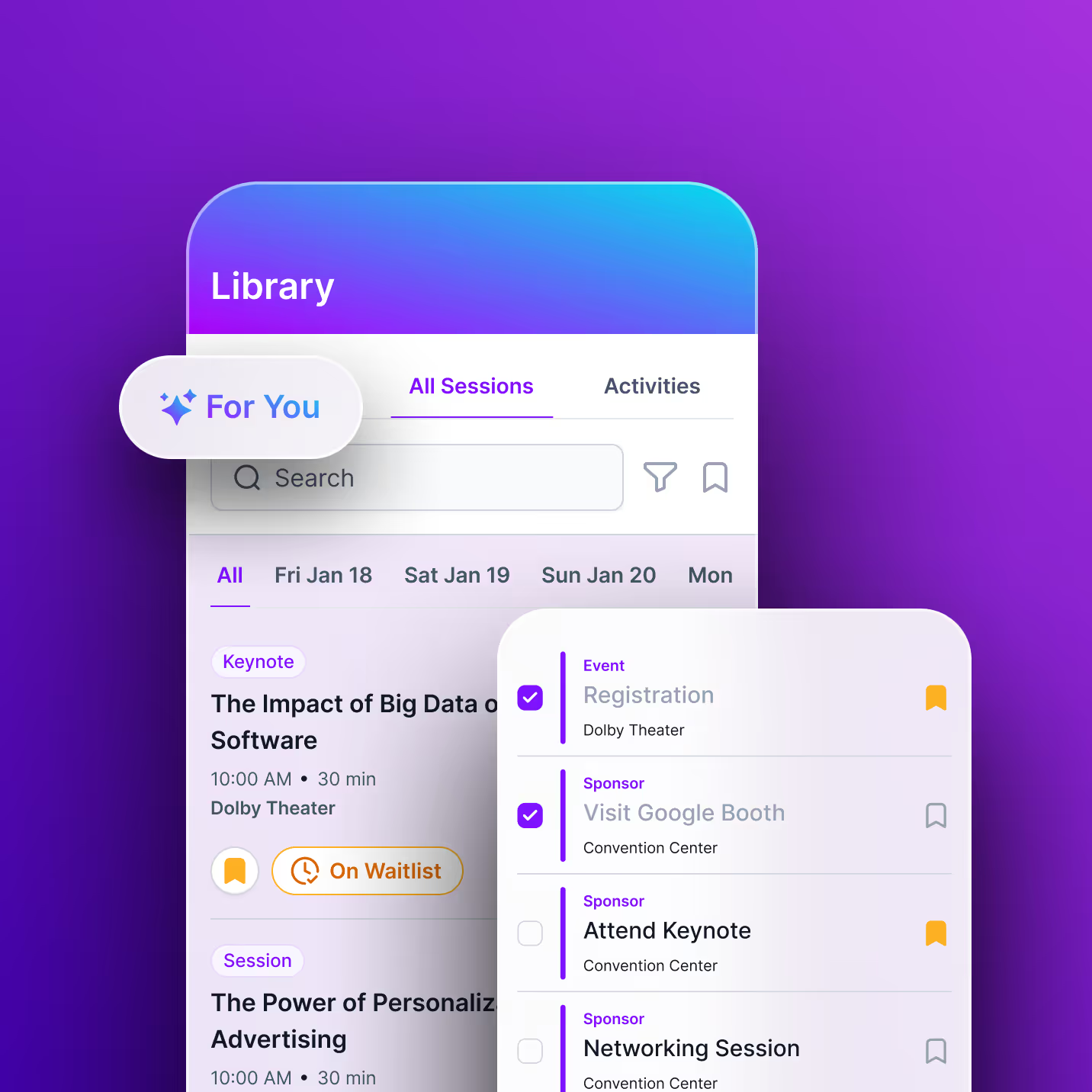
Sidekick sits on top of your Amego app and gives attendees an AI event companion. Sidekick even further enhances the attendee journey by using interest signals, behavior, and contextual awareness to provide the most personalized experience without adding more work for your event team.

See How Sidekick Personalizes Agendas

How Sidekick Enhances The Agenda and Library Experience

AI-Powered Recommendations

Uses interest tags and engagement signals updated in real time throughout the event to surface personalized recommendations for sessions, speakers, sponsors, and more.

Smart Agenda Guidance

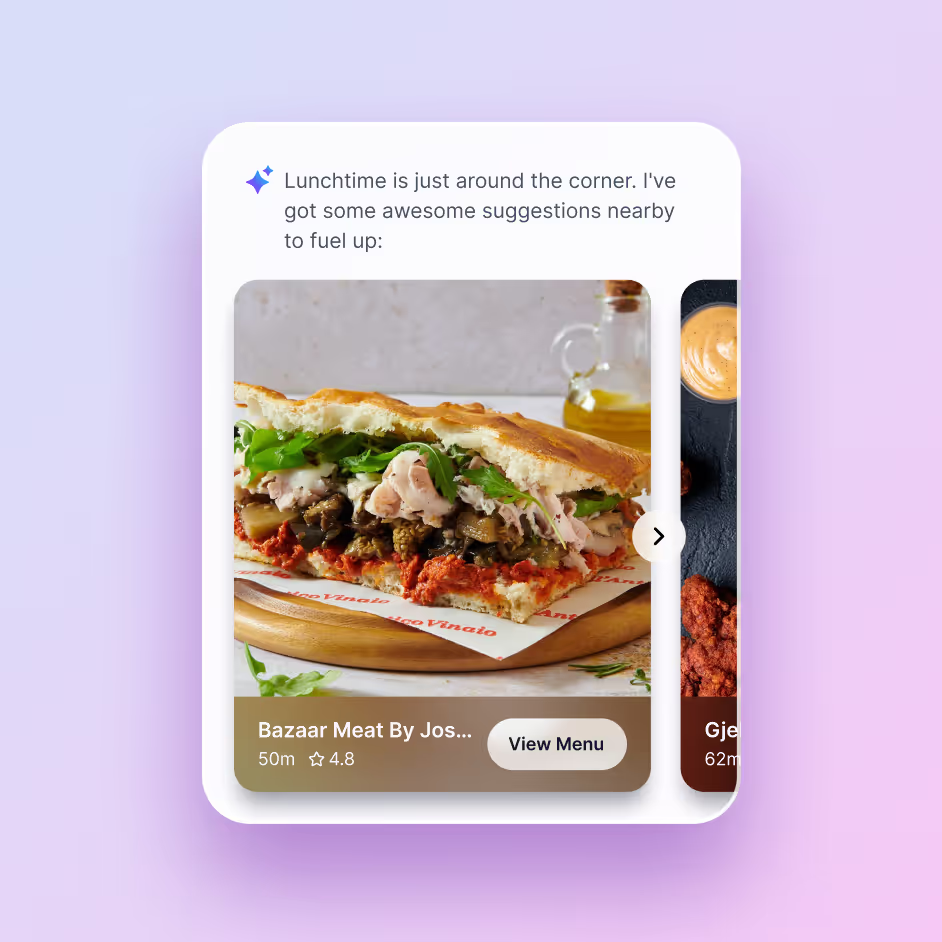
Sidekick suggests sessions to fill schedule gaps and alerts attendees of nearby or starting-soon sessions and activations.

Post-Session Engagement

Sidekick encourages deeper post-session engagement with custom cards for surveys, networking opportunities, related content, and more.
Explore Sidekick

FAQs

What is an event agenda builder?

An event agenda builder is software used to create and manage the sessions, schedules, speakers, locations, and content that make up an event program. Amego also gives attendees personalized schedule tools so they can build an agenda around the sessions most relevant to them.

Can attendees create personalized schedules?

Yes. Attendees can save sessions and build personalized agendas based on the event content most relevant to them.

Can event schedules be updated in real time?

Yes. Event teams can update schedule and session information as plans change so attendees have access to the most current event information.

What event agenda features are included in the Amego app?

Attendees can browse multi-track agendas, view session, speaker, and sponsor details, filter content, switch agenda views, and build a personalized schedule.

Organizers can manage tracks, sessions, speakers, and sponsor content, make real-time updates, and control how the agenda is structured and displayed in the app.

Can attendees create their own personalized schedule?

Yes. Attendees can bookmark sessions, build a custom agenda, and receive reminders for saved sessions to stay organized throughout the event.

Can organizers update the agenda in real time?

Yes. Organizers can make real-time changes to sessions, speakers, times, and locations. Updates sync instantly within the app to keep attendees informed.

Does the platform support multi-day or multi-track events?

Yes. Amego supports complex, multi-day conferences with multiple tracks, breakout sessions, and concurrent programming, making it easy to manage large-scale enterprise events.

Can the content library host session materials?

Yes. Organizers can upload documents, presentations, videos, and other resources so attendees can access event content before, during, and after the event.

Can AI recommend sessions to attendees?

Yes. Sidekick™ can surface session and content recommendations based on attendee interest tags, profile data, and engagement behavior to help personalize the event experience.

What is event agenda builder software?

Event agenda builder software helps organizers create, manage, and publish event schedules while allowing attendees to build personalized agendas. Advanced platforms can also manage session capacity, schedule conflicts, segmentation, real-time updates, speakers, and event content.

Ready to Bring The Most Intuitive App to Your Next Event?

Partner with Amego to build an event app with features your attendees will love.
Take a Tour
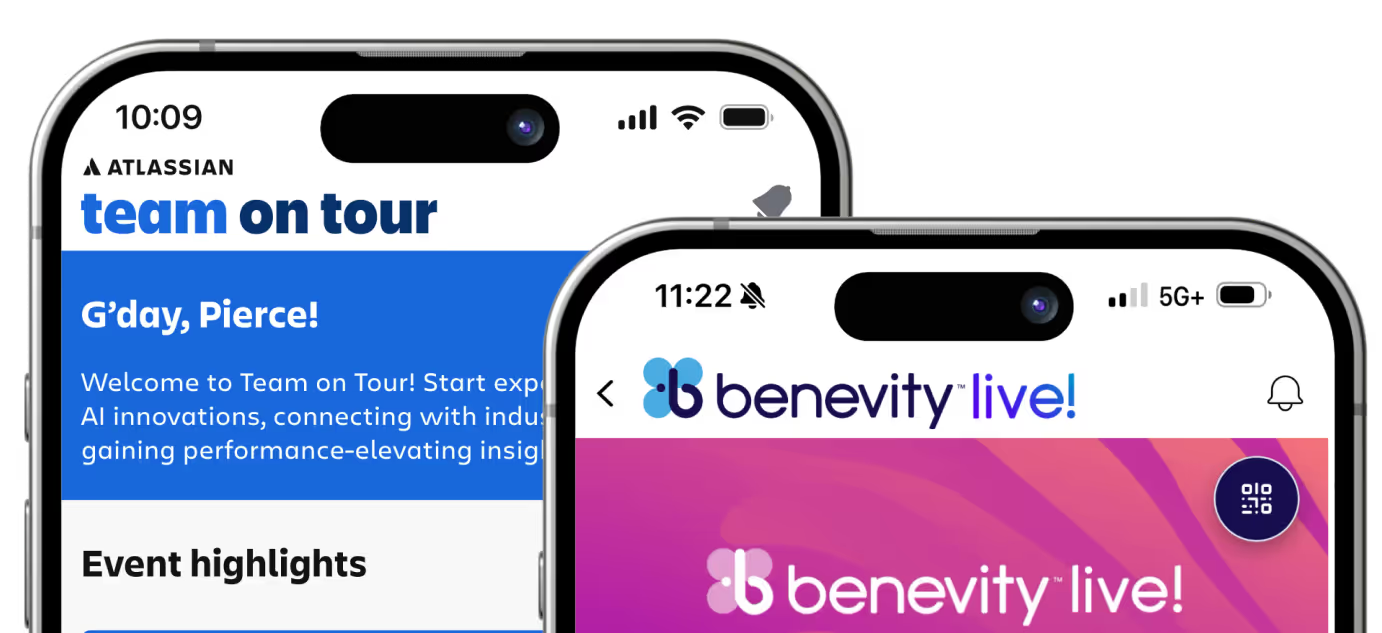
Two smartphone screens showing event apps, one titled 'team on tour' from Atlassian, the other 'benevidity live!' with colorful backgrounds.
Sidekick app data dashboard
Image of Amego platfrom
Sidekick app data dashboard