

Event Apps
What to Look for in an Event App: Features, AI, Security & Scale
The practical guide to finding the best event app for you.
Subscribe for insights on AI- powered event apps, engagement strategies, and to learn more about how event teams are driving measurable results.


The Short Version
Choose a conference event app by matching it to your event size, goals, tech stack, and budget, then confirming it covers schedules, session discovery, networking, real-time updates, and navigation. This guide is the starting point, with must-have features and a checklist. For events with thousands of attendees, continue to how to choose an event app for a large conference.
Choosing the right event app for your conference can have a major impact on attendee engagement, event logistics, networking, and the overall attendee experience. The best conference event apps give attendees one place to manage their schedules, discover sessions, connect with other attendees, receive real-time updates, and navigate the event.
This guide is the starting point: what a conference app does, which features matter, and how to choose one that fits your event size, goals, tech stack, and budget. If you're ready to compare vendors, see the best event apps for conferences and corporate events. Running thousands of attendees? Read how to choose an event app for a large conference and the enterprise event app buyer's guide.
A conference app is a mobile or web-based application that helps attendees navigate schedules, connect with other participants, and engage with event content before, during, and after a conference.
The best event app for a conference is one that makes it easier for attendees to navigate the event, personalize their experience, connect with the right people, and stay informed in real time. For organizers, it should also be easy to manage, integrate with your existing event technology, scale reliably, and provide useful attendee engagement data.
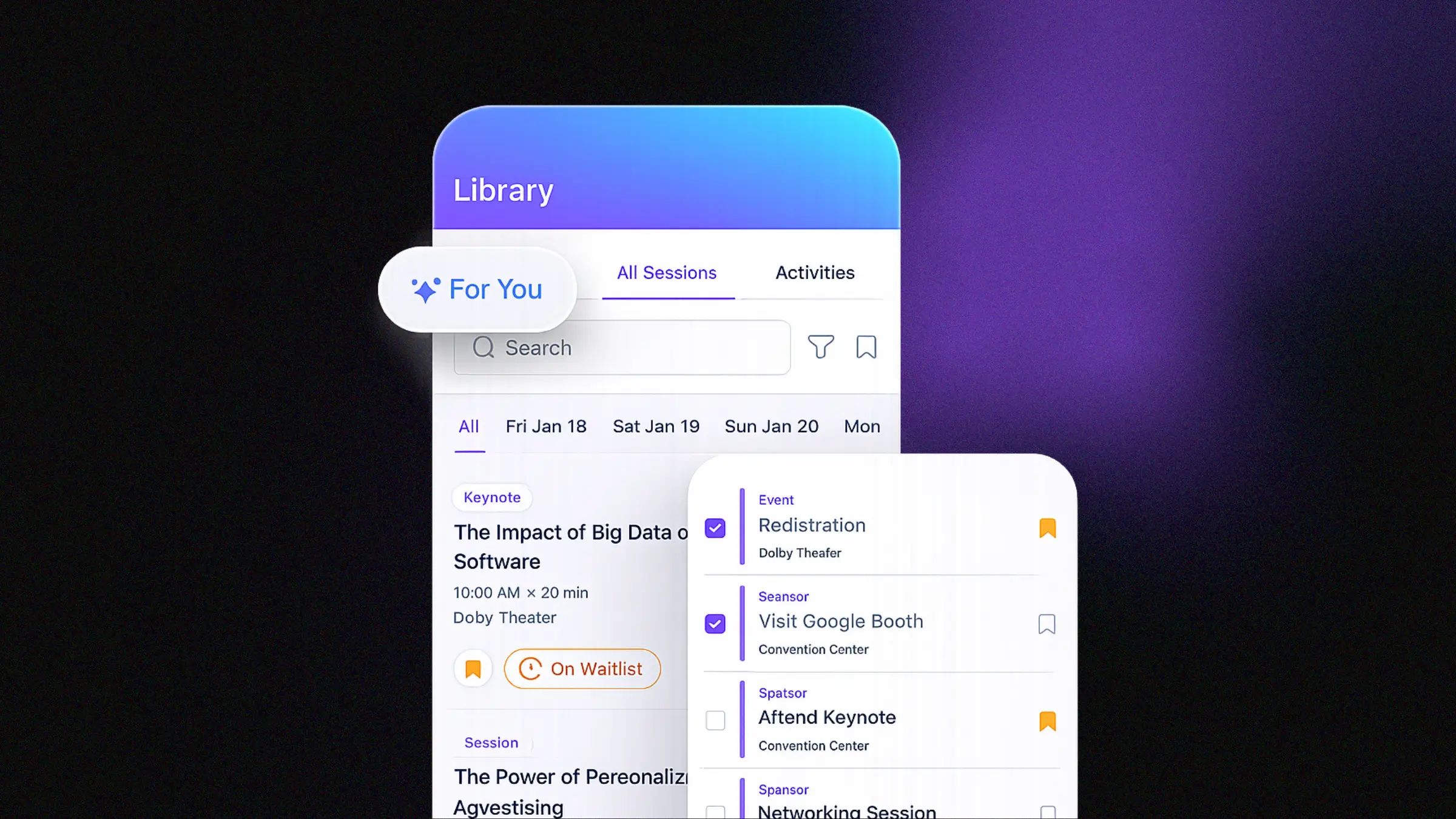
The right platform will depend on your event, but most conference teams should prioritize personalized agendas, networking, notifications, maps and wayfinding, sponsor engagement, integrations, analytics, and flexible branding.
We believe these features matter most when choosing the best mobile event app:
Need a proven, streamlined event app that’s fast to launch? Amego’s Amego Classic app delivers all the essentials for successful events, including agendas, networking, notifications, sponsor visibility, and engagement tools. It’s app-store ready, easy to configure, and ideal for teams looking for reliability and speed without unnecessary complexity.
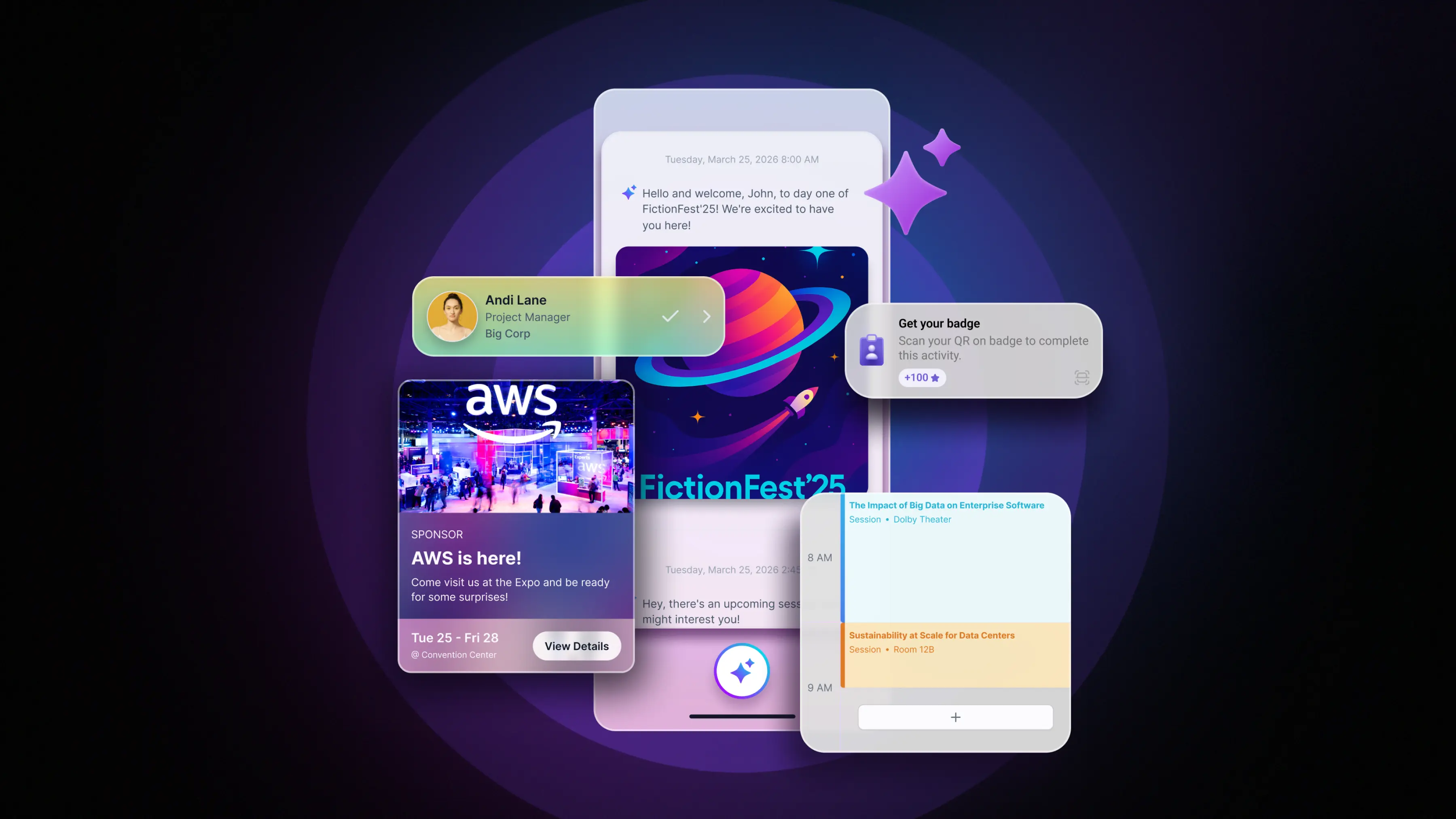
Looking to elevate your event with AI-powered personalization? Sidekick is Amego’s intelligent event companion, designed to enhance how attendees discover content, connect with others, and engage throughout the event. With features like AI-driven recommendations, session summaries, smart networking, and real-time insights, Sidekick transforms the traditional event app into a more dynamic, personalized experience.
Your event tech shouldn’t live in silos. Amego is built to complement, not replace, your existing event tech stack. Amego integrates with major event management systems and other event platforms like Swoogo and Braindate to complete your event tech stack.
The result? A unified workflow from registration to speaker management, mobile app, lead scanning, and more.
Amego publishes its plans. Base starts at $2,499 per year with 500 attendees included, and Elevate is $4,999 per year with 750 attendees included. Larger programs are quoted on an Enterprise plan, and add-ons such as lead scanning are priced separately. When you compare vendors, compare what each quote includes (attendee counts, branding, AI, support level), not just the headline number. Current details are on the pricing page.
Your app is only as successful as your execution. Ready to deliver the ultimate attendee experience? Here’s what you should do next:
Before choosing a conference event app, make sure the platform supports the features your attendees and event team actually need.
The best event app for a conference makes it easy for attendees to navigate the event, personalize their schedule, connect with the right people, and stay informed in real time, while giving organizers simple content management, reliable scale, and useful data. Match the app to your event size, brand needs, and tech stack.
At a minimum: a personalized agenda, real-time push notifications, networking and meeting booking, maps and wayfinding, sponsor and exhibitor engagement, integrations with your registration platform, analytics, and brand customization.
Pricing varies by attendee count and features. Amego's published plans start at $2,499 per year (Base, 500 attendees included) and $4,999 per year (Elevate, 750 attendees included), with Enterprise quoted for larger programs.
If the conference is customer-facing or sponsor-facing, a branded app helps it feel like part of your event. Look for native iOS and Android apps with custom colors, fonts, icons, and home screens.
An AI event app adds an assistant that recommends sessions, helps attendees find people and booths, and sends timely nudges, so attendees don't have to filter a dense agenda themselves. Amego's Sidekick is an example.
Amego builds mobile event apps for enterprise teams, including Atlassian, Cloudflare, ServiceNow, Google Cloud Next, NVIDIA, Nutanix, Docusign, Intuit, and Braze.
Customers highlight speed, customization, and reliability:
“Clean and simple app that works”
– Samanata L.
“Great value-driven event mobile app”
– Verified Mid‑Market User
Choose the option that fits your event needs.
Schedule a demo and let’s build something attendees will remember.
New guides, benchmarks, and what we’re seeing on show floors. Written by event people, for ones running showtime.