
Event App Notifications That Reach the Right Attendees
.avif)
.avif)
Keep Attendees Informed with Event App Notifications


Push Notifications for Events
Event push notifications deliver timely updates directly to attendees’ devices, even when they aren't actively using the app. Schedule messages in advance or target them to specific audiences using attendee type, tags, session enrollment, and other event data.
Event push notifications are ideal for:
- Schedule changes
- Room or venue updates
- Session reminders
- Speaker announcements
- Urgent event-wide alerts
- Transportation or logistics updates
With Sidekick, event communications can also become more context-aware, helping surface recommendations and reminders based on attendee interests, schedules, and activity.
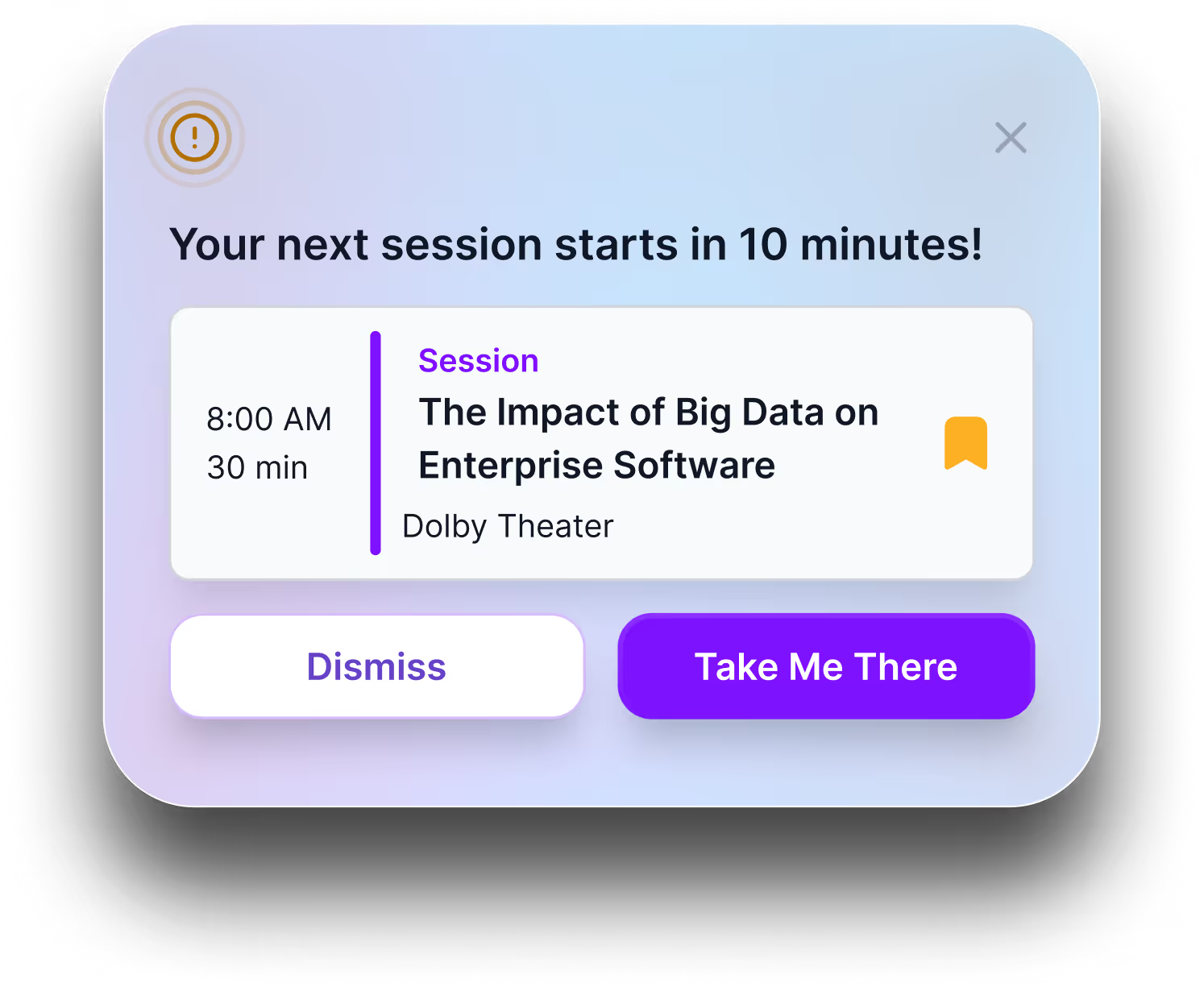
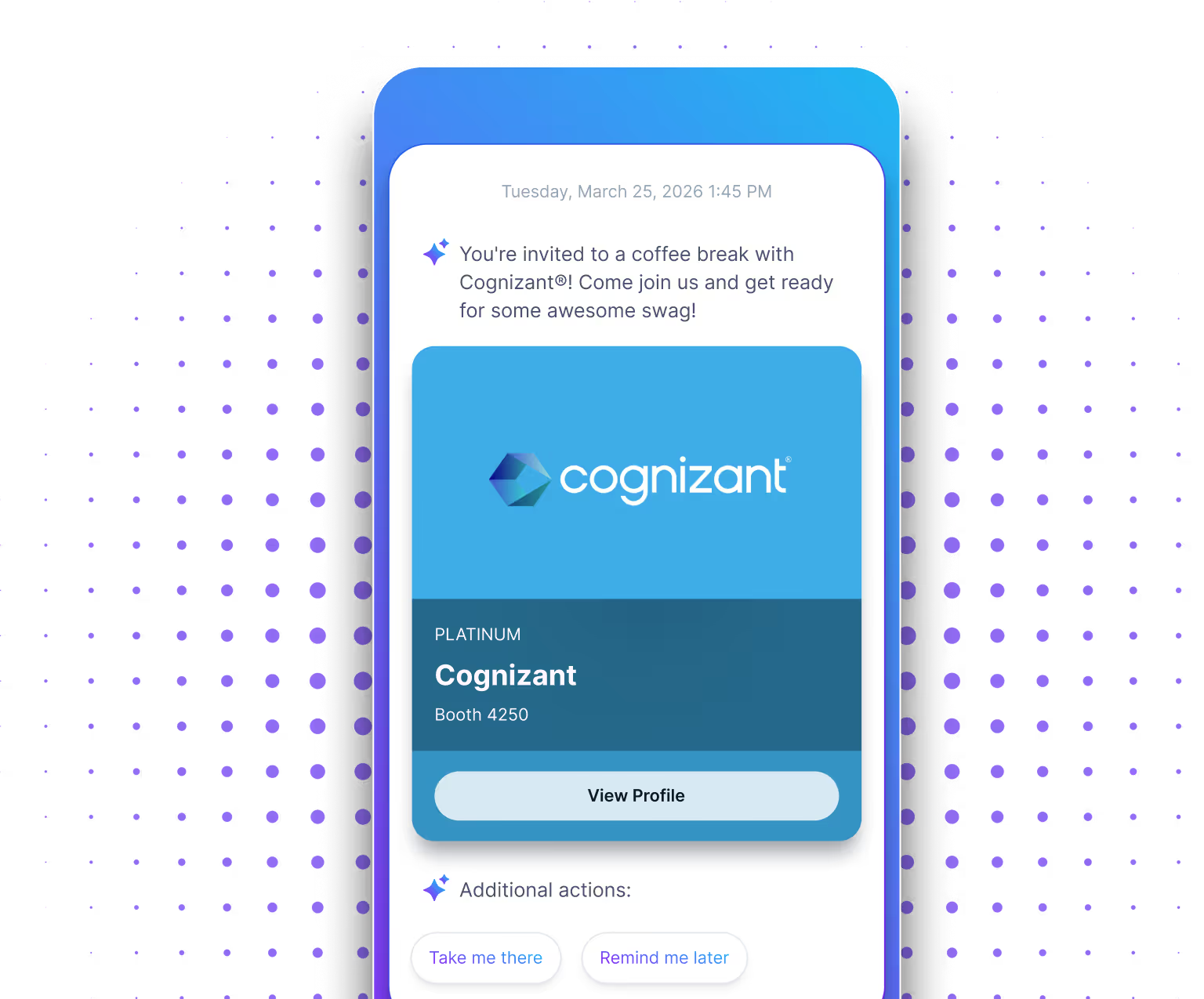
Event Newsfeed Notifications
Newsfeed notifications give attendees a place to discover timely updates without interrupting what they're doing. Use them for event highlights, reminders, sponsor promotions, new content, and other messages attendees can revisit throughout the event.
Use event newsfeed notifications for:
- Daily event briefings
- Activation reminders
- Sponsor and exhibitor spotlights
- Networking opportunities
- New or updated content
- Social events and happy hours

In-App Event Notifications
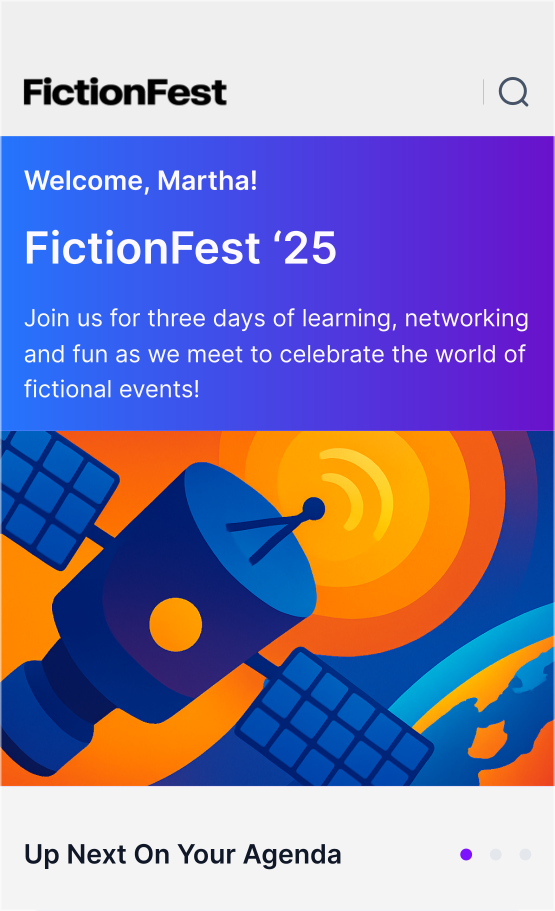
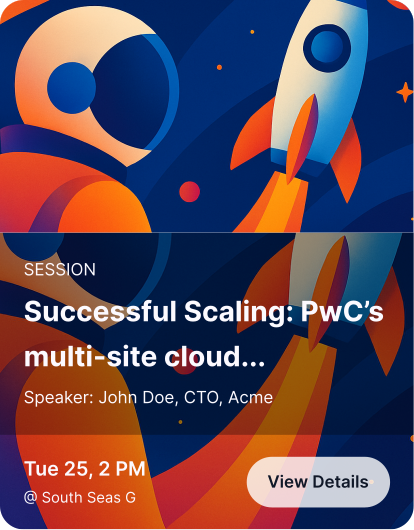
In-app event notifications give teams a highly visible way to promote important content while attendees are actively using the mobile event app. Display branded messages across the app home screen to highlight sessions, sponsors, activations, logistics, or other experiences you don't want attendees to miss.
In-app notifications can include:
- Full-screen branded creative
- Images and event content
- Clickable calls to action
- Links to sessions, maps, sponsors, or other app content
- Dismissible messages
They're ideal for:
- Featured sessions
- Expo hall highlights
- Sponsor activations
- Maps and wayfinding prompts
- Event-wide announcements
.avif)
AI-Powered Event Notifications With Sidekick
Surface sessions, sponsors, networking opportunities, and event content based on attendee interests and behavior.
When paired with supported location technology, prompt attendees about nearby experiences, sponsors, or activities.
Surface relevant session, speaker, attendee, sponsor, and event cards directly in the attendee experience.
Help attendees make better use of open time by suggesting relevant sessions, networking, sponsors, or other experiences.
Frequently Asked Questions
What are event app notifications?
Event app notifications are messages sent through a mobile event app to keep attendees informed before, during, and after an event. They can include push notifications, newsfeed updates, in-app messages, schedule reminders, urgent alerts, sponsor promotions, and other communications tailored to the attendee experience.
Can an event app send push notifications?
Yes. Amego allows event teams to send push notifications directly to attendees’ mobile devices for schedule changes, session reminders, room updates, speaker announcements, urgent alerts, and other timely information.
Can event notifications be targeted to specific attendees?
Yes. Amego lets organizers target communications using attendee segments, custom tags, session enrollment, and other audience attributes. This makes it possible to send broad event-wide updates or more relevant messages to specific attendee groups.
Can event notifications be scheduled in advance?
Yes. Event teams can schedule communications in advance so important reminders and updates are delivered at the right time. Teams can also send real-time messages when schedules, rooms, transportation, or other event details change unexpectedly.
What's the difference between push, newsfeed, and in-app notifications?
Push notifications appear directly on an attendee's device and are best for timely or important updates. Newsfeed notifications create a less disruptive stream of event content attendees can revisit, while in-app notifications appear prominently while someone is actively using the event app. Amego supports all three so teams can choose the right format for each message.
Does Amego use AI to personalize event notifications?
Yes. With Sidekick enabled, event communications can become more context-aware by incorporating attendee interests, schedules, behavior, and real-time event signals. This helps surface more relevant reminders, recommendations, and guidance throughout the attendee journey.
Can organizers control AI-powered notifications?
Yes. Event teams maintain control over communication strategy, content, targeting, and delivery. Sidekick can use AI-driven context and insights to make attendee guidance more relevant while organizers remain in control of the overall experience.
Can event notifications include sponsor promotions?
Yes. Event teams can use newsfeed and in-app notifications to highlight sponsors, exhibitor booths, activations, offers, and other sponsored experiences. Targeting helps make sponsor messages more relevant to the audiences most likely to engage.
Keep Every Attendee Informed and on Track
.avif)