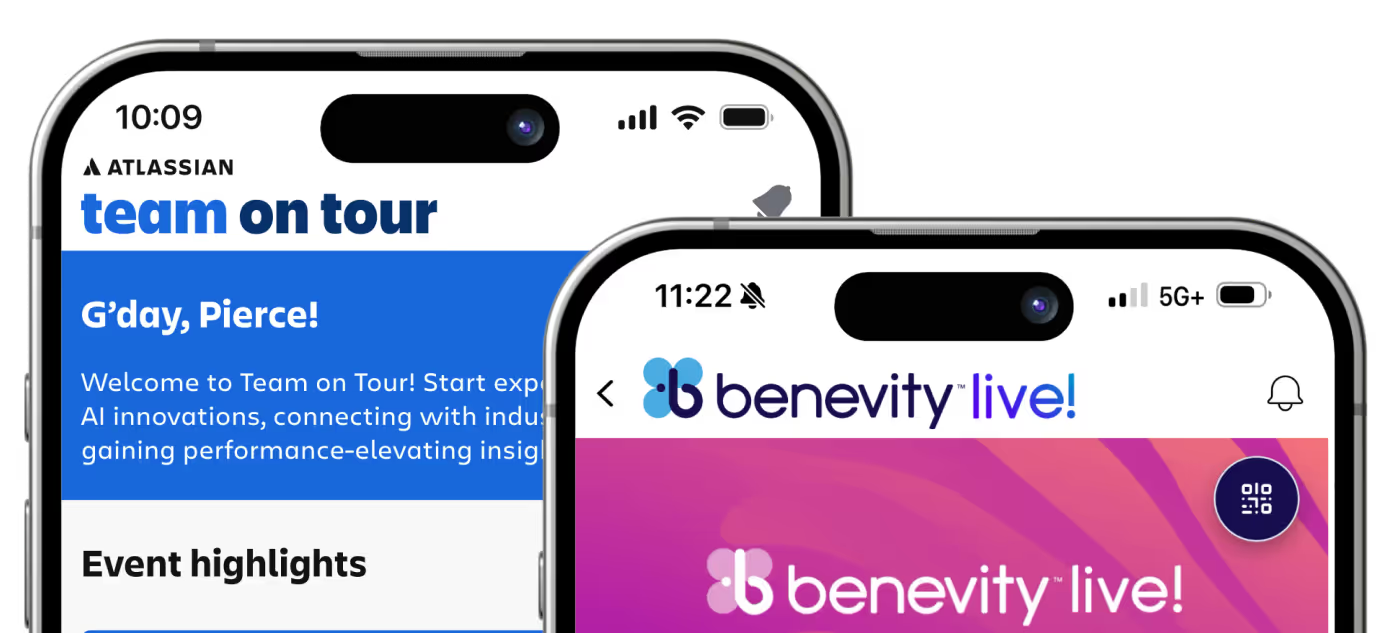

Event Networking App Features Built for Better Connections
.avif)

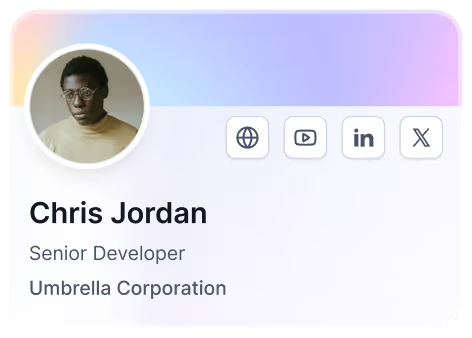
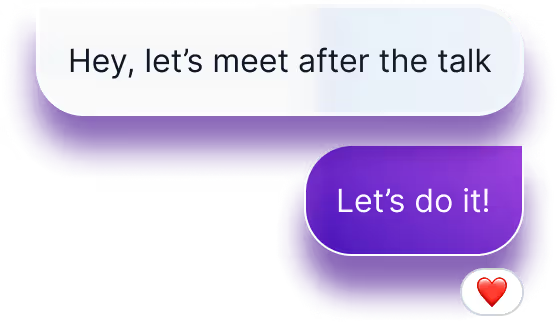
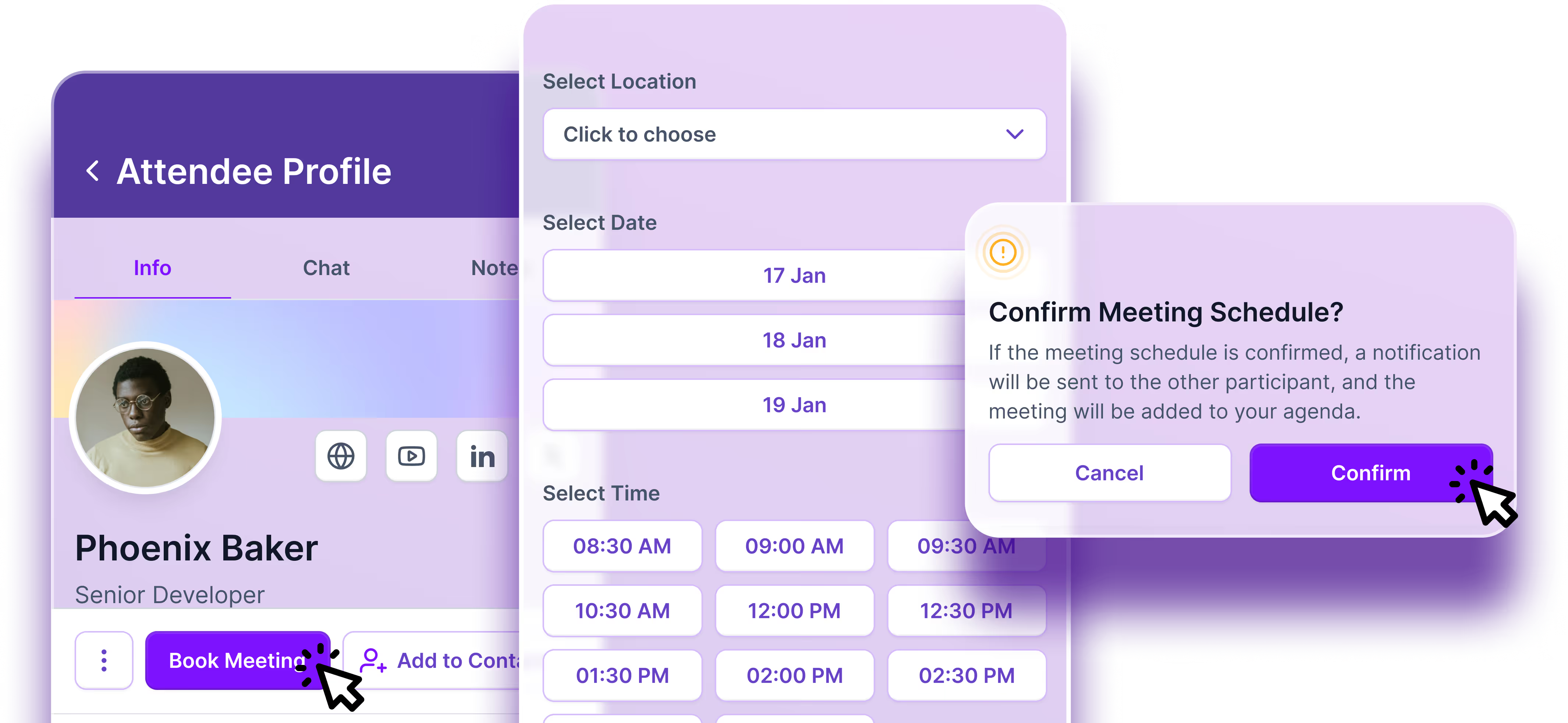
Conference Networking and 1:1 Meetings
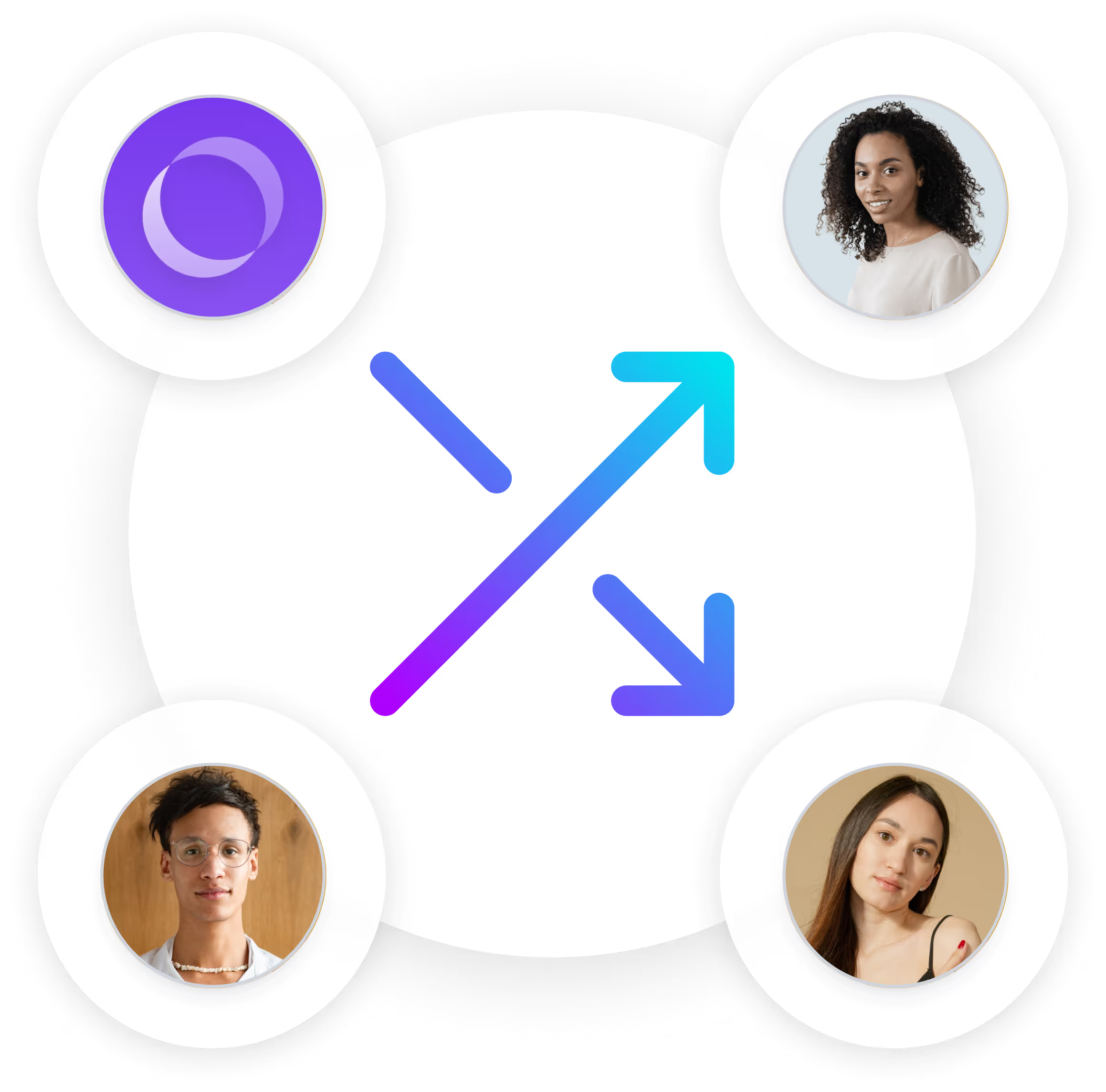
With Sidekick™, attendees can also receive personalized recommendations for people they may want to meet based on available profile information, interests, groups, event activity, and other relevant context.


Smarter Attendee Discovery
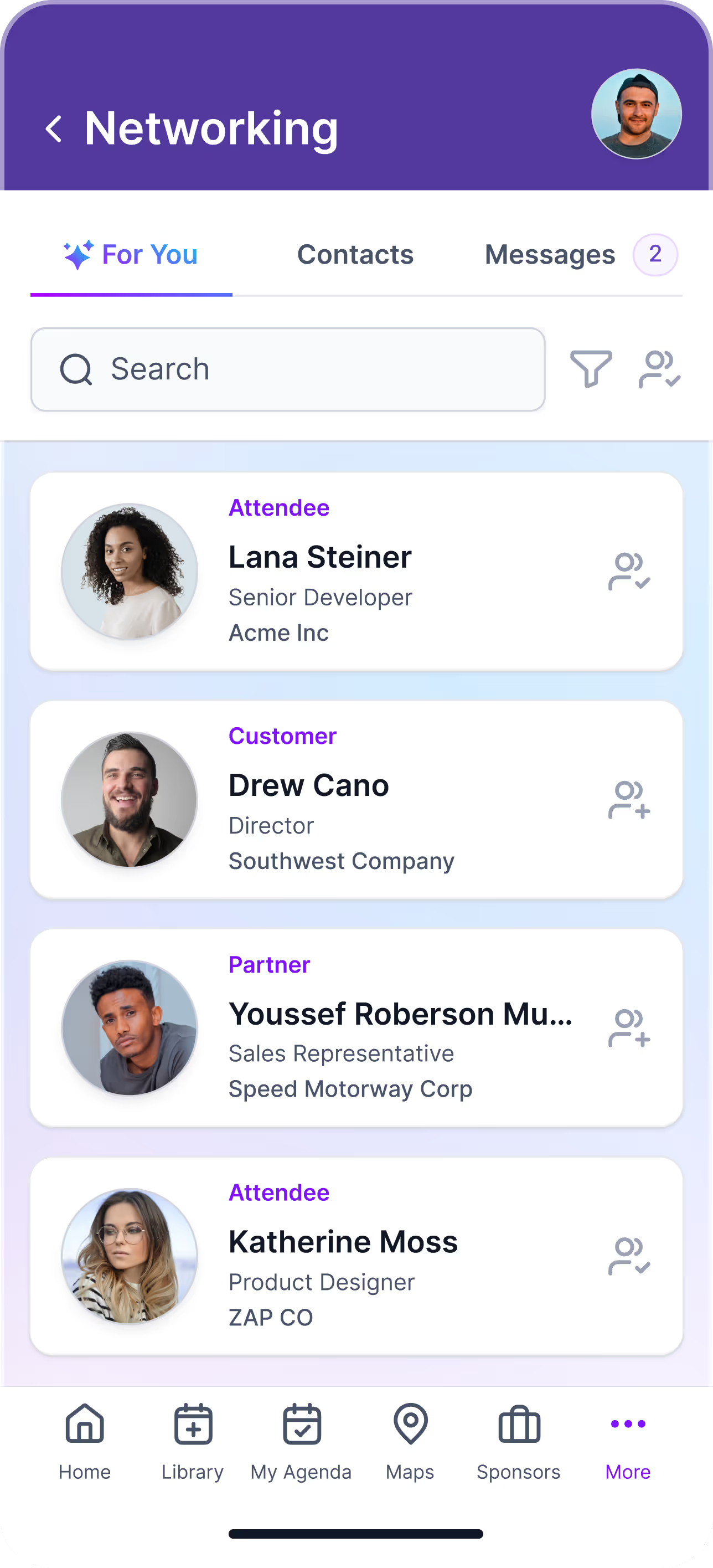
Skip the endless attendee directory. Amego helps participants discover relevant connections through personalized recommendations, search, and filters designed to make networking faster and more intentional.
The For You View
.webp)

Digital Badges That Build Connections
Amego’s digital badges let attendees share contact information with a simple QR code. Connections are saved inside the app, making follow-up easier and eliminating the need to exchange physical business cards.
Flexible Attendee Chat
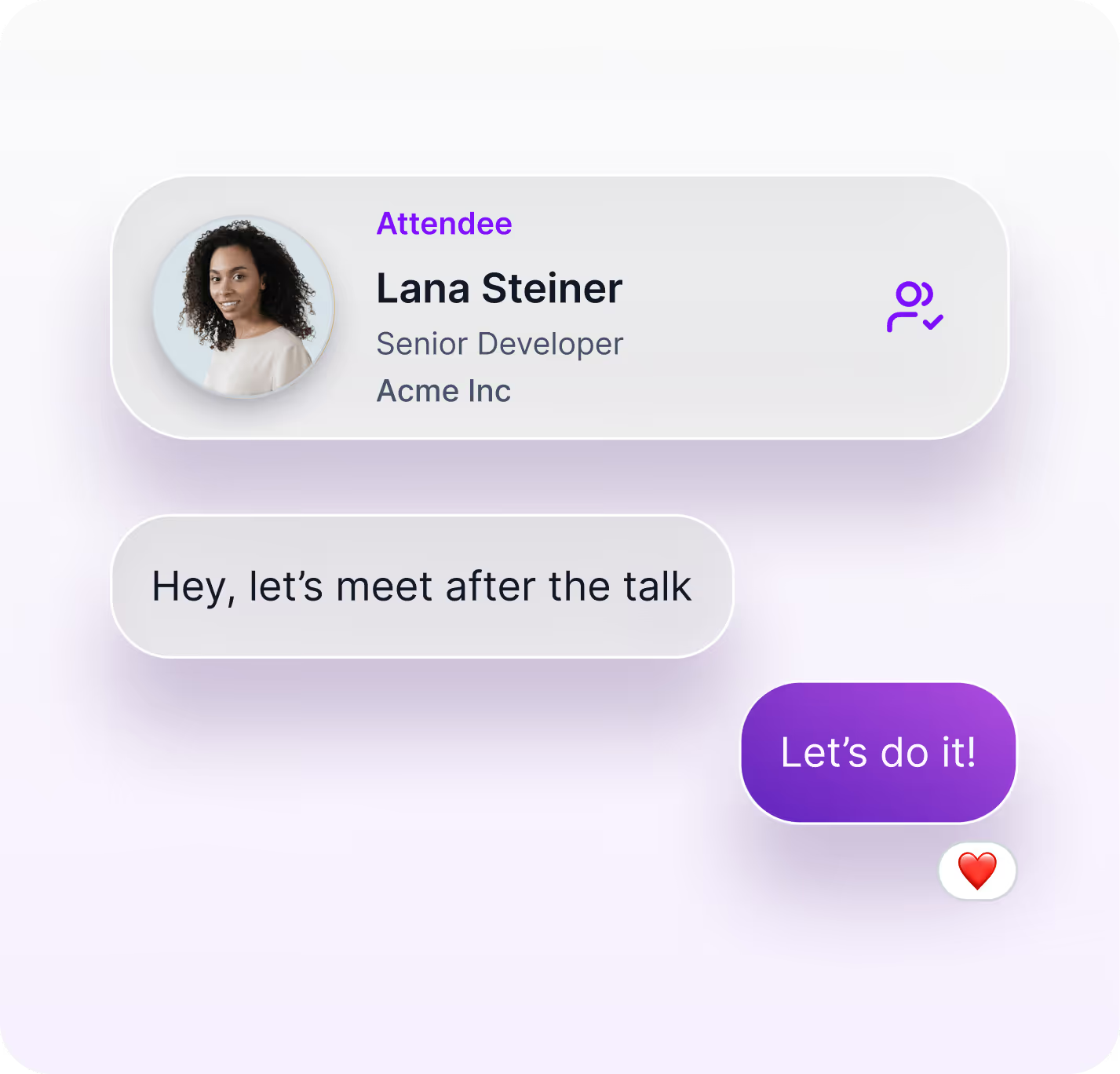
Configure chat around the way your community actually connects. Amego can support private 1:1 messages, topic-based channels, community groups, VIP-only spaces, and moderated conversations directly within the event experience.
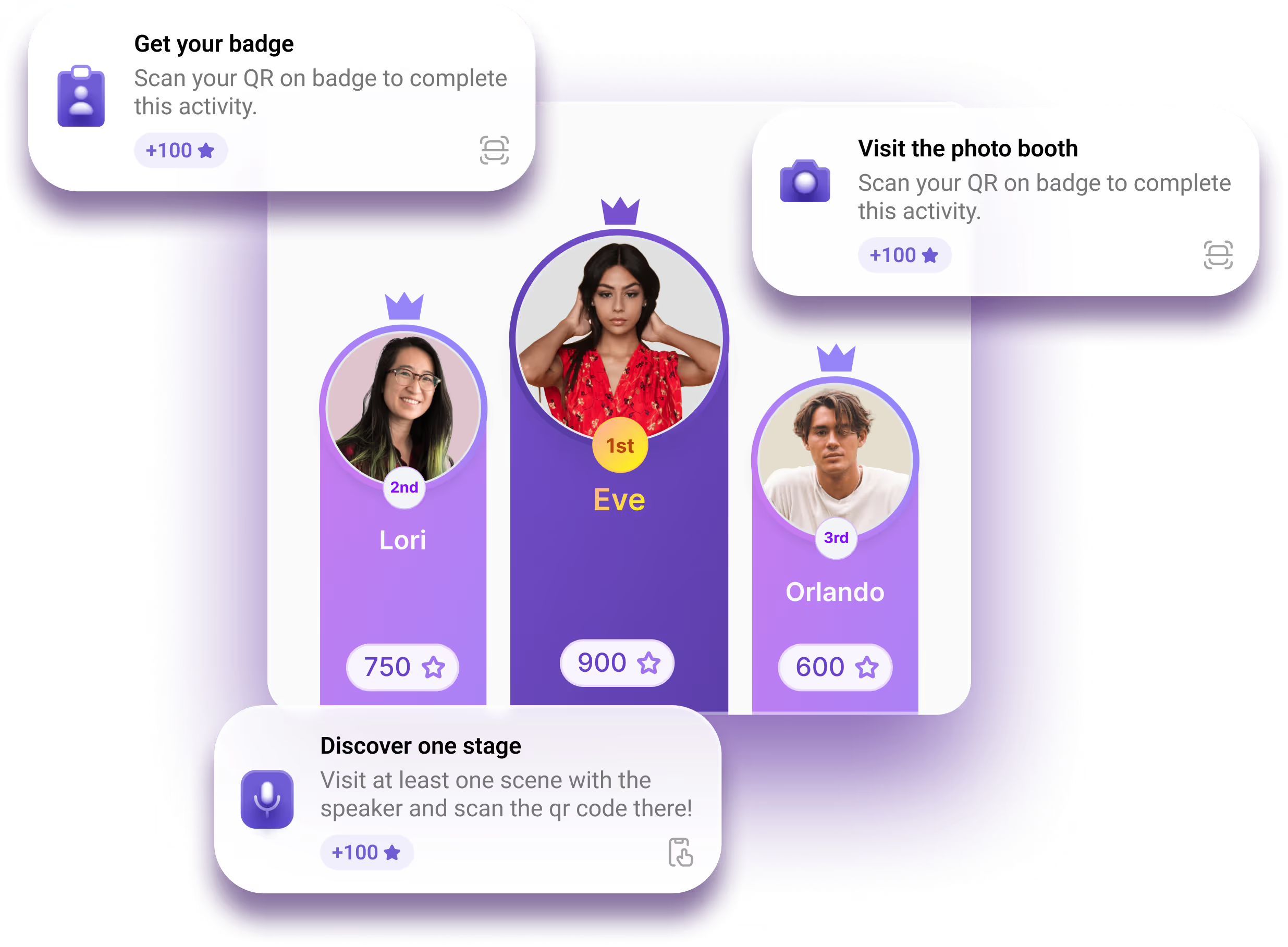

Gamified Networking Experiences
Use Quest to give attendees another reason to connect. Networking challenges, points, rewards, scavenger hunts, and sponsor discovery activities can encourage introductions and make relationship-building feel more natural and less intimidating.
Event Networking Features That Work Together
FAQs
What is an event networking app?
An event networking app gives attendees tools to discover other participants, message connections, schedule meetings, and find relevant networking opportunities before and during an event.
Can AI help attendees find people to meet?
Yes. Sidekick™ can use attendee and event context to surface relevant networking opportunities and help participants discover connections they may not have found on their own.
Can attendees schedule meetings inside the app?
Yes. Amego can support networking and meeting workflows inside the broader event app experience.
What networking features are available in the Amego event app?
Amego’s networking features include attendee profiles, advanced search and filters, direct messaging, meeting requests, and in-app scheduling. Attendees can discover relevant connections, book time to meet, and manage conversations directly in the app.
How does attendee matchmaking work in the Amego app?
Attendee matchmaking is powered by profile data such as role, company, interests, and event goals. With Sidekick enabled, recommendations become even more personalized by combining attendee profile details, interest tags, and real-time behavioral insights captured within the app.
Can the app help attendees start conversations?
Yes. Attendees can browse detailed profiles, view shared interests, and send direct messages or meeting invites. The app is designed to make introductions simple and structured, whether for peer networking or sponsor meetings.
When integrated with Braindate, attendees can also discover, join, and manage topic-driven peer learning conversations directly from their personalized agenda, without switching apps or needing separate logins. This unified experience helps spark deeper discussions and meaningful connections based on shared interests and real conversation topics.
Can event organizers and attendees control networking features?
Yes! Organizers can configure profile visibility, enable or disable messaging and meeting requests, set matchmaking preferences, and manage scheduling rules.
Attendees can also control their own networking experience by editing profile details, choosing what information is visible, managing their availability, and accepting or declining meeting and chat requests. This keeps networking flexible and privacy-conscious for everyone.
Make Networking A Breeze