


Amego’s Library, Agenda, and Personalized Experiences

Enhance the attendee experience with comprehensive agenda building and content libraries in your event app.
Profile card showing Chris Jordan, Senior Developer at Umbrella Corporation, with icons for website, YouTube, LinkedIn, and X social media.Chat bubbles showing a conversation: 'Hey, let’s meet after the talk' followed by 'Let’s do it!' with a heart emoji reaction.Digital meeting invitation card with a photo of a man in a suit, showing details for Christopher Nguyen's meeting on Tuesday the 25th at 4 PM, with Decline and Accept buttons.Digital meeting invitation card with a photo of a man in a suit, showing details for Christopher Nguyen's meeting on Tuesday the 25th at 4 PM, with Decline and Accept buttons.Digital meeting invitation card with a photo of a man in a suit, showing details for Christopher Nguyen's meeting on Tuesday the 25th at 4 PM, with Decline and Accept buttons.Networking mobile mockupNetworking mobile mockup
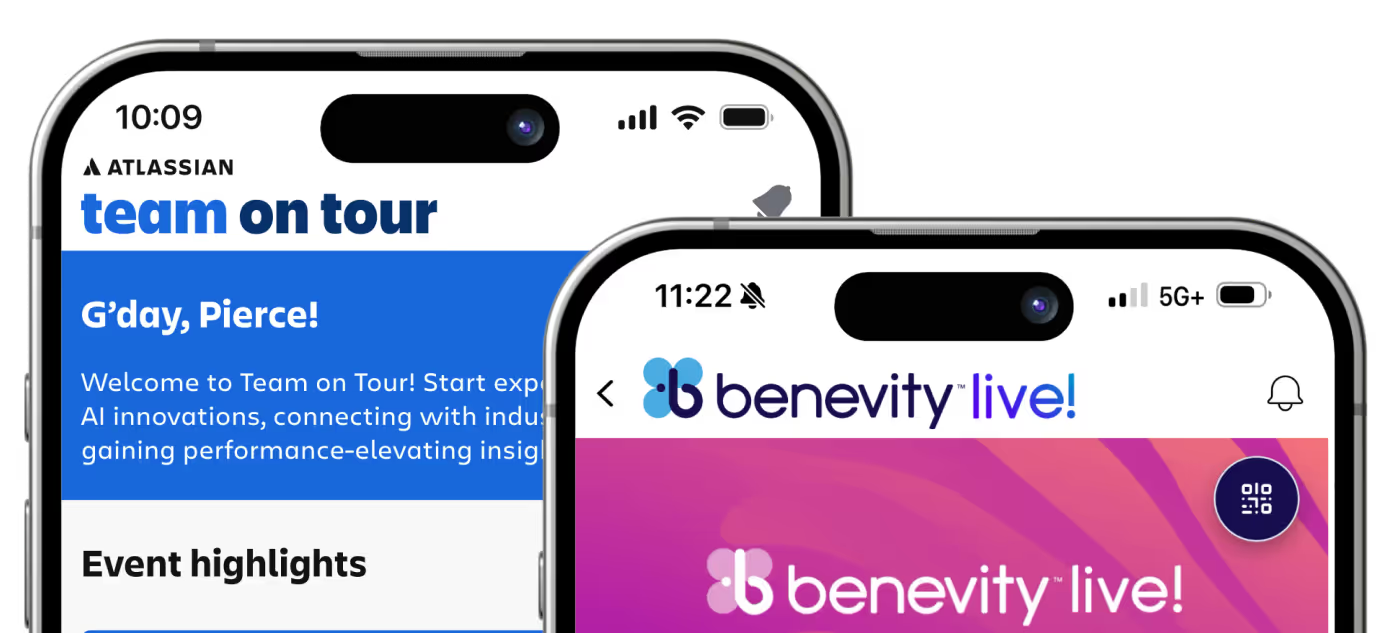
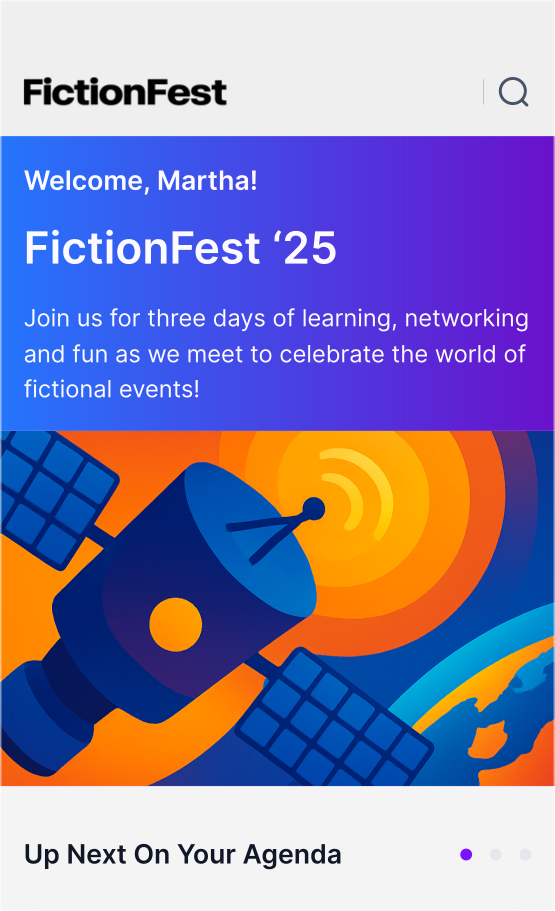
Stacked mobile app screens showing event introductions and dashboards for FictionFest, Google Cloud, Hewlett Packard Enterprise, and DocuSign Discover 25.

A Centralized Hub for Session Discovery

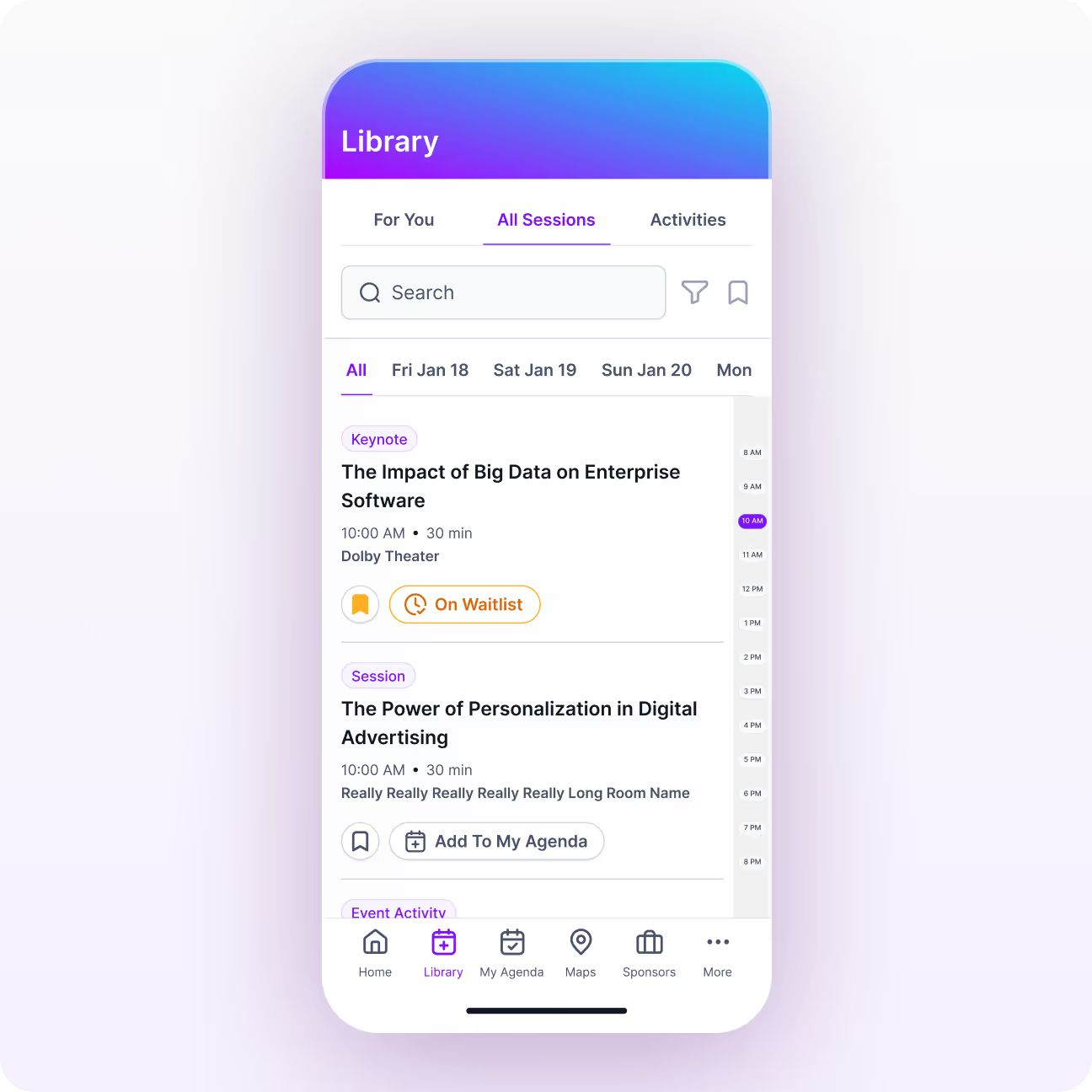
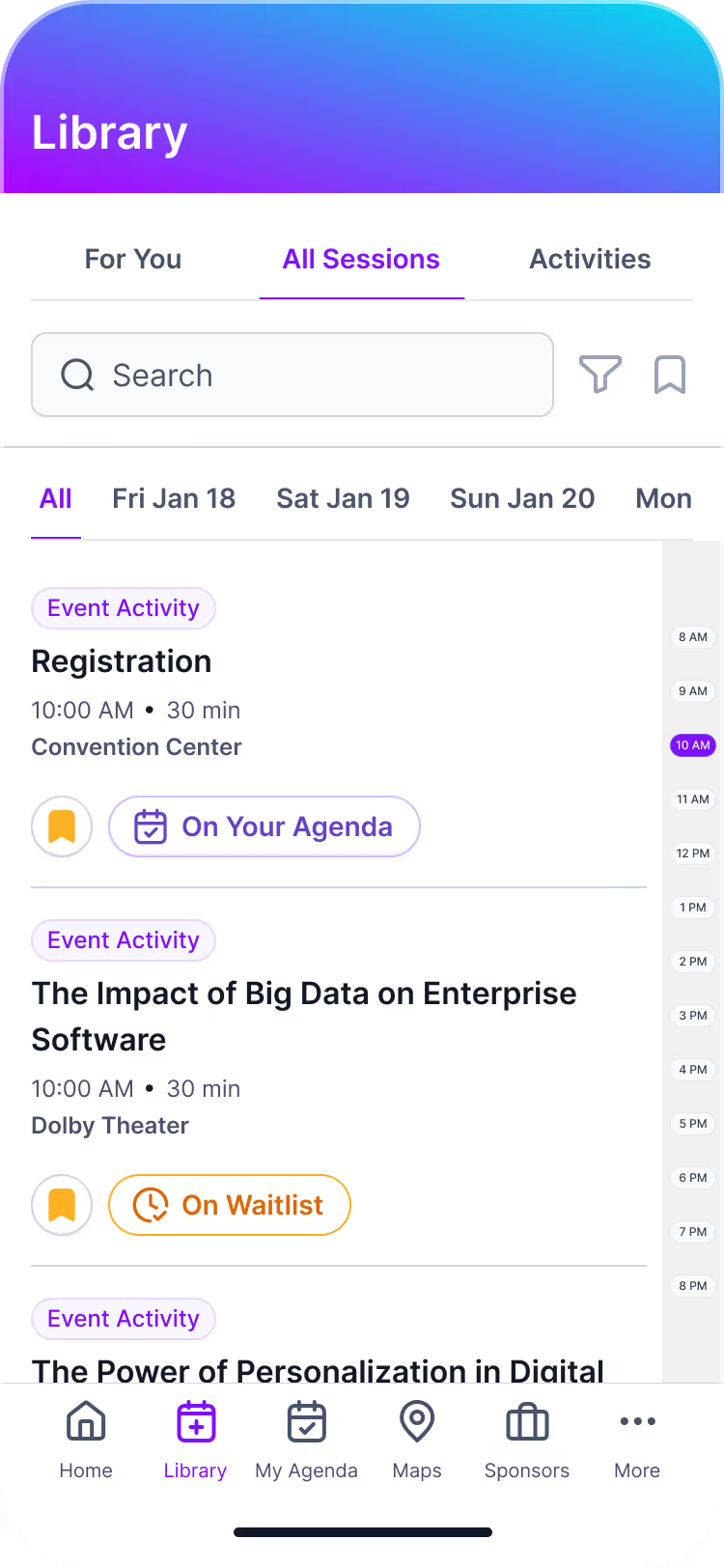
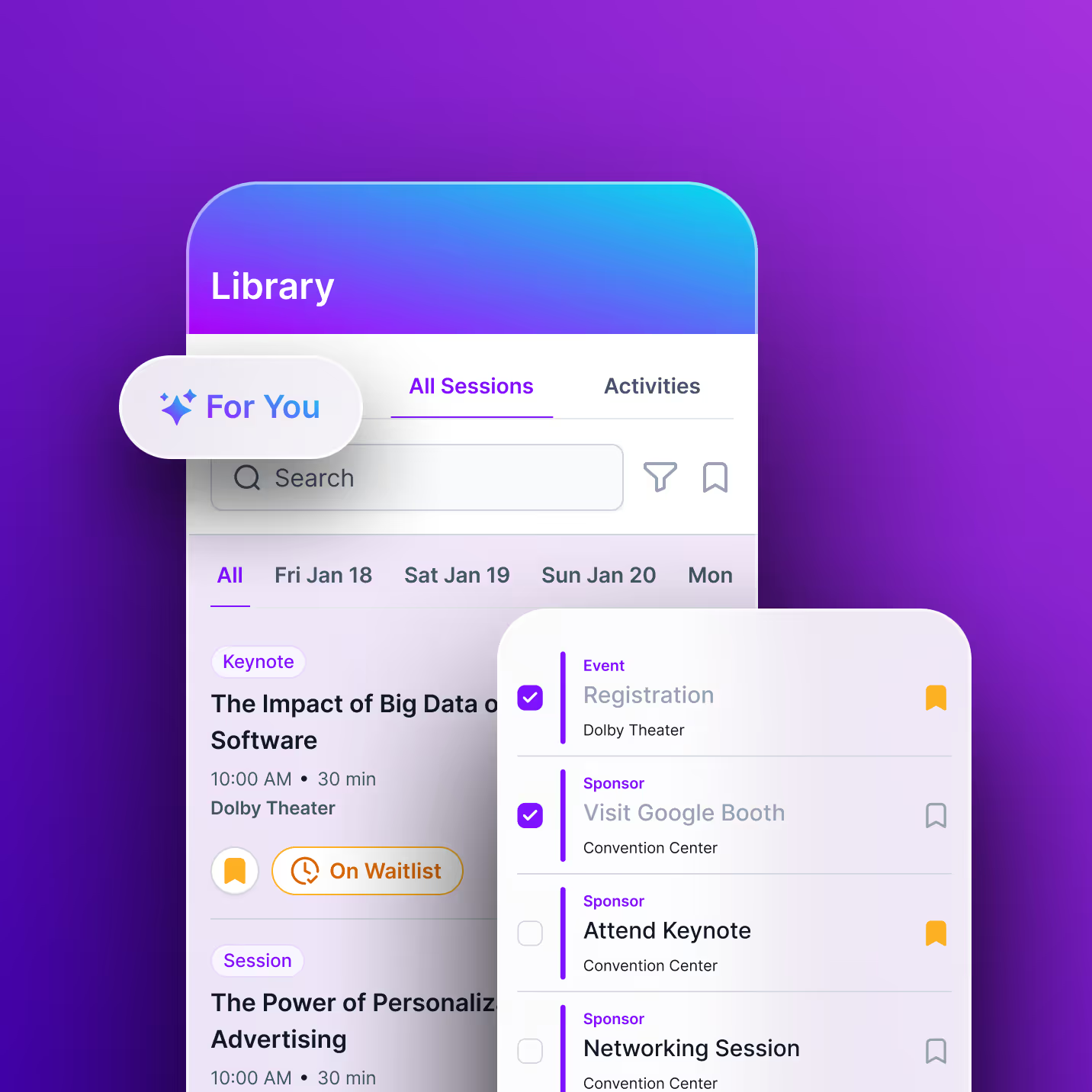
The Library screen is the central hub of every Amego event app. It gives attendees a complete, interactive catalog of sessions, making it easy to discover content, explore speakers, and plan their event experience with confidence.

When you build your event app with Amego, the Library and My Agenda work in tandem to organize session details, content resources, and scheduling in one seamless experience.

Essential Tools Event Attendees Can Rely On

All of Amego’s event apps provide fundamental features that equip attendees with clear session exploration, agenda building, and easy access to supporting content.

Library Screen

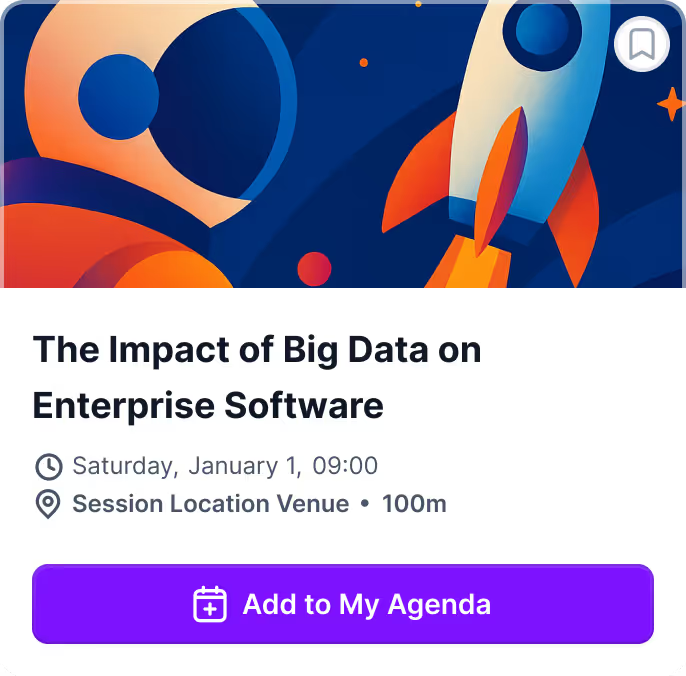
Attendees can explore the full session lineup and access related materials without jumping between app screens.

  • Full session listings with times, locations, and rich speaker bios
  • Advanced filters and search functionality
  • Easily add sessions to agendas from library screen
  • Access to slides, PDFs, links, and videos tied to each session

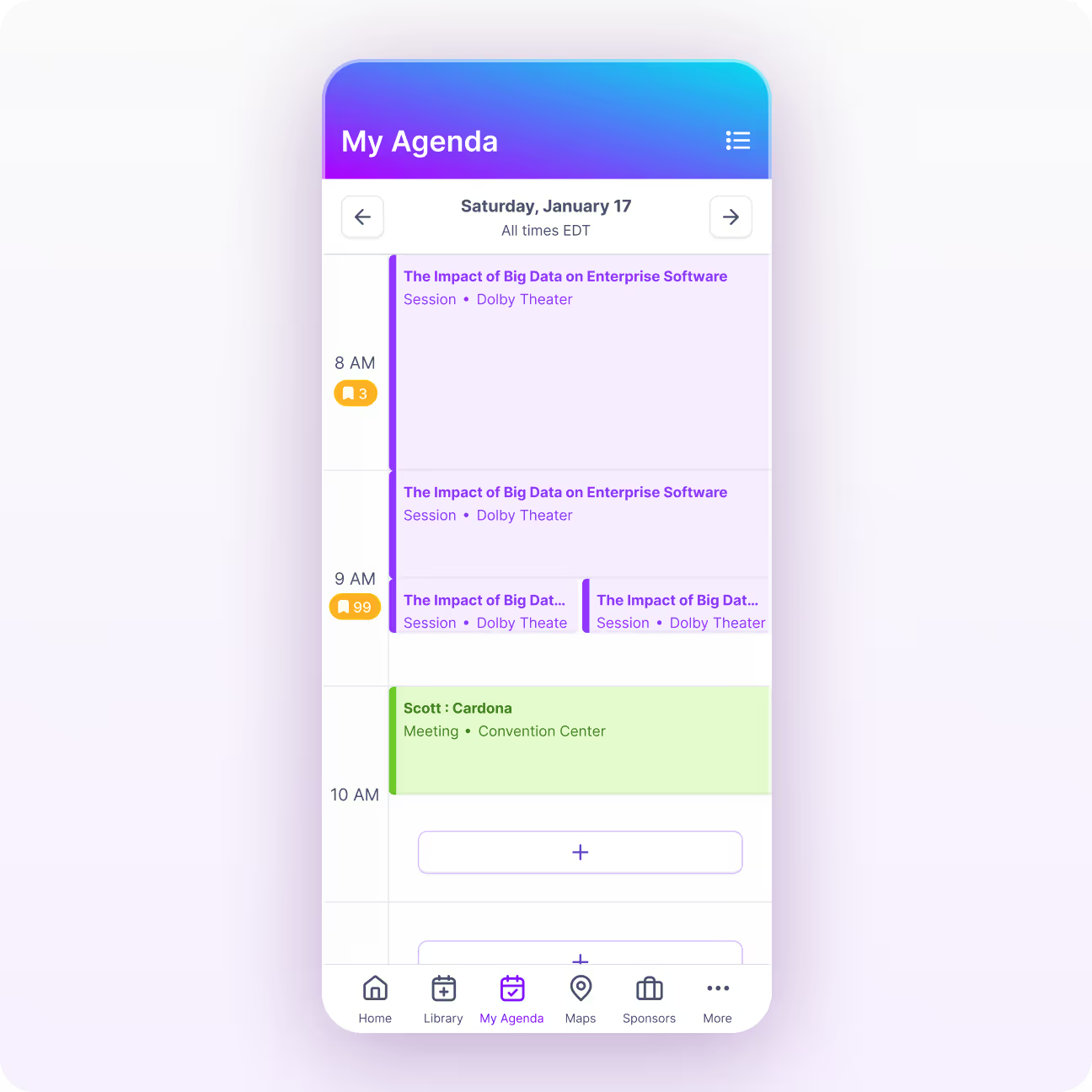
My Agenda

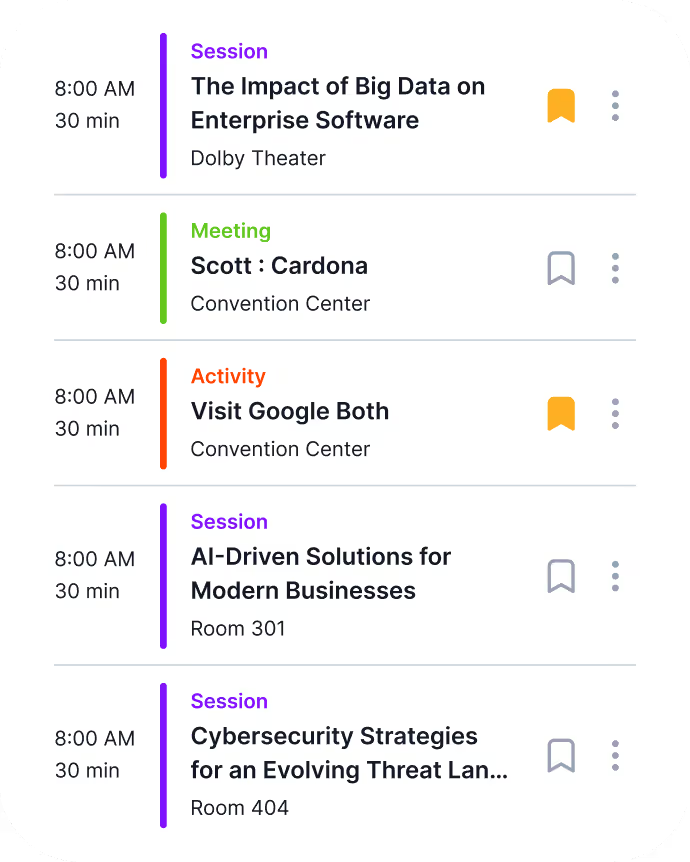
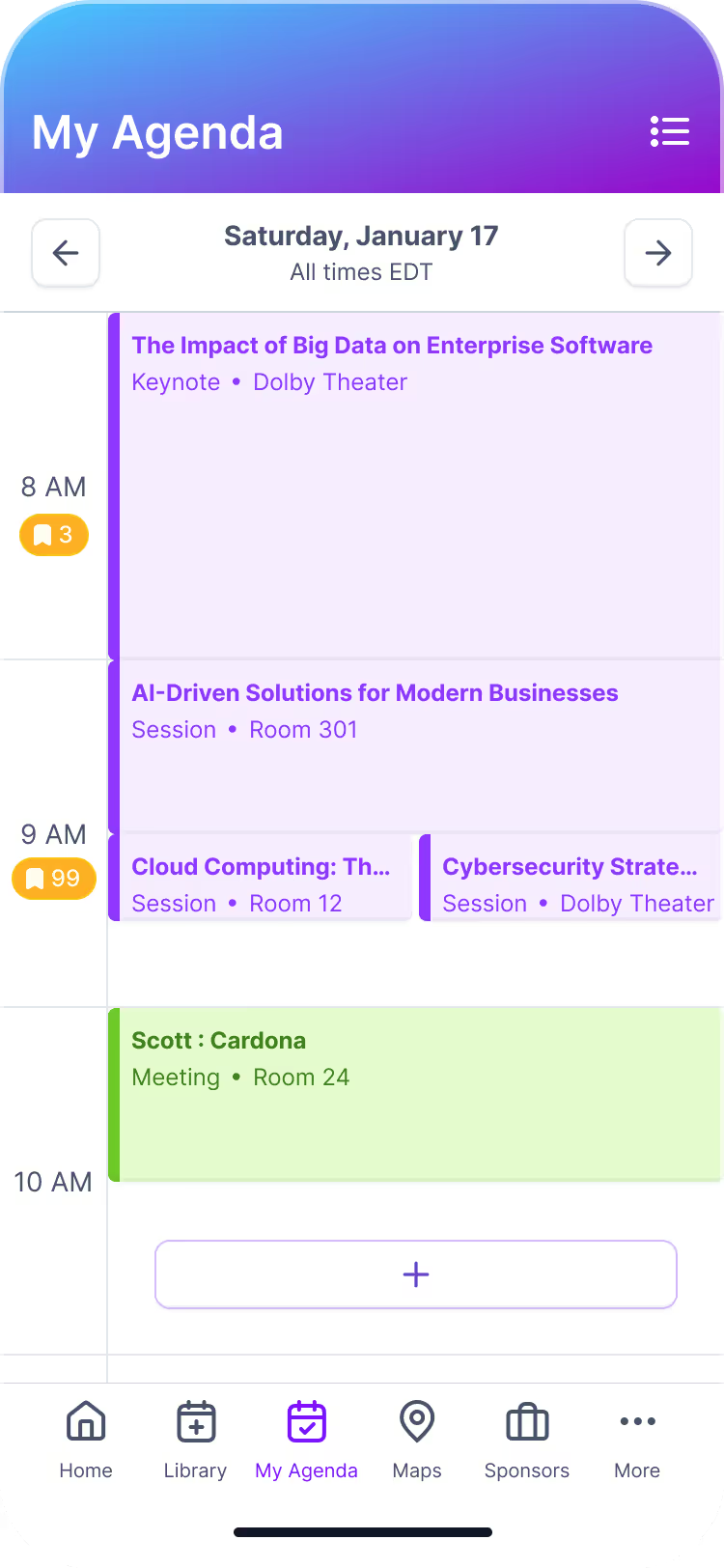
My Agenda gives event attendees a view of the sessions they've added, allowing them to create their own event experience.

  • Enroll in sessions directly from the library or session detail pages
  • View sessions and activities in a clean view grouped by day
  • One-tap sync to Apple, Google, or Outlook calendars
  • Quick access to session details, maps, and resources from agenda screen

My Agenda helps attendees stay organized, confident, and focused throughout your event.

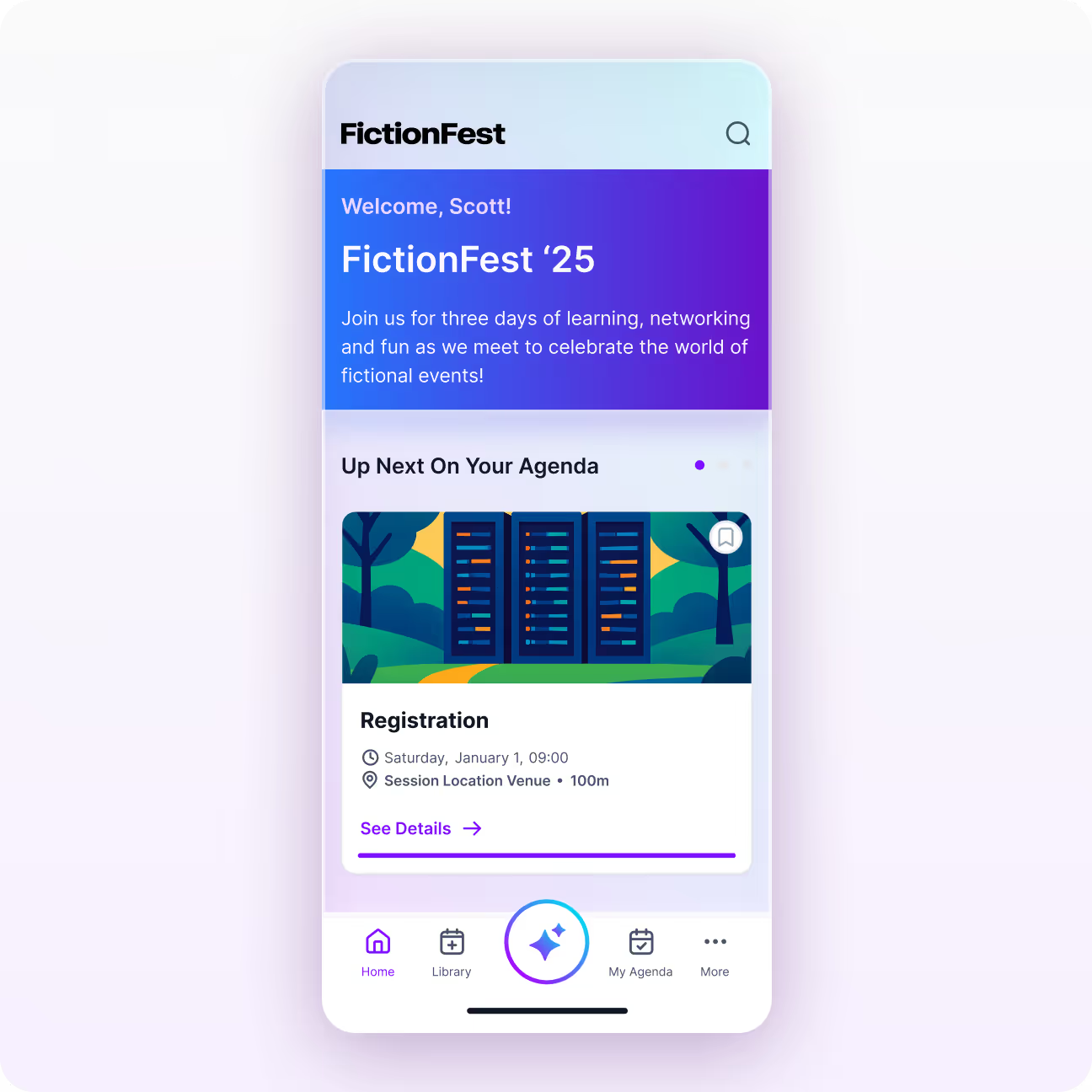
Home Screen Customization

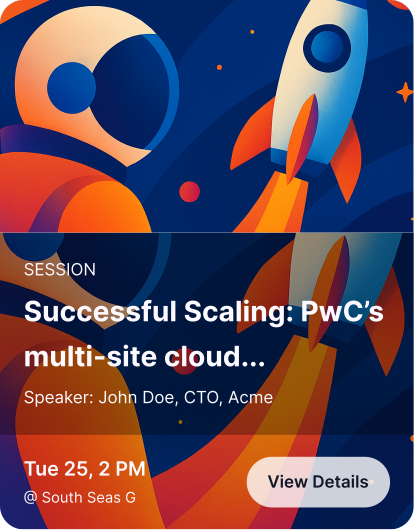
Event marketers can add library highlights and “Up Next” carousels to the event app home screen. This gives attendees an easy way to browse content, sign up for sessions, and see what’s coming up next on their agenda without clicking through multiple screens.

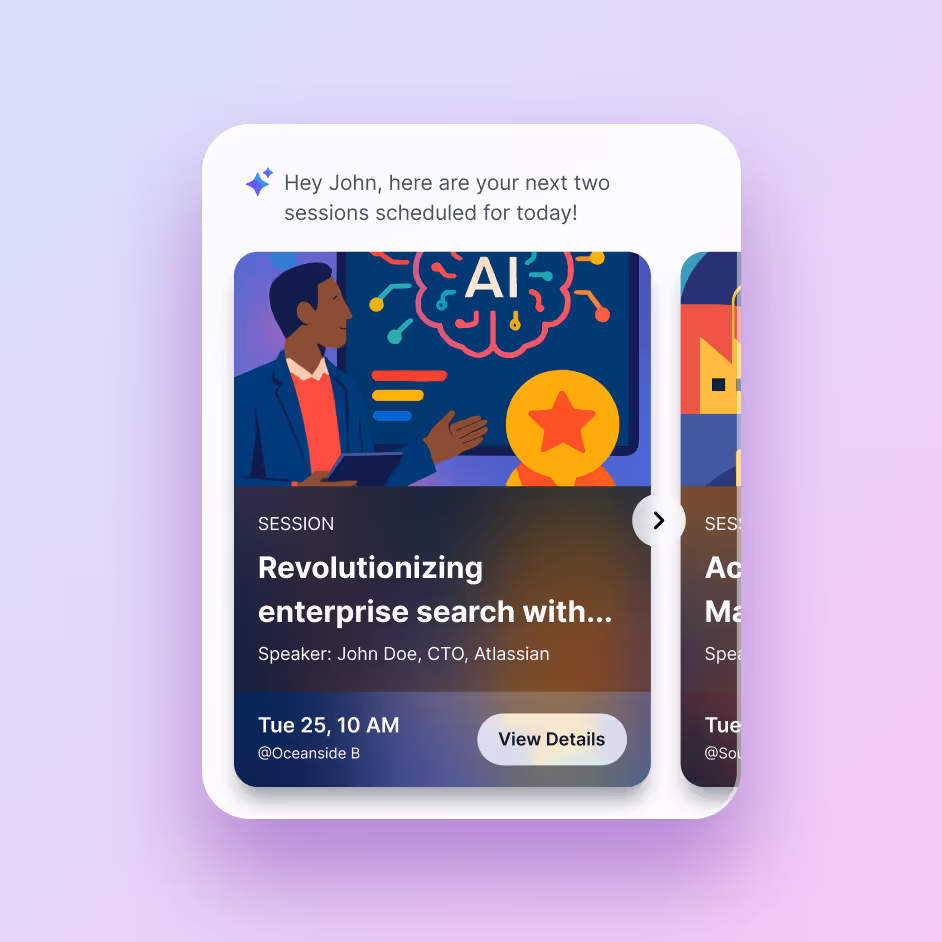
  • Display the next sessions or activities in a simple view
  • View key session details like session title, time, and location in home screen for quick reference
  • Help attendees transition smoothly between sessions throughout the day without having to click around the app

These home screen customizations keep attendees focused and prepared by surfacing only what is immediately relevant.

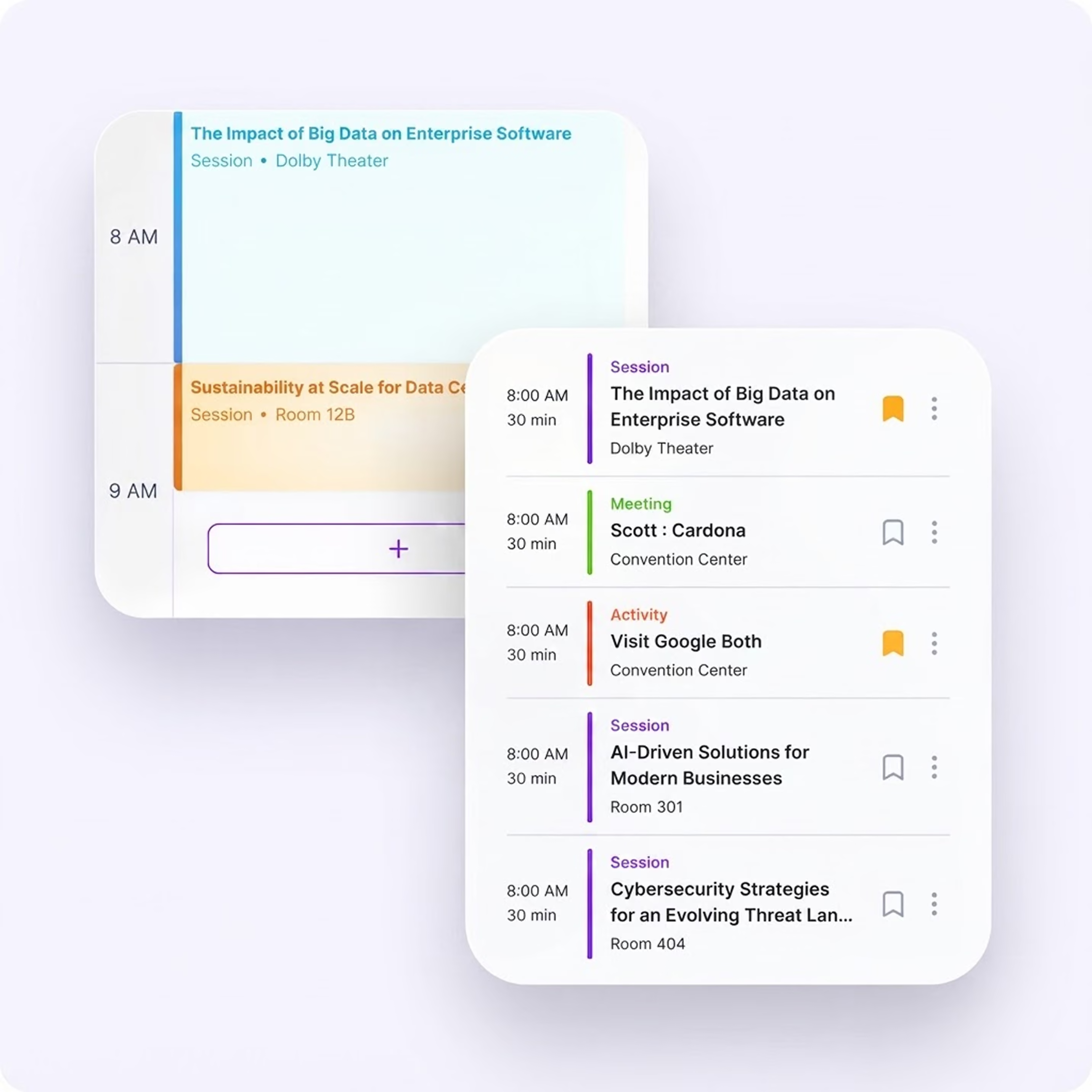
Toggle Agenda Views

The Amego event app supports multiple displays so users can easily view their schedule in the way that feels most intuitive to them.

  • Toggle between a clean calendar view or a simple timeline format
  • Options to show the calendar with or without scheduled activities
  • Agenda views update automatically as organizers add or change sessions

Flexible viewing options in the app make it easier for attendees to stay organized and view their event schedules how they want.

Built For Enterprise-Scale Events That Can’t Afford Scheduling Chaos

Large multi-track events and conferences need more than a basic schedule editor. Amego’s feature-rich event app keeps complex agendas organized with real-time updates, capacity controls, and conflict prevention to limit confusion and minimize help desk traffic.

Rules-based personalization can also support limiting visibility for executive programs, certification tracks, and restricted sessions at scale.

Higher app adoption
Increased session attendance
Improved sponsor engagement
Stronger attendee participation

Even Deeper Personalization With Sidekick

Sidekick sits on top of your Amego app and gives attendees an AI event companion. Sidekick even further enhances the attendee journey by using interest signals, behavior, and contextual awareness to provide the most personalized experience without added responsibly for your event team.

Learn more

How Sidekick Enhances The Agenda and Library Experience

AI-Powered Recommendations

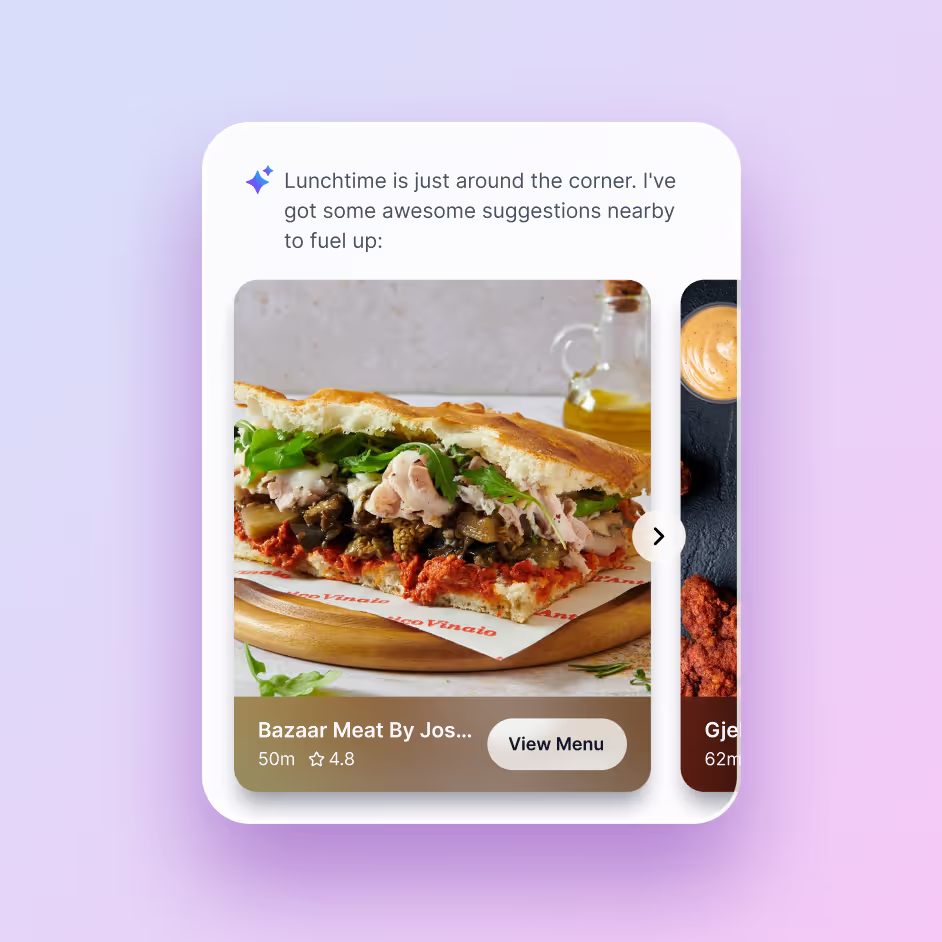
Uses interest tags and engagement signals updated in real time throughout the event to surface personalized recommendations for sessions, speakers, sponsors, and more.

Smart Agenda Guidance

Sidekick suggests sessions to fill schedule gaps and alerts attendees of nearby or starting-soon sessions and activations.

Post-Session Engagement

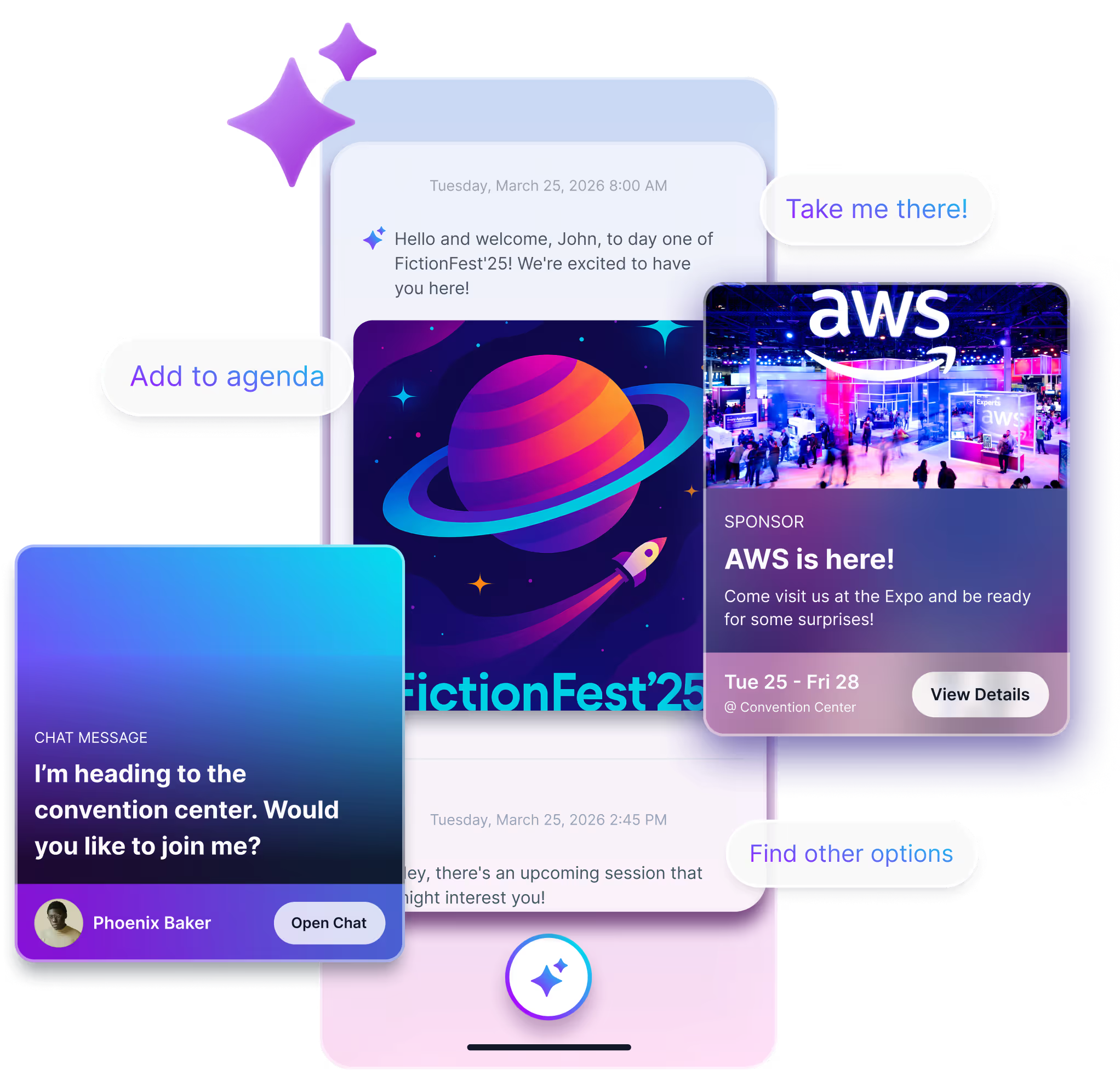
Sidekick encourages deeper post-session engagement with custom cards for surveys, networking opportnities, related content, and more.
Explore Sidekick

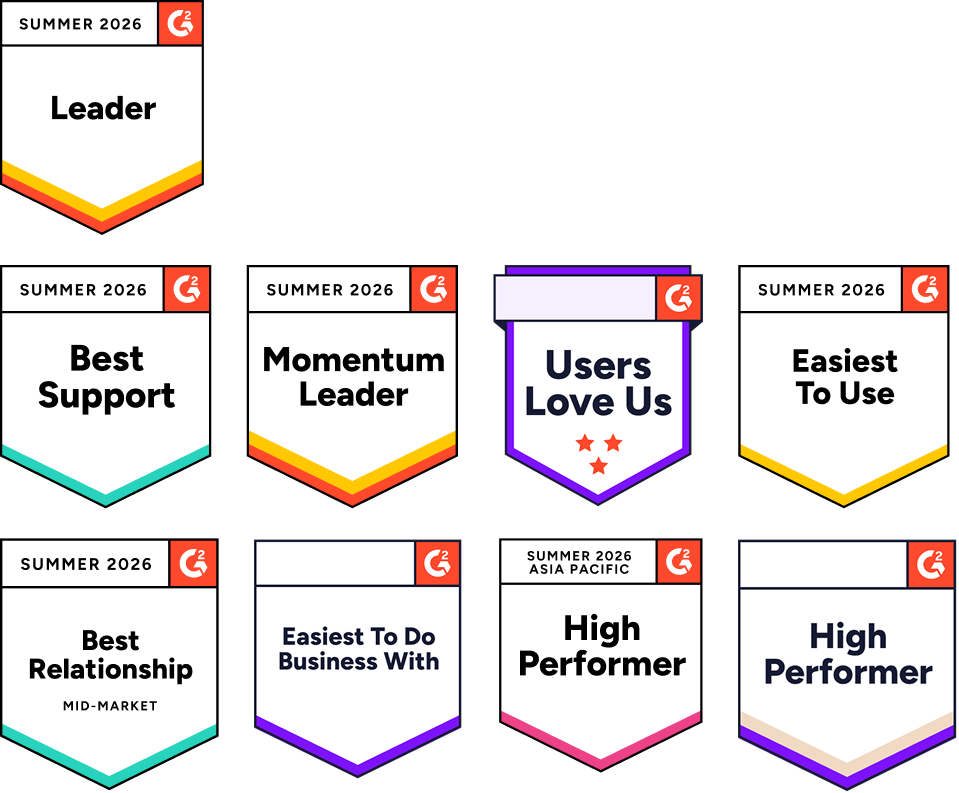
G2 users recommend Amego

Sidekick
Sidekick
Sidekick
Sidekick

Ready to Bring The Most Intuitive App to Your Next Event?

Partner with Amego to build an event app with features your attendees will love.
Take a Tour
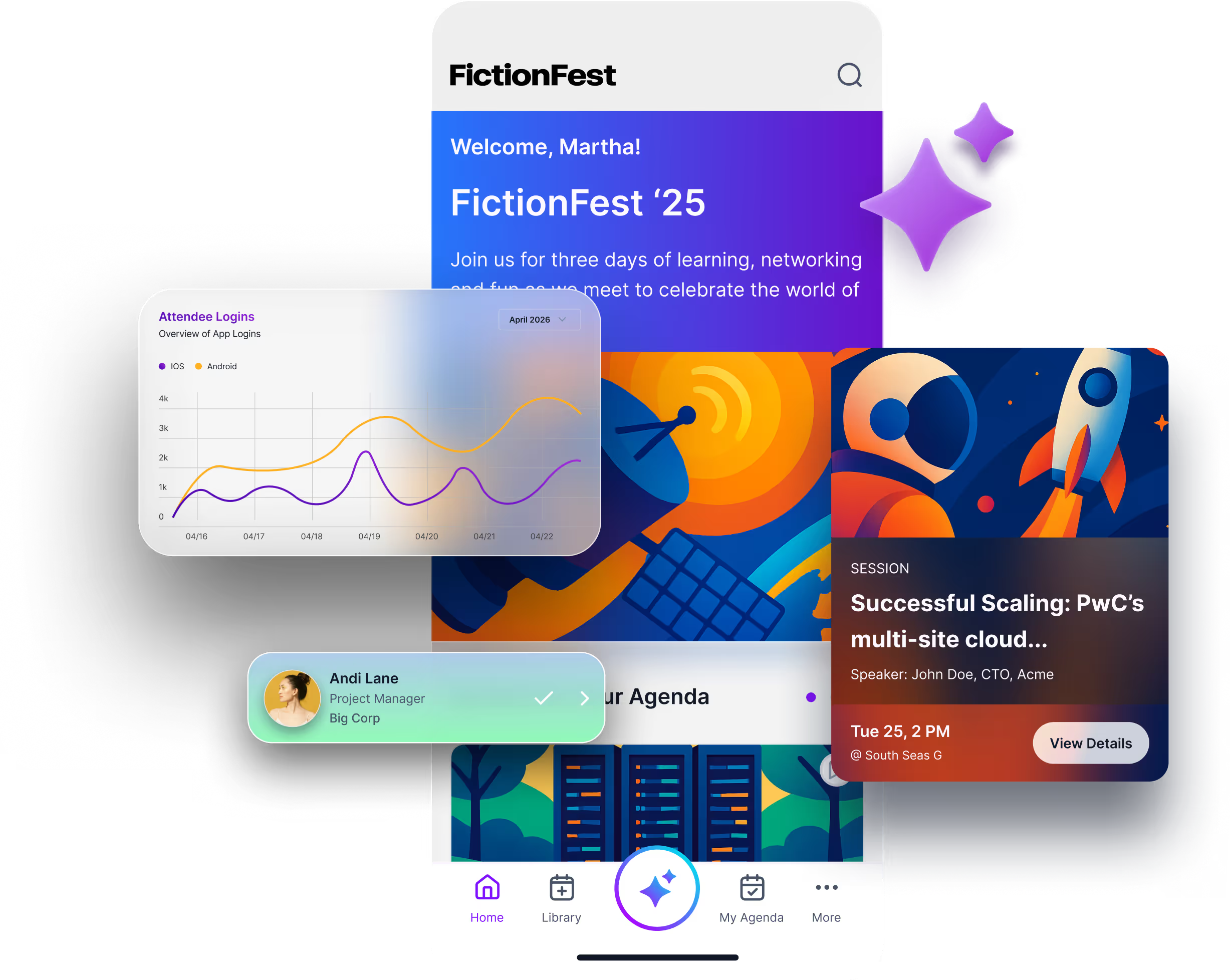
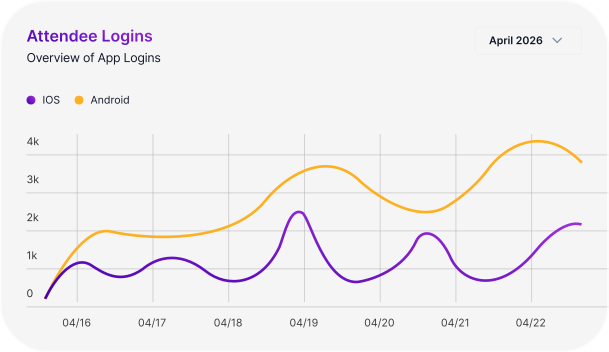
Sidekick app data dashboard
Image of Amego platfrom
Sidekick app data dashboard