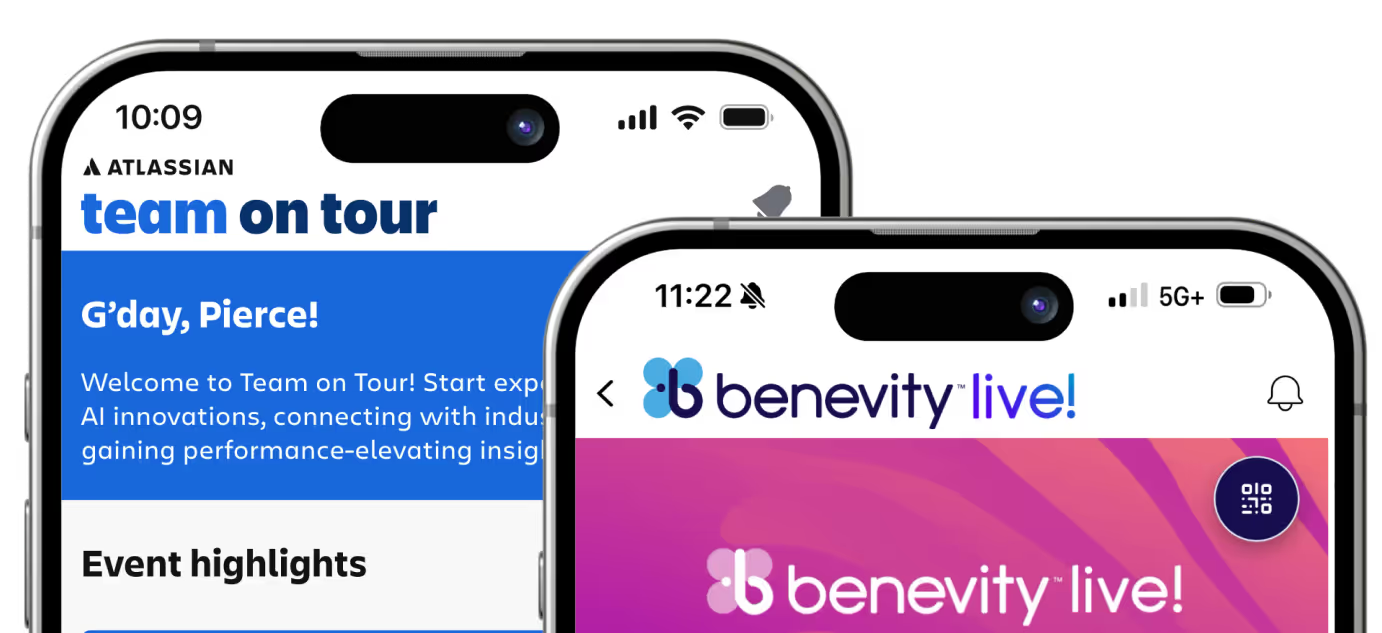

The Command Center for Your Events
.avif)

Data That Actually Delivers
Why have data if it doesn’t prove value? See what performed and give sponsors data that keeps them coming back year after year.

A CMS That Keeps Up With Your Events
Conferences move fast. Sessions change. Rooms shift. Speakers cancel. Amego Admin makes it easy to keep your app content up-to-date and your attendees in the loop without slowing your team down.
With Amego Admin, you can:
Your Brand, Your AI
Glow Styles
Card Management
BYOLLM
Knowledge Sources
Audience Targeting
Publish Fast Updates Without Interrupting the Experience
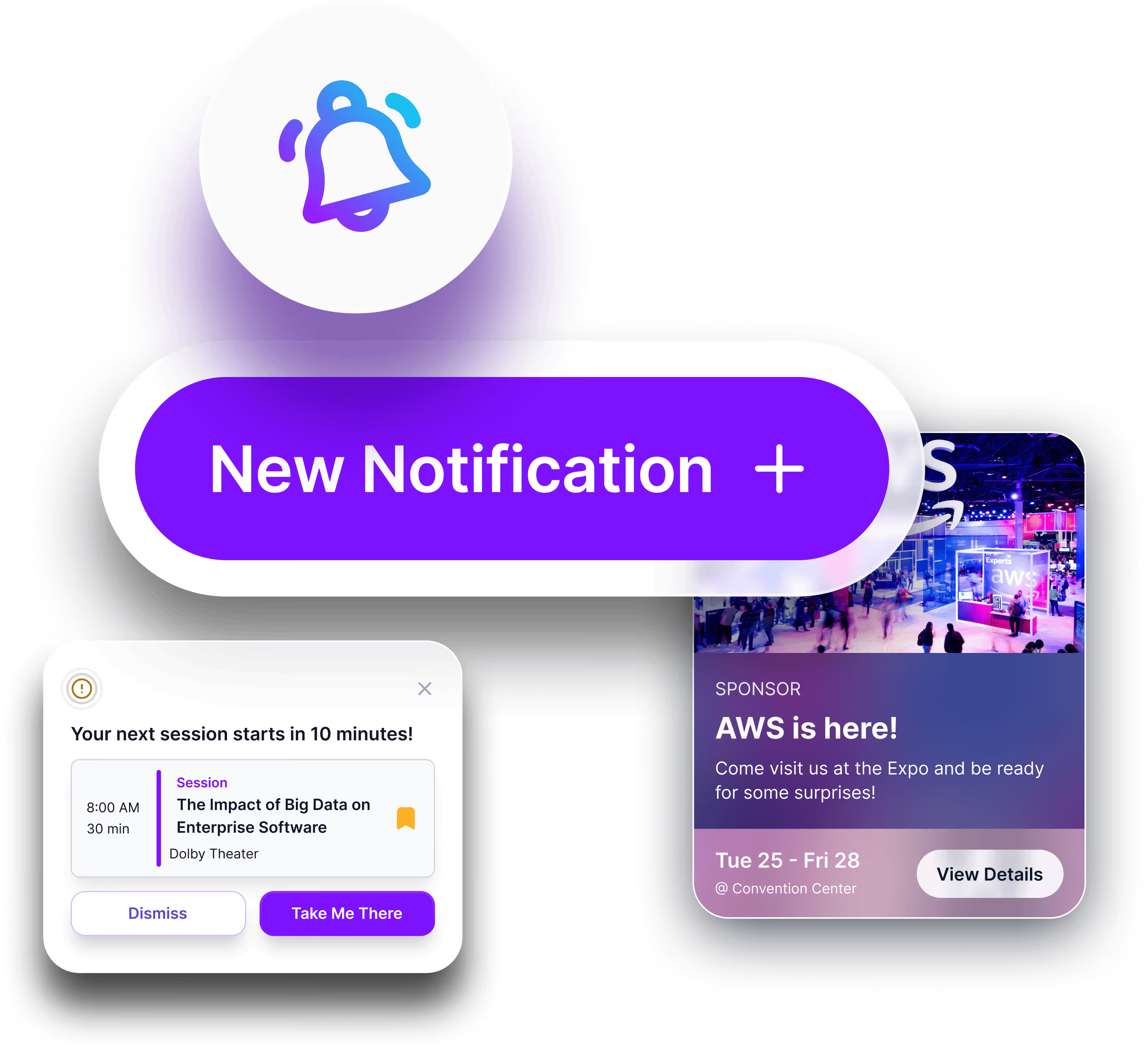
Manage Notifications and Attendee Communication
Amego Admin gives your team the tools to communicate clearly and confidently with your attendees throughout the entire event.
Create and manage:
Whether you’re driving session attendance, promoting sponsor activations, or responding to onsite changes, your team can send the right message at the right time using Amego Admin.
.avif)
Powerful Analytics for Event Success
Make data-driven decisions with comprehensive insights into how attendees interact with your event app.
Frequently Asked Questions
What can I manage in Amego Admin?
Amego Admin gives event teams one place to manage the content and configuration behind the attendee experience, including agendas, sessions, speakers, sponsors, app branding, audience segmentation, notifications, gamification, lead capture, and engagement analytics.
Can I customize the branding of my event app in Amego Admin?
Yes. Event teams can manage the app’s appearance and branding in Amego Admin, helping each event reflect its organization, program, or event identity while maintaining control from one centralized CMS.
How does Amego Admin work with the mobile event app?
Amego Admin is the CMS behind the Amego attendee experience. Event teams use Admin to manage the content, branding, audiences, communications, and configuration that attendees experience through the mobile event app.
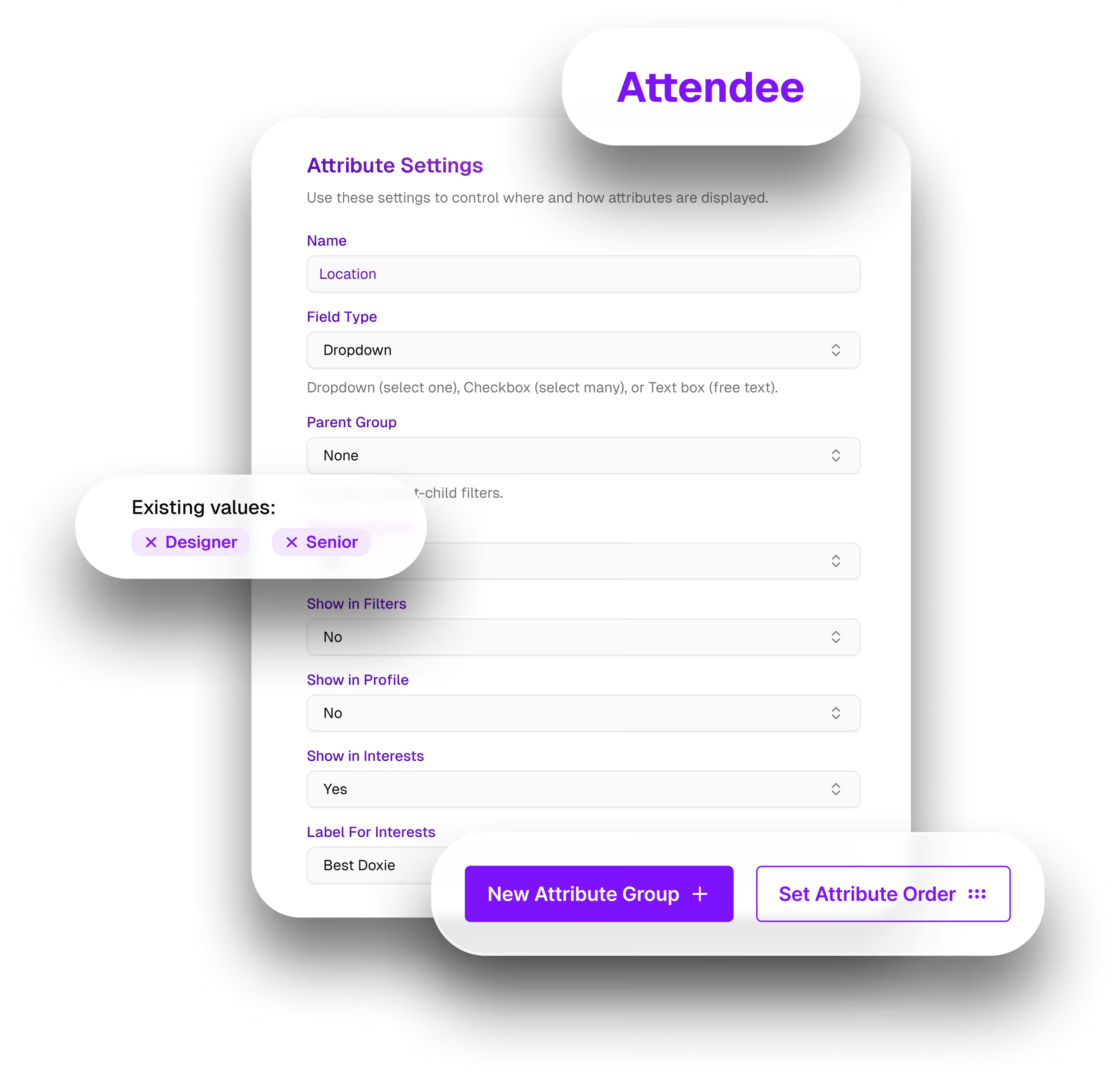
Can I create different experiences for different attendee groups?
Yes. Amego Admin supports attendee attributes and tags that can be used to segment audiences by factors such as role, access, interests, or other event data. Teams can then use those segments to personalize content, engagement, targeting, and permissions for different attendee groups.
Can I update event content after the app is live?
Yes. Amego Admin is designed for real-time event management, allowing teams to update sessions, speakers, sponsors, schedules, and other event content as plans change without rebuilding the attendee experience.
Can I send push notifications from Amego Admin?
Yes. Event teams can create and manage push notifications, in-app messages, scheduled announcements, and real-time updates from Amego Admin to keep attendees informed throughout the event.
Can Amego Admin manage lead capture and badge scanning?
Yes. Lead capture and scanning can be configured through Amego Admin, giving event teams a centralized way to manage the lead experience alongside the rest of their event content and attendee experience.
What analytics are available in Amego Admin?
Amego Admin gives event teams visibility into how attendees interact with the event app, including engagement across app screens and data generated through experiences such as surveys and gamification. These insights can help teams understand attendee behavior and improve future events.
Does Amego Admin require coding?
No. Amego Admin is a web-based event CMS designed to give event teams control over content, branding, communications, and attendee experiences without requiring developers for everyday event updates.
Can attendee data be segmented automatically?
With supported event management system integrations, attendee types and registration data can sync into Amego, and custom fields can be mapped to attributes or tags. This helps event teams maintain audience segments without manually recreating attendee information in the CMS.
Ready to See Amego Admin in Action?