

An Event App Designed Around the Attendee Experience
.avif)
.avif)
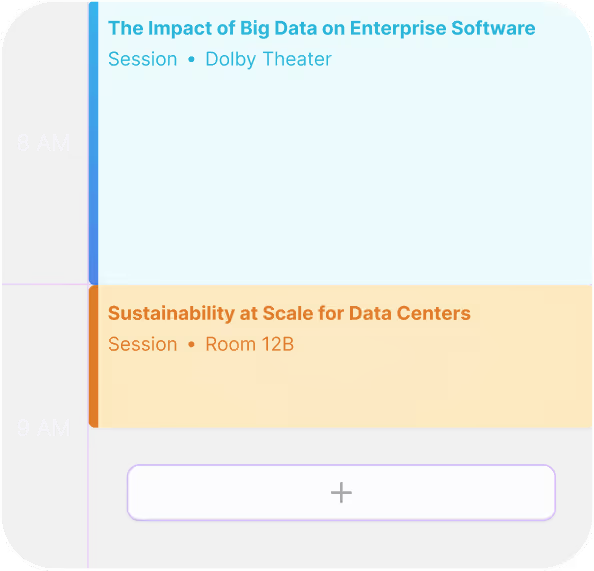
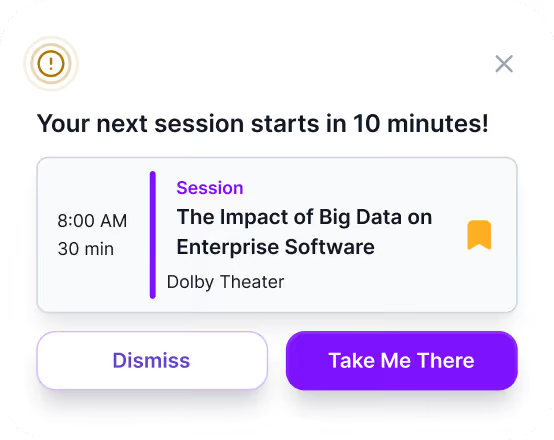
Give Attendees the Tools To Navigate Your Event With Ease
Even the best events can feel overwhelming for attendees. Without clear direction, attendees experience:
When attendees don’t know where to go or what to do next, they disengage. A powerful attendee app can become your attendees’ best friend on-site, helping them get to where they need to be and keeping them informed every step of the way.
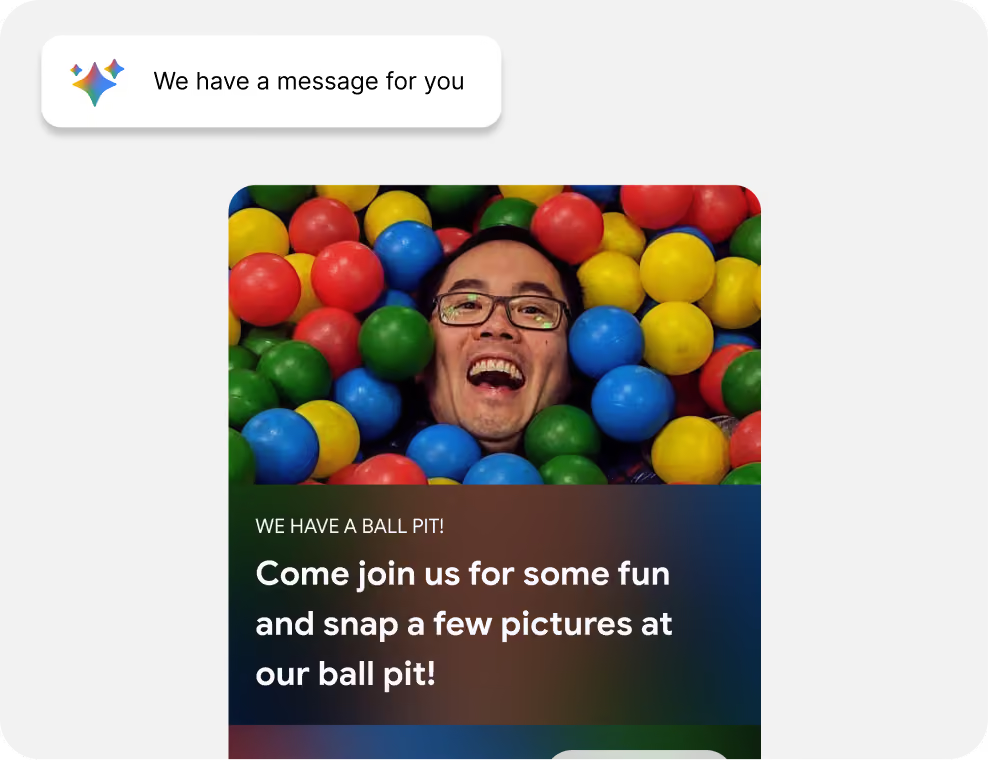
One Event Experience Before, During, and After the Event
Event website visit
Opens the app
Guided by Sidekick AI
The Attendee Experience Starts on Your Website, Not at the Door
Most event apps only help once attendees arrive. But the questions start weeks earlier — on the event website. Sidekick Spark fills that gap.
Instant Answers, Before Day One
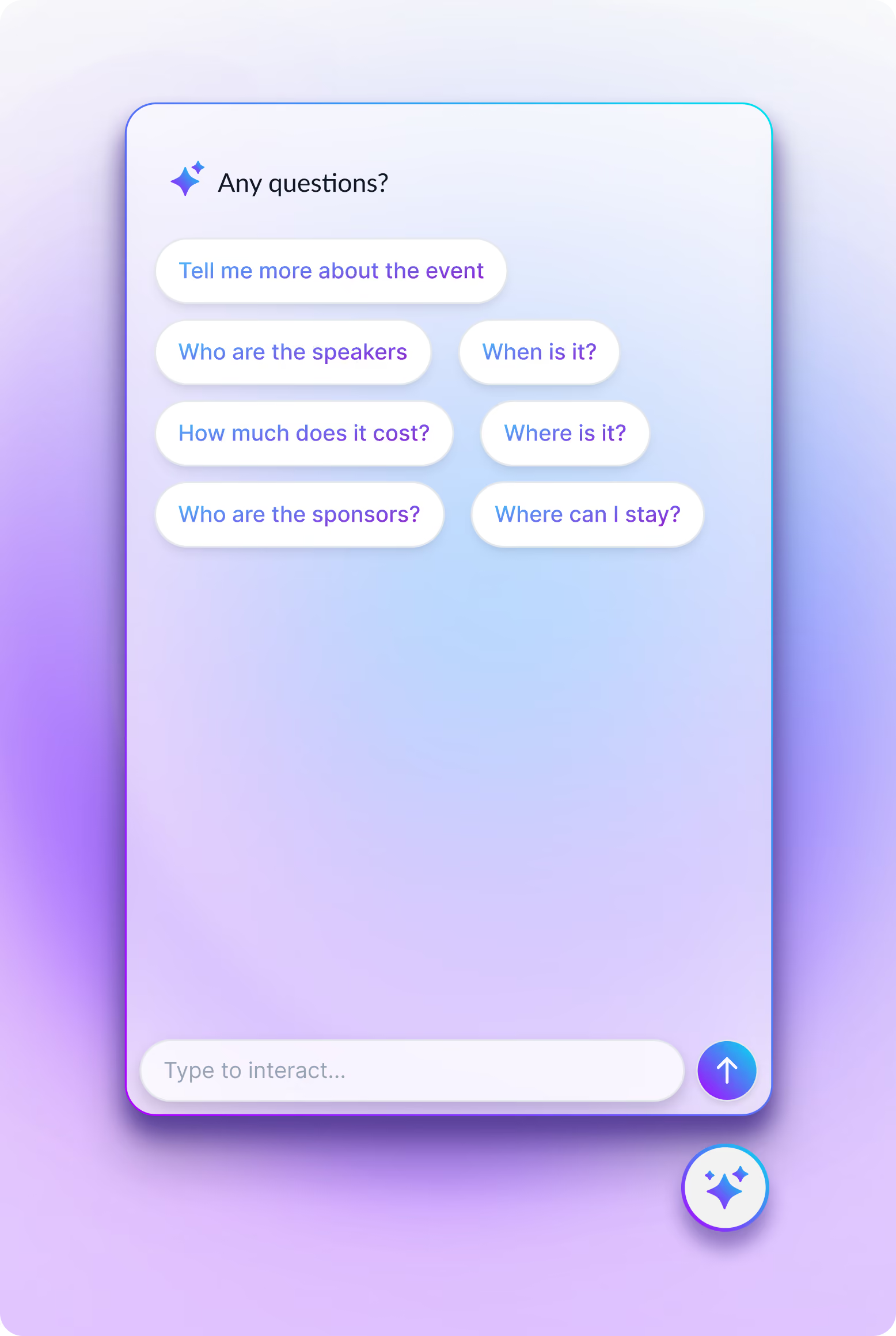
Sidekick Spark is an AI companion embedded directly on your event website. Attendees get real-time, contextual answers about sessions, speakers, logistics, and policies — no digging through FAQ pages or emailing the event team.

Turn Your Events Into Something Attendees Can Navigate Instinctively
What Attendees Love About Amego


Don't Take Our Word For It
Frequently Asked Questions
How does Amego help attendees get more out of an event?
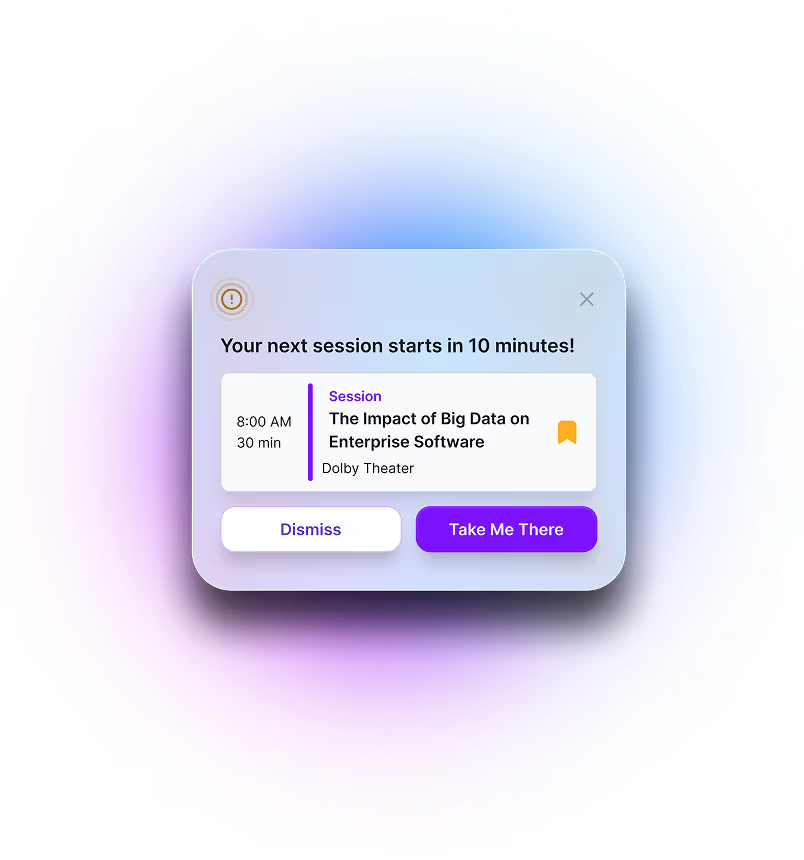
Amego guides attendees toward relevant sessions, people, and experiences so they don’t have to search through tons of content to find what’s important to them.
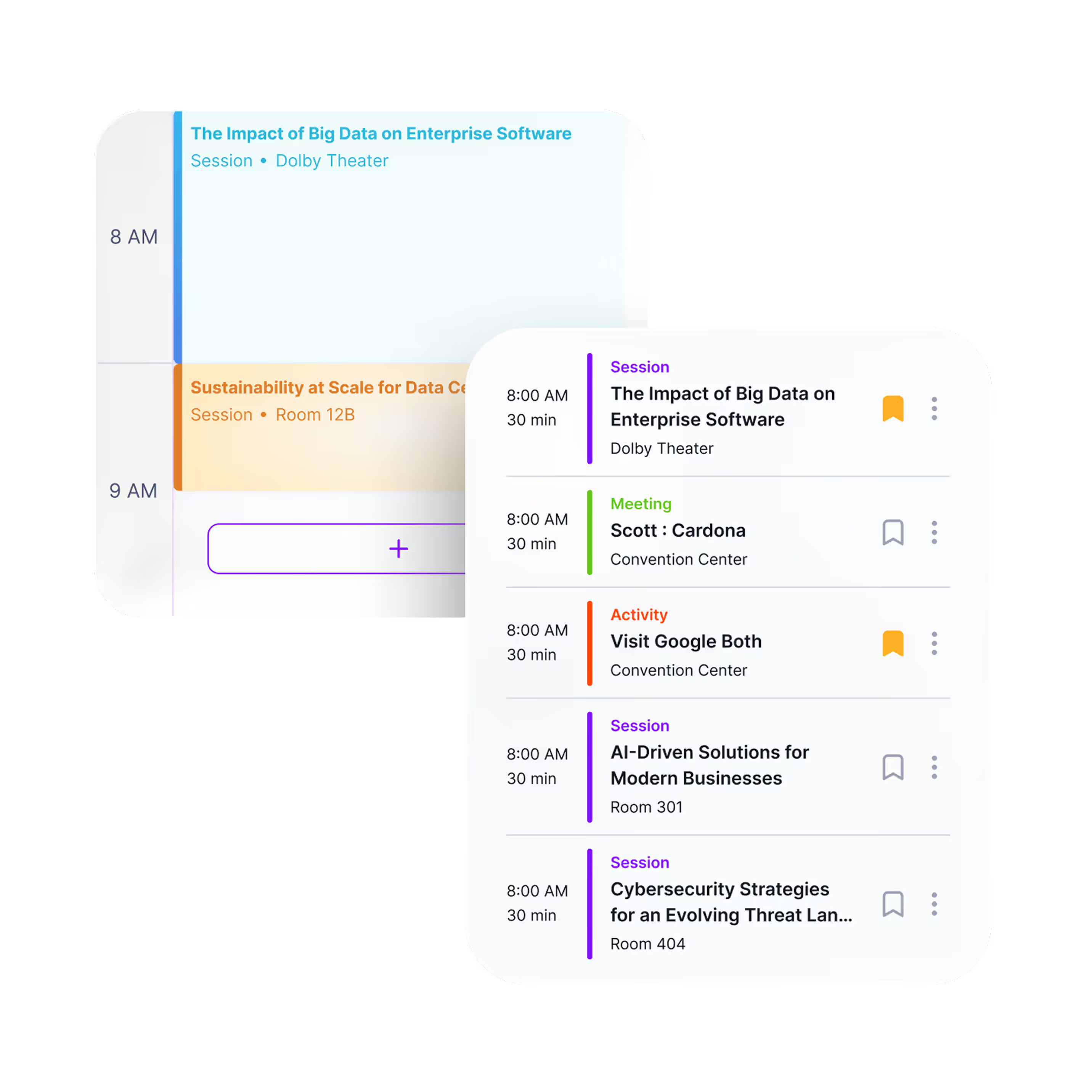
Can attendees build their own schedule?
Does the app help attendees meet people?
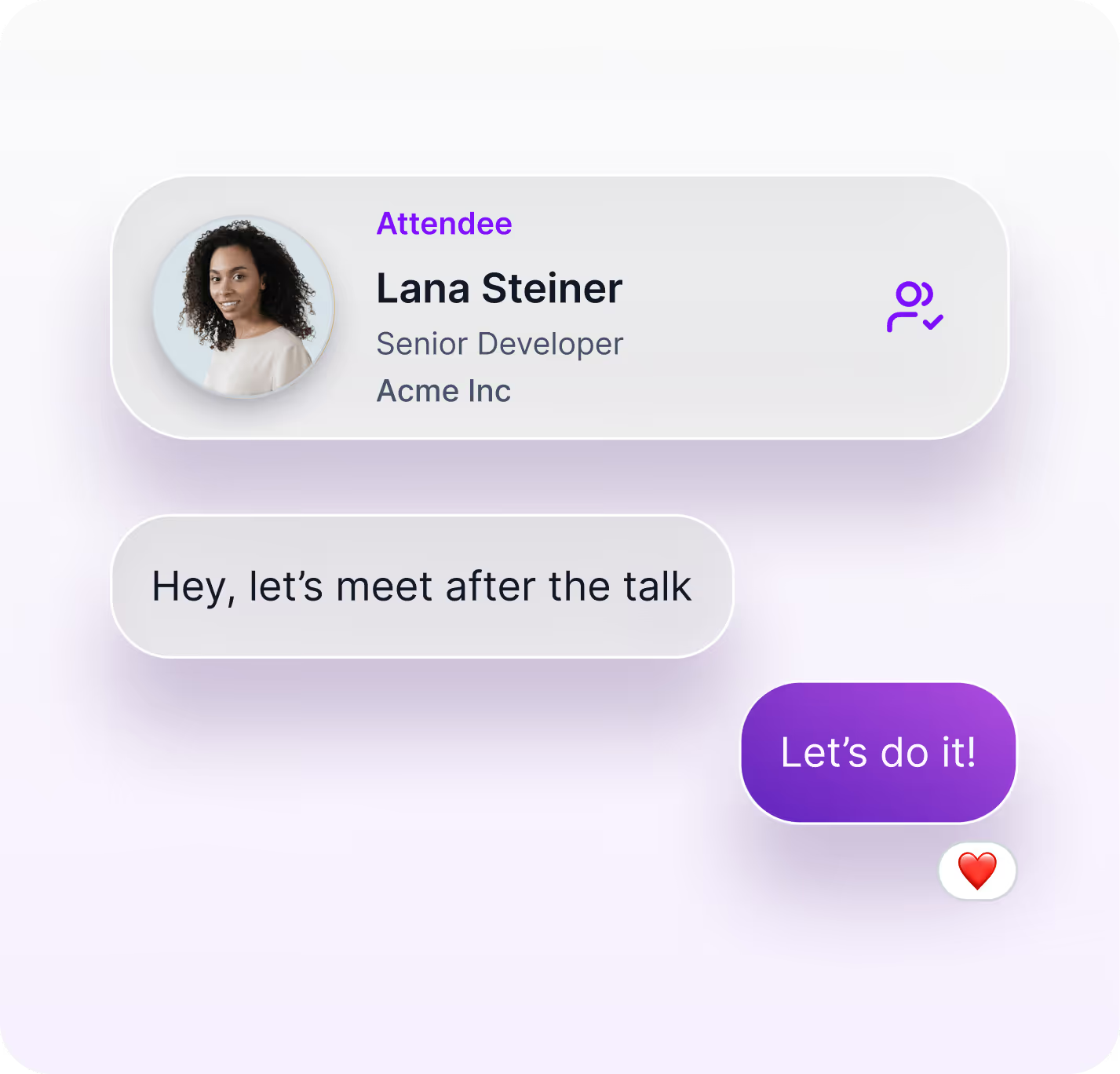
Yes. Networking tools and recommendations help attendees connect with each other.
Is it easy to navigate large events?
Yes. Amego makes it simple to find sessions, booths, and key areas without confusion with native maps and integrations with other maps and wayfinding tools.
Are recommendations personalized?
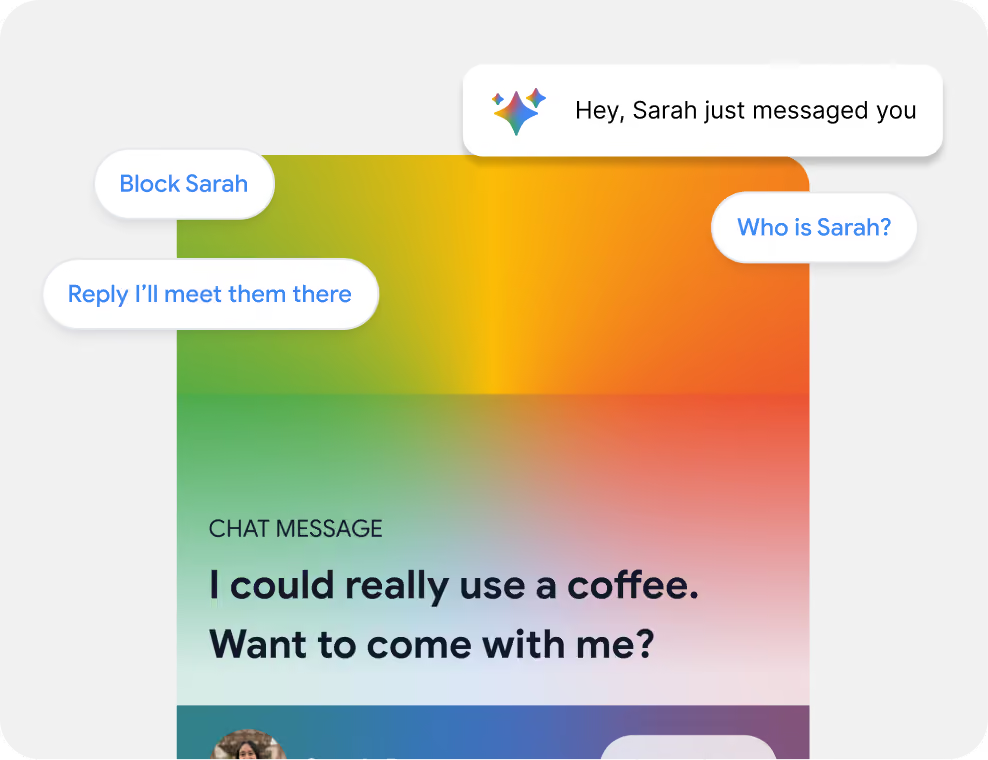
Yes. Attendees receive suggestions based on registration data, preferences, and custom tags that can be customized in the Amego Admin or pulled in from your EMS. With Sidekick, Amego’s native AI companion, activated, attendees can also receive recommendations based on their engagement on-site and in the app throughout the event.
Plan Your Next Event With a Mobile Experience Attendees Will Actually Use.
