
Most event apps are packed with features.
But attendees don't use most of them.
The gap between what platforms offer and what attendees actually engage with is where experiences start to break down. Because at the end of the day, the value of your event app isn't measured by how many features it has. It's measured by how useful it is in the moment.
The best event app features aren't just functional. They're intuitive, fast, and built around how attendees actually move through an event.
Why Feature Lists Don't Equal Better Experiences
It's easy to assume more features means a better app.
In reality, too many unnecessary tools create friction. Attendees don't want to learn a system. They want to find a session, build their schedule, connect with the right person, and know if anything has changed. That's it.
Yet most event app feature lists are built for sales demos, not real people navigating a busy conference floor.
That's why leading teams are shifting toward a more focused approach, choosing conference app features that directly impact engagement rather than inflating a spec sheet.
The Event App Features Attendees Actually Use
Not all features are created equal. These are the ones that consistently drive engagement across enterprise events.
Personalized Agendas
This is the most used, and most expected, feature at any major conference.
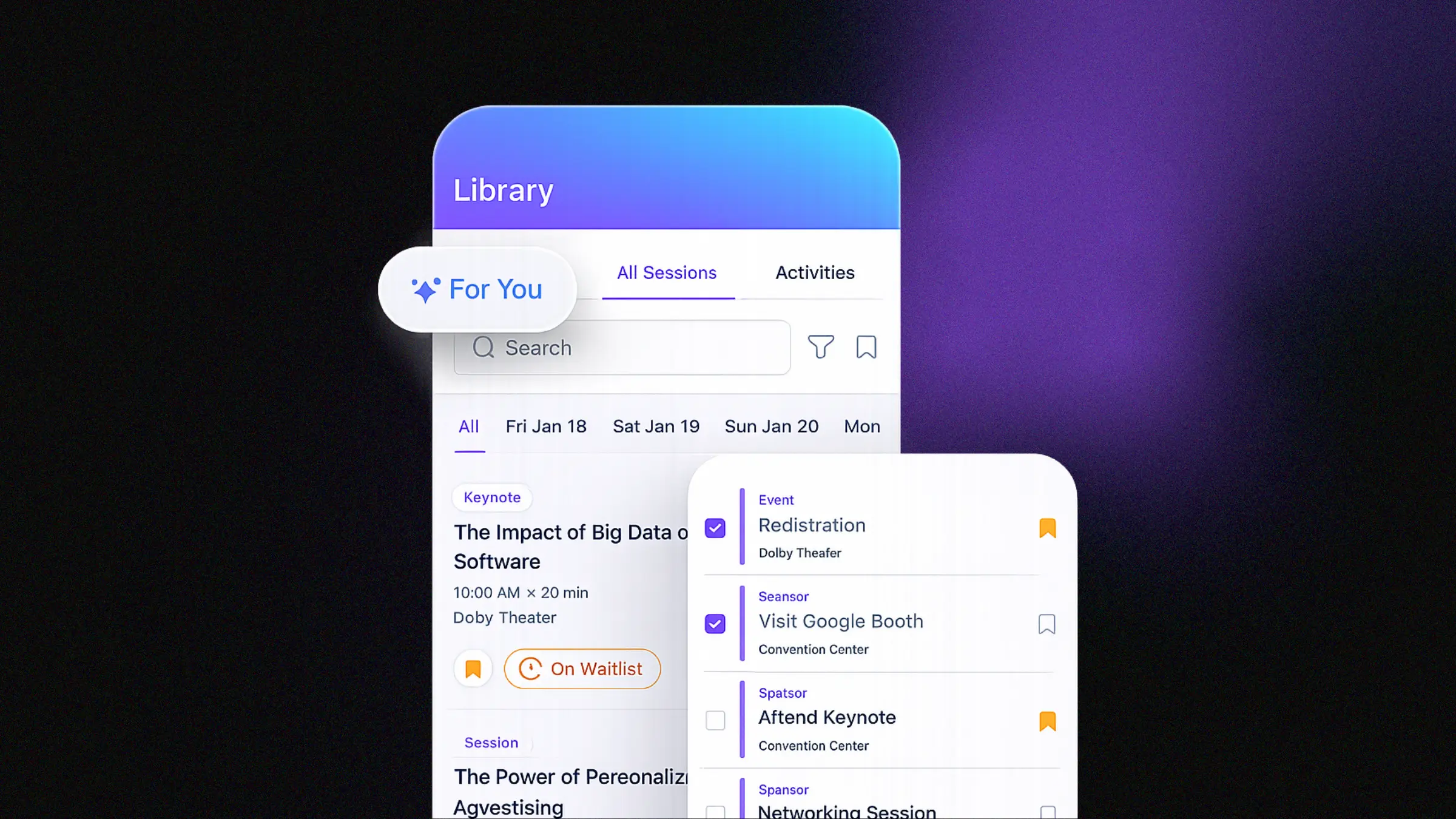
Attendees at a 20,000-person event aren't scrolling through 400 sessions. They want their agenda, built around what they care about. A strong mobile event app lets attendees customize their schedule, receive session recommendations based on their interests or role, and get reminders before the things they actually signed up for.
Personalization reduces friction. It also keeps attendees coming back to the app throughout the event rather than abandoning it after day one.
Real-Time Updates and Push Notifications
Events are dynamic. Schedules change, rooms shift, sessions hit capacity.
Without real-time communication, attendees feel disconnected and start relying on event staff or social media to figure out what's happening. Push notifications and live schedule updates keep everyone aligned without confusion or extra overhead for your team.
The key is relevance. A flood of generic notifications trains attendees to ignore them. Targeted alerts tied to sessions they've bookmarked or areas they're near are the ones that actually get read.
In-App Navigation
Large conferences are genuinely hard to navigate. Attendees are moving between sessions, meetings, and networking opportunities, often in unfamiliar venues, often under time pressure.
Clear maps, logical app structure, and easy-to-find session details are what separate a good conference app from one that gets abandoned by lunch. This isn't glamorous, but it's one of the highest-impact features you can get right.
Networking Tools That Work
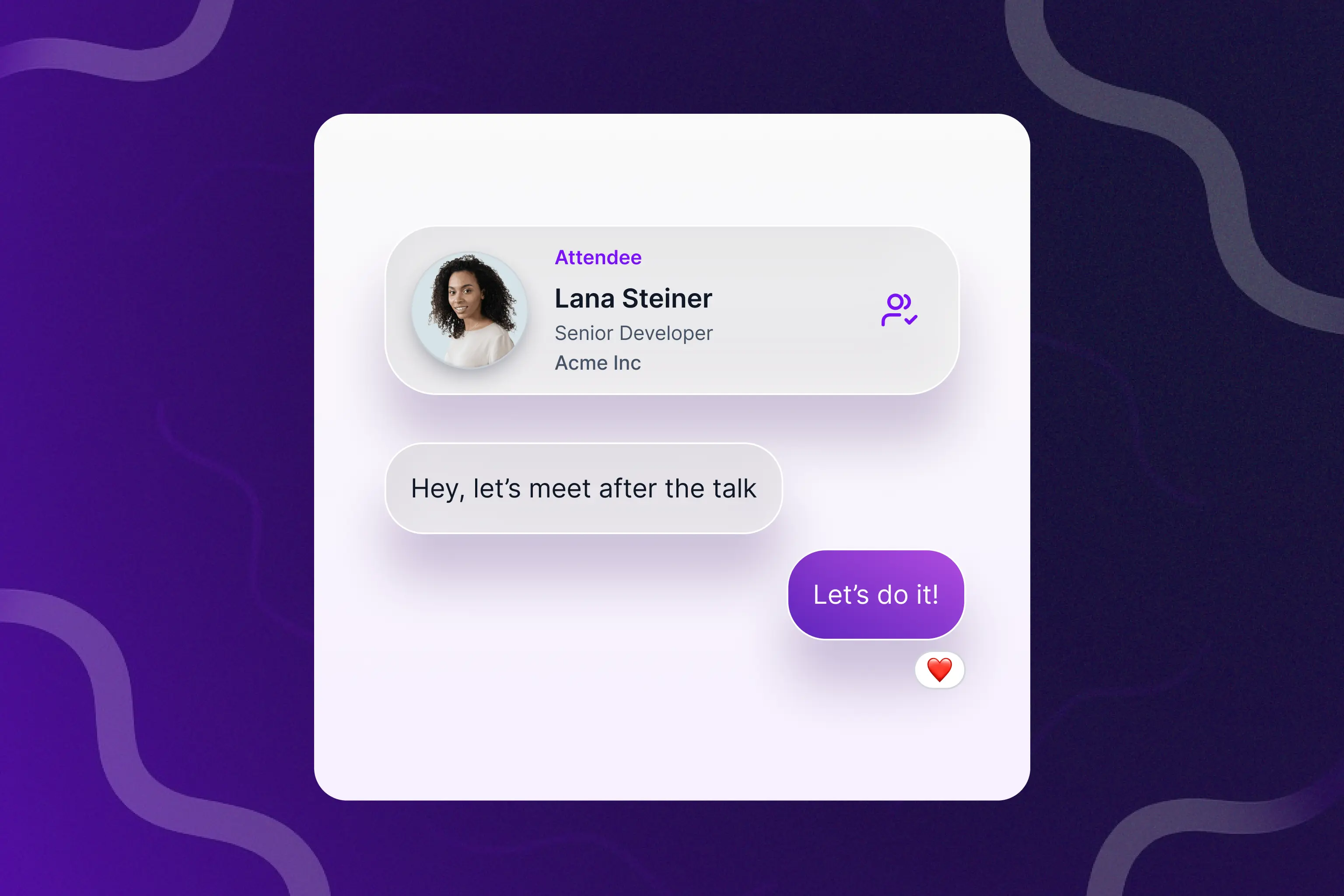
Networking is one of the primary reasons people attend events in person. Most event apps overcomplicate it.
What attendees actually want is a simple way to find relevant people, a low-friction way to start a conversation, and enough profile context to make that conversation worth having. Networking features that require too many steps, too much setup, or too much information up front see low adoption. The best attendee experience apps make networking feel natural, not like filling out a form.
Performance at Scale
This one rarely appears on a feature checklist, but it matters more than anything else on this list.
When 15,000 attendees open the same app during a keynote, performance determines whether your event app is a tool or a liability. A slow load time, a crashed session page, or a notification that never arrives doesn't just frustrate one person. It signals to everyone that the technology failed.
The most valuable event app features only matter if they work when it counts.
Where Most Event Apps Miss the Mark
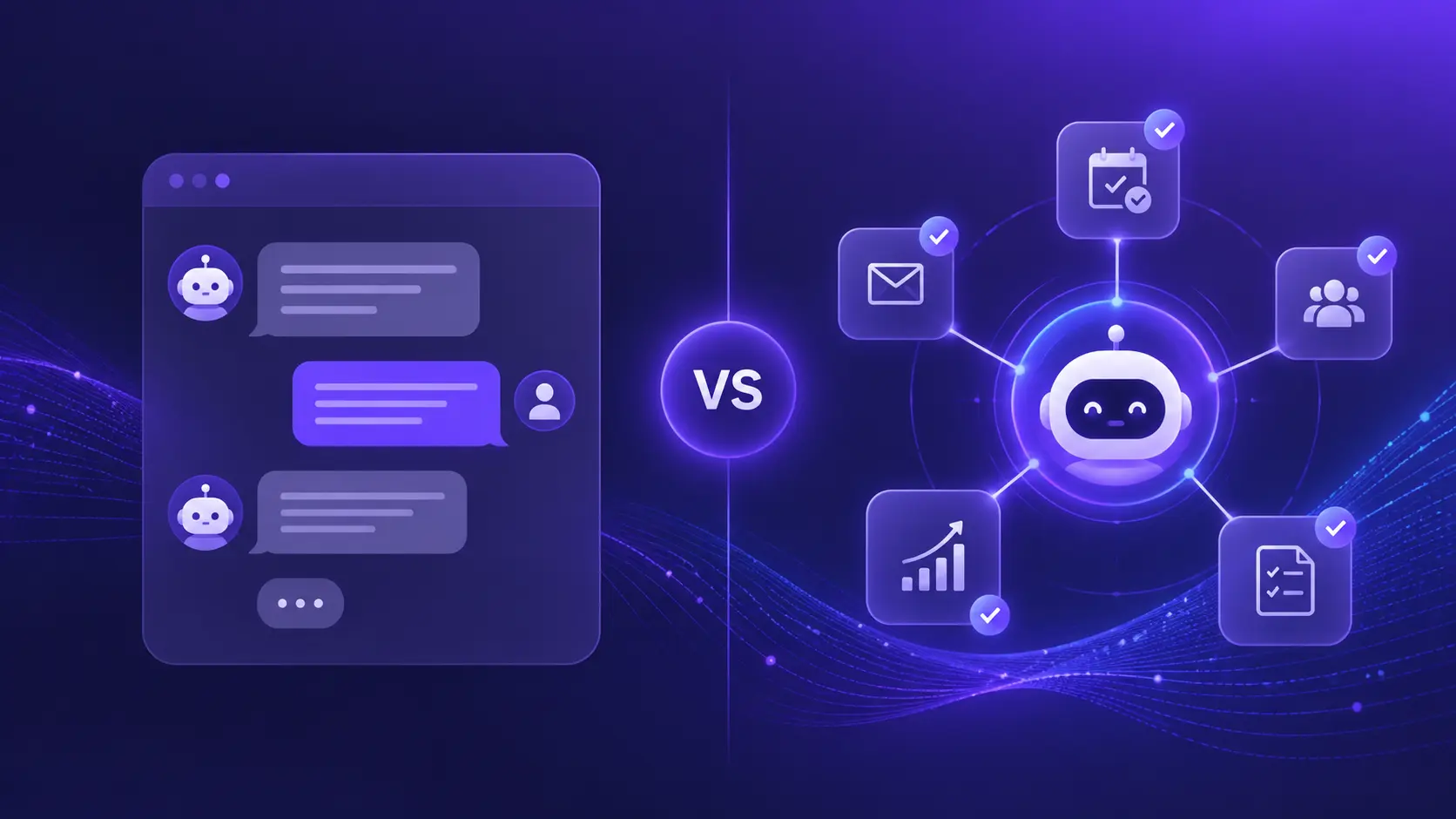
Many platforms try to solve everything at once. The result is feature overload, confusing interfaces, and an adoption rate that looks fine in the demo environment and falls apart on site.
The problem isn't that these features are bad. It's that building an app around every possible use case makes it worse at the things attendees actually need. When the networking tool requires six steps and the agenda takes three taps to find, people stop using it.
Enterprise teams running events at the scale of NVIDIA GTC or ServiceNow Knowledge have learned this the hard way. They're choosing event platforms that prioritize usability and performance over feature breadth.
How to Evaluate an Event App Before You Buy
If you're comparing options, the right question isn't "what does this app do?" It's "what will my attendees actually use?"
A strong attendee experience app should make it fast to find and bookmark sessions, deliver relevant updates without noise, support real conversations between attendees, and hold up technically when demand peaks. Anything beyond that should support those goals, not distract from them.
Before you sign a contract, ask vendors how their app performs at your event's scale. Ask for adoption data from comparable events. And if the demo takes 10 minutes to show you how to find a session, that's your answer.
Frequently Asked Questions
What are the most important features in an event app? The features attendees use most are personalized agendas, push notifications for schedule changes, in-app navigation, and networking tools. Fast, reliable performance is often overlooked but is arguably the most critical factor at large-scale events.
What is the difference between an event app and a conference app? The terms are often used interchangeably. A conference app typically refers to mobile software built specifically for multi-day professional events, while "event app" is a broader category that can include trade shows, festivals, and internal company events. The core feature set largely overlaps.
How do I choose the best event app for my conference? Focus on adoption metrics from events at your scale, evaluate the personalization capabilities of the agenda builder, and test the app under realistic load conditions. A platform that works for a 500-person workshop may not hold up at a 20,000-person enterprise conference.
Do attendees actually use event apps? Adoption rates vary widely based on the quality of the app and how it's promoted. Apps with personalized agendas, timely push notifications, and simple UX consistently outperform feature-heavy apps with steep learning curves. The simpler the better.
What makes a mobile event app different from a traditional event guide? A mobile event app updates in real time, personalizes content to each attendee, and enables two-way interaction like networking and feedback. A static event guide, digital or printed, can't do any of that.

Sign up for our newsletter
Get insights delivered to your email.