
Registration opens. Doors unlock. The line forms fast. And every attendee is waiting for one thing before they can do anything else: their badge.
It sounds simple. It rarely is.
Badge printing is one of the most visible parts of the check-in experience, and when it goes wrong, everyone notices. Slow printers, mismatched names, last-minute registrants not in the system — any of these can turn your opening hour into a stressful mess, and that first impression sticks.
The good news: badge printing technology has improved significantly. The right platform can print a badge in under ten seconds, pull live registration data, support on-demand printing at multiple stations, and even integrate directly with your event app. This post breaks down the best badge printing platforms available today, what to look for before you choose one, and how badge printing fits into a larger event tech stack.
Why Badge Printing Still Matters at Events
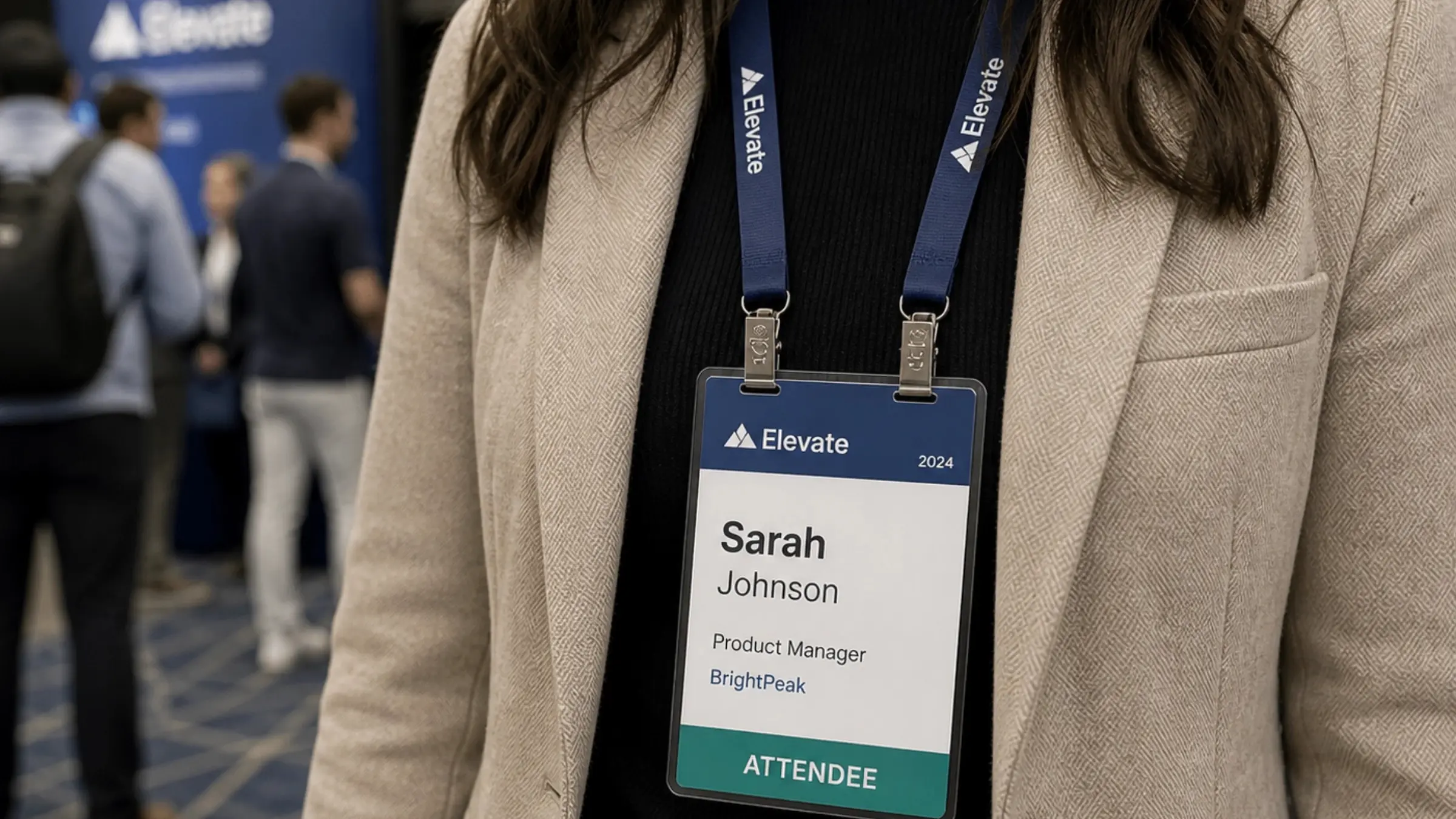
Even as events add more digital layers — mobile apps, QR codes, digital agendas — the physical badge remains a constant. It is a networking tool, a security credential, a session pass, and often the first physical object an attendee holds from your event.
Attendees still look at each other's badges to start conversations. Sponsors still scan them at booths. Staff still check them at session entrances. A well-printed, clearly designed badge communicates professionalism before a single speaker takes the stage.
For large-scale conferences with 5,000 or 15,000 or 50,000 attendees, badge printing is a logistics challenge that needs a purpose-built solution. General-purpose label printers do not cut it. You need software that can handle concurrent print queues, validate registrant data in real time, and give your check-in staff visibility into what is happening across every station.
What to Look for in a Badge Printing Platform
Before comparing tools, get clear on what your event actually needs. Here are the factors that matter most:
- Print speed. At peak check-in, you might need to print 200 badges in 20 minutes. Look for platforms that advertise 8–12 second print times per badge and can run multiple printers in parallel.
- On-site vs. pre-printed. Some events pre-print all badges and sort them alphabetically. Others print on demand at the door. On-demand is more flexible — it handles late registrants, name changes, and walk-ins — but requires more hardware and reliable software.
- Registration system integration. Your badge printing platform needs to talk to wherever your registration data lives. Native integrations with Cvent, Eventbrite, RegFox, or your custom registration system will save hours of manual work and reduce errors.
- Badge design flexibility. You want to control fonts, logos, colors, attendee type indicators, QR codes, and session access tiers. Some platforms offer drag-and-drop badge designers; others are more rigid.
- Offline capability. Internet goes down at venues. Your badge printing should not. Platforms that cache registration data locally and operate offline are essential for large events.
- Hardware compatibility. Most platforms are optimized for specific printers — Zebra, Brother, DNP, and Evolis are common. Make sure your preferred platform works with hardware you already own or can rent easily.
- Support on event day. When something breaks at 8am on day one, you need a human on the phone. Check what support each vendor offers during live events before you sign.
Best Badge Printing Platforms for Events
1. Accelevents
Accelevents pairs badge printing with the same registration and check-in engine - no CSV exports, no reconciling two systems, no lag between check-in and print. A drag-and-drop Badge Designer lets teams build unique templates by ticket type (VIP, speaker, exhibitor, staff), in any size and single- or double-sided, then auto-populate them with merge tags and QR codes pulled from live registration data.
Print speed runs under 2 seconds per badge on standard thermal printers, well ahead of the 8-12-second range most platforms consider fast. It supports self-service kiosks alongside staffed check-in, works with nearly any printer via PrintNode, and teams without hardware can use the Accelevents Onsite Kit. Pre-configured iPads, printers, and badge stock are shipped straight to the event. Support runs 24/7 with sub-21-second response times.
Best for: Events that want badge printing built into their registration and check-in platform - not bolted onto it - without sacrificing speed or flexibility.
2. XTag
XTag is a purpose-built on-site event management platform with badge printing at its core. It handles on-demand printing, self-service kiosk check-in, and NFC-enabled badge technology — which means attendee badges can double as session trackers, lead capture tools, and access control credentials.
What sets XTag apart is its focus on the physical-digital connection. When an attendee taps their NFC badge at a session entrance or sponsor booth, that interaction is captured instantly and can flow into your event app or CRM. For event organizers who want their badge to do more than display a name, XTag is a strong option.
XTag also supports multi-printer configurations, works offline, and offers a clean badge designer with support for custom fields and QR codes alongside NFC.
Best for: Events that want NFC-enabled badges.
3. Cvent OnArrival
If you are already running registration through Cvent, OnArrival is the natural companion. It handles check-in and badge printing with direct access to your Cvent registration data — no syncing, no CSV exports, no data reconciliation.
OnArrival supports on-demand printing, self-service kiosks, and multi-device setups for high-volume check-in. It also offers facial recognition check-in at some tiers. The tradeoff: it is built for the Cvent ecosystem, so if your registration lives elsewhere, the integration story gets more complicated.
Best for: Events already managing registration through Cvent.
4. Bizzabo
Bizzabo is an enterprise event management platform, and its Klik SmartBadge technology is one of the more distinctive badge offerings in the market. The Klik badge is a wearable IoT device that enables touchless networking — attendees bump badges to exchange contact information instead of fumbling with phones or business cards.
Beyond networking, Klik badges track session attendance, measure sponsor booth engagement, and feed data into Bizzabo's analytics dashboards in real time. For event organizers who want detailed behavioral data and a genuinely different attendee experience, this is a compelling option.
Bizzabo's badge printing and check-in capabilities integrate tightly with its broader event management suite, including registration, agenda management, and sponsor tools.
Best for: Enterprise events and large conferences.
4. ExpoPass
ExpoPass is a straightforward, no-fuss badge printing and check-in platform that does what it promises without a steep learning curve. It supports on-demand badge printing, self-service kiosks, QR code scanning, and basic lead retrieval at competitive price points.
For event teams that do not need the full enterprise suite — just reliable, fast badge printing with solid support — ExpoPass is worth a serious look. It integrates with Eventbrite and several other registration tools, and its onboarding is fast enough that a small team can be up and running in a day.
Best for: Small to mid-size events looking for a clean, affordable badge printing solution without enterprise complexity.
5. EventsAir
EventsAir is a comprehensive event management platform used by professional conference organizers and large associations globally. Badge printing and on-site check-in are part of its broader suite, which also covers registration, abstract management, accommodation, and exhibitor tools.
The badge printing module supports on-demand printing, custom badge templates, and integration with the rest of the EventsAir data ecosystem. Because everything lives in one platform, your check-in team has access to full attendee records at the door — dietary notes, session registrations, hotel bookings — without switching systems.
Best for: Large professional conferences, association events, and multi-day conferences.
6. Whova
Whova is best known as an event app platform, but it also offers a badge printing module that connects directly to its attendee management system. For event teams that want fewer vendors and a more unified stack, Whova's end-to-end approach is appealing.
The badge designer is functional without being overly flexible. If you need simple, clean badge designs with registration data flowing in automatically, Whova handles it well. It falls shorter for events that need highly customized badge layouts or very high-speed printing at significant scale.
Best for: Smaller to mid-size events already using Whova as their event app platform.
7. RegFox
RegFox is primarily a registration platform, and a strong one — it is known for its flexible form builder, competitive pricing, and clean attendee-facing experience. Badge printing is available as part of its on-site check-in tools, which include QR code scanning and on-demand badge generation.
For event teams who started with RegFox for registration and want to keep badge printing in the same system, this is a convenient option. It is not the most feature-rich badge printing tool in isolation, but as part of a RegFox-managed event workflow, it covers the basics well.
Best for: Events already using RegFox for registration that want an integrated, low-friction badge printing option.
8. Eventleaf
Eventleaf is a full-cycle event management platform covering registration, check-in, badge printing, and basic event app features. It is designed to be approachable for event teams that do not have a dedicated tech person, with a straightforward setup process and clean badge design tools.
Badge printing in Eventleaf supports on-demand generation, QR codes, and multiple badge templates. It connects directly to Eventleaf's registration data, so there is no import step required. The platform also supports self-service kiosk check-in for events that want to reduce staffing at the door.
Best for: Smaller events and teams looking for an all-in-one platform.
How Badge Printing Connects to Your Event App
Badge printing does not exist in isolation. The best event experiences connect every touchpoint — and your event app is at the center of that.
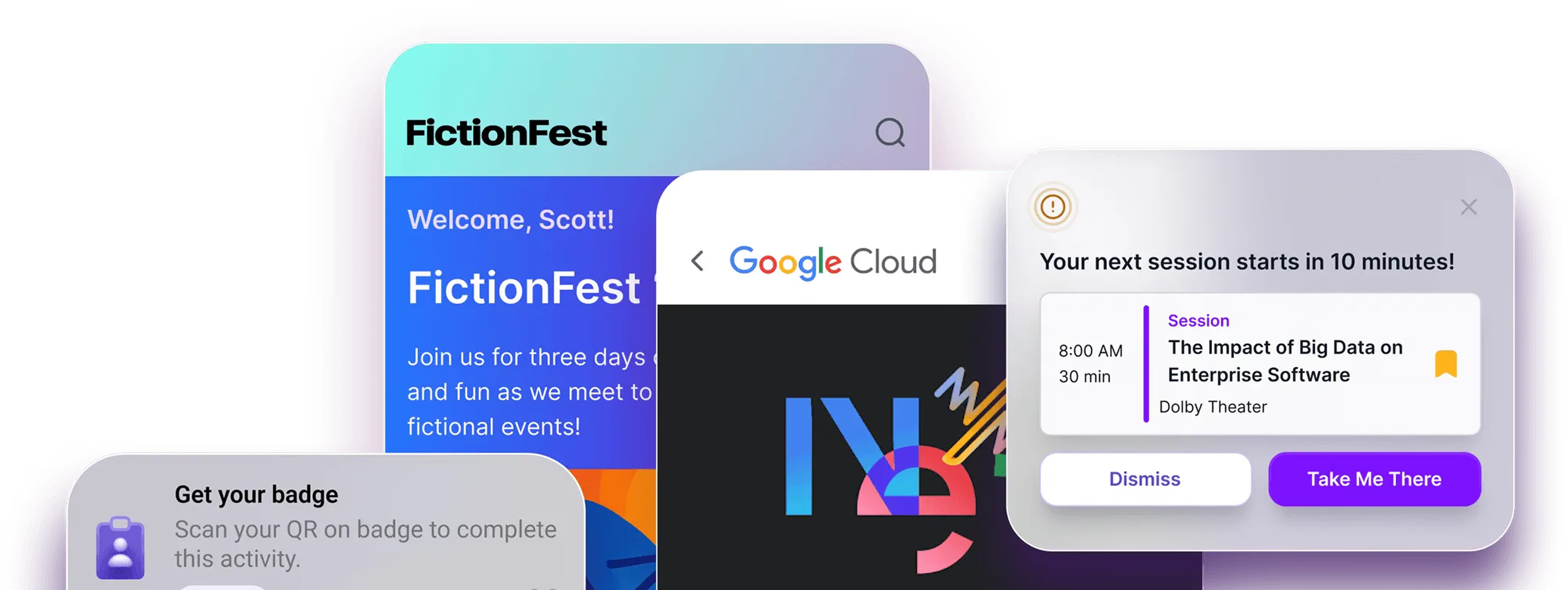
When your event app and your badge printing platform share the same attendee data, interesting things become possible. Attendees who check in and receive their badge can be automatically marked as arrived in the app. Session check-in data can flow into personalized recommendations. Sponsors scanning badges can trigger follow-up content delivered directly through the app.
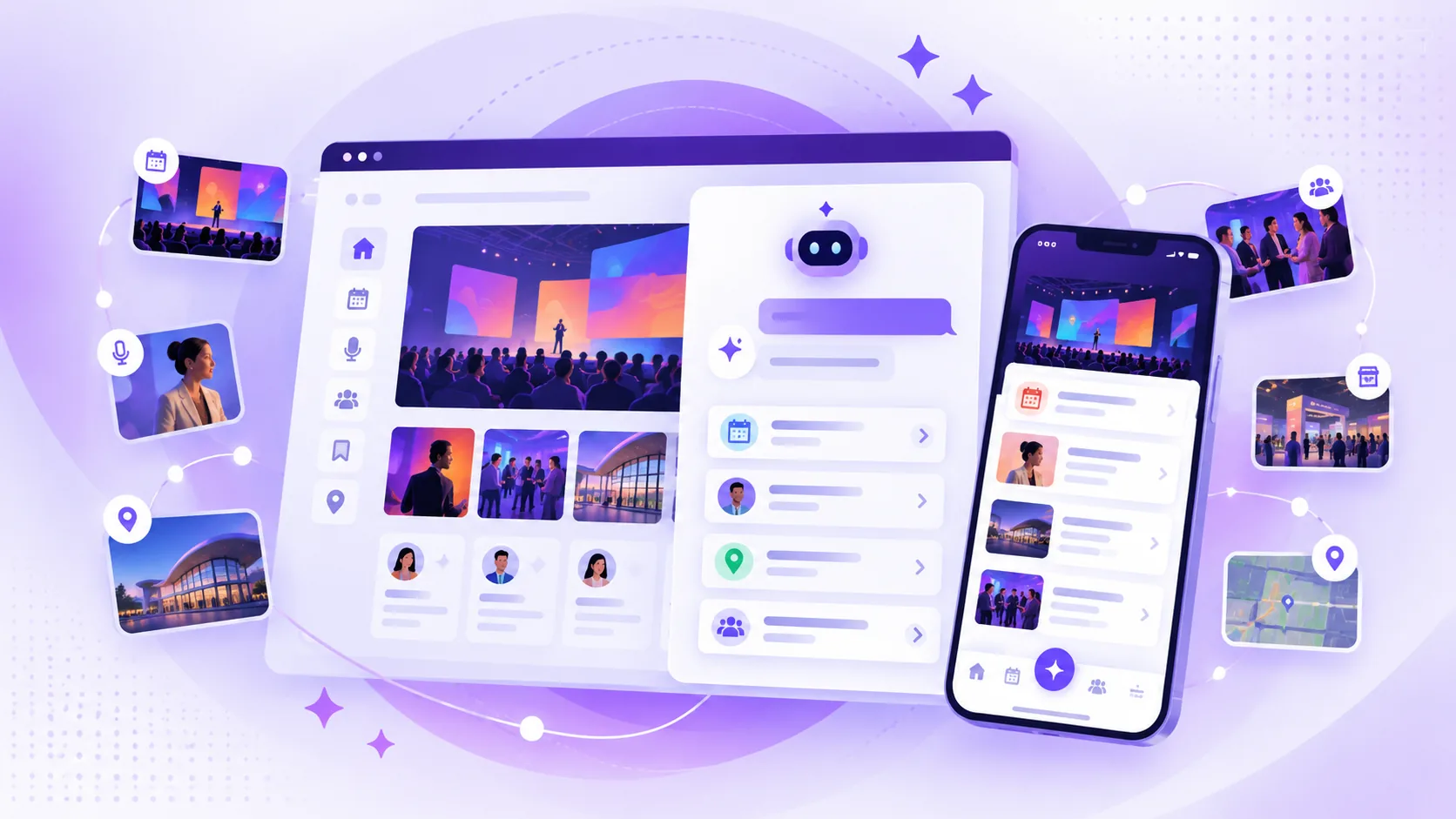
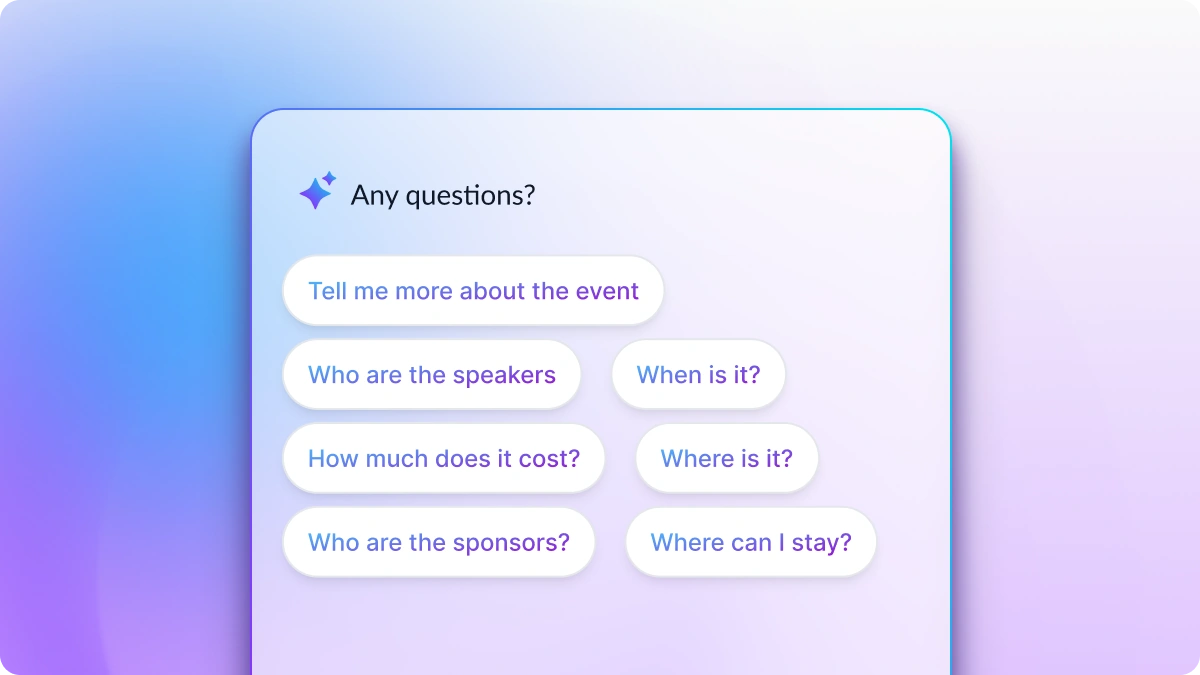
Platforms like Amego are designed to work as the intelligent layer across an attendee's full experience — from the moment they receive their badge to the last session they attend. Amego's AI-powered event companion, Sidekick, can surface personalized session recommendations, help attendees navigate large venues, and facilitate networking based on shared interests. When badge data and app data are connected, that experience gets sharper.
If you are evaluating badge printing platforms, ask each vendor how their platform shares data with event apps. Look for open APIs, webhook support, or native integrations that keep your attendee data synchronized without requiring manual reconciliation.
Tips for Smoother Badge Printing on Event Day
Even the best badge printing platform can hit trouble if the day-of logistics are not thought through. Here is what separates a smooth badge operation from a chaotic one:
- Run a full dry run before doors open. Print 50–100 test badges across all your printer stations the evening before. Confirm each printer is calibrated, the badge template is loading correctly, and registration data is pulling as expected.
- Set up more stations than you think you need. The check-in bottleneck is almost always the badge printing step. A ratio of one printer station per 150–200 expected attendees in the first hour is a reasonable starting point.
- Have a manual fallback ready. Pre-print 10–15% of your expected attendance as backup badges with attendee names, in case a printer fails or a registration sync breaks. Blank template badges for walk-ins are also smart.
- Assign a dedicated tech person to badges. Do not ask your general check-in staff to troubleshoot printers under pressure. Have one person whose only job at peak check-in is managing badge printing hardware and software.
- Keep registration data updated as close to the event as possible. The more stale your import, the more mismatches you will see at the door. If your badge platform supports live sync with your registration system, use it.
- Communicate badge logistics to attendees in advance. Let them know what name will appear on their badge, what ID they may need to show, and whether they can expect a kiosk or staffed check-in. Fewer surprises at the door means faster lines.
Final Thoughts
Badge printing is a solved problem — as long as you pick the right tool and set it up correctly. The platforms above each have genuine strengths, and the best one for your event depends on your scale, your registration system, and what else you need from an on-site operations stack.
What is worth thinking about is what happens after the badge gets printed. The badge does not stop being useful at check-in. It is the credential attendees carry through every session, every networking conversation, and every sponsor interaction for the rest of the event.
That is where Amego fits in. Amego's event app includes badge scanning for both attendee networking and sponsor lead capture — attendees can scan each other's badges to connect instantly, and sponsors can scan attendee badges to capture leads directly from their mobile app or lead capture device. Everything flows into one place, tied to the attendee profile and the full event experience.
When your badge printing platform gets someone through the door and Amego takes it from there, the badge becomes more than a name tag. It becomes the thread connecting check-in, sessions, networking, and sponsor engagement across the whole event.
If you want to see how Amego handles badge scanning and the broader attendee experience, take a look at what we do or get in touch with our team.

Sign up for our newsletter
Get insights delivered to your email.