
Table of Contents:
- What Is an Internal Event App?
- Why Internal Events Need Their Own App
- Features an Employee Event App Should Have
- Types of Internal Events and What Each One Needs
- How to Choose an Internal Event App
- How to Roll Out an Employee Event App
- How to Measure Success
- Common Mistakes With Internal Event Apps
- Internal Event App FAQ
- Ready to Run a Better Internal Event?
Your company kickoff is in three weeks. Six hundred people are flying in. And the plan for keeping them informed is a PDF, a Slack channel, and hope.
This guide covers what an internal event app is, which features are worth having, how to choose one, and how to get employees to use it. Whether you are running a sales kickoff or a company offsite, the goal is the same: less confusion, more connection.
What Is an Internal Event App?
An internal event app is a mobile app built for employee-only gatherings: sales kickoffs, company offsites, all-hands, leadership summits, incentive trips, and training weeks. It puts the agenda, speaker info, maps, messaging, polls, and games in every employee's pocket, and it gives the team running the event real data on who showed up and what they did.
An employee event app is the same idea seen from the attendee's side. The difference from a public conference app is the audience. Everyone is on the same payroll, so you can skip ticketing and sponsor tools and focus on alignment, culture, and getting people to talk to colleagues they rarely meet. If you want the short version of what that looks like in practice, our internal events solution page covers it.
Why Internal Events Need Their Own App
Internal events get less attention than public ones, which is odd, because the stakes are high. A sales kickoff sets the tone for a year of pipeline. An offsite is often the only week your distributed team is in the same room.
Most teams still run these events on a PDF agenda, a Slack channel, and a spreadsheet. It works until the keynote moves rooms at 8:45 a.m. and 600 people are looking at the wrong schedule.
A dedicated app fixes the boring problems first: one source of truth for the agenda, push notifications for changes, and a place to ask "where is lunch?" without flagging down an organizer. Then it handles the harder problem, which is getting people to participate. Employees who feel like they are attending a mandatory meeting will treat the app like one. Employees who get a leaderboard, a reason to meet someone new, and a quick way to ask a question will actually use it.
Features an Employee Event App Should Have
Feature lists blur together fast. Here is what matters for internal events, and why.
A live agenda that updates itself
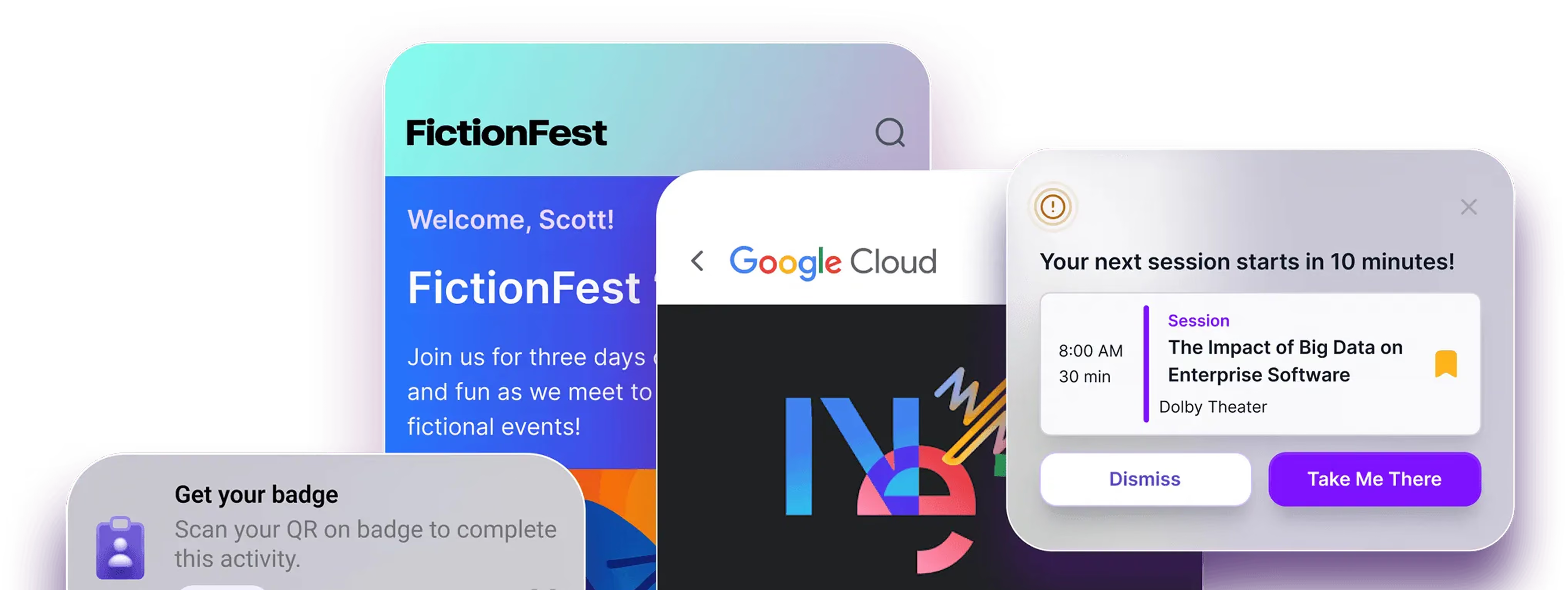
Rooms change. Speakers run long. Attendees should see the update on their phone before they see it on a slide. Look for personal schedules, session reminders, and push notifications you can target by team, region, or role.
Engagement that is not cringe
Polls, live Q&A, and gamification work when they are short and tied to something real, like a team challenge during a kickoff. Quest, Amego's gamification tool, lets you set up challenges and leaderboards so teams compete on things that matter to the event, not just badge collecting. See more on the engagement features page.
Networking across teams
The real value of bringing everyone together is the hallway conversation between a rep in Austin and a product manager in Dublin. An app can make those introductions with attendee matching and messaging, instead of leaving it to luck.
AI that answers the practical questions
Most attendee questions are simple: what time is the next session, where is the room, what is the dress code. Sidekick, Amego's AI assistant, answers those from your event content, so organizers stop being the help desk. For events with big content libraries, Sidekick Spark is there when attendees want help finding what to attend. Learn more about Sidekick Spark.
Admin tools your team can run without a developer
You should be able to change a session, send an alert, and pull a report yourself. Amego Admin is built for that. For one-off content, a content library keeps slides, recordings, and resources in one place after the event ends.
Lead scanning, when it applies
Internal events rarely need lead scanning, but it shows up more than you would expect: partner summits, customer-facing days that sit inside a kickoff, or field teams collecting contacts at a company-hosted roadshow. If that is you, make sure it is built in and not bolted on.
Types of Internal Events and What Each One Needs
The same app does different jobs depending on the event. This is how we think about it.
Planning one of these? Our page on internal event teams goes deeper on how teams run them.
How to Choose an Internal Event App
Skip the demo checklist and ask these questions instead.
Will employees actually open it?
Adoption is the whole game. Ask vendors what adoption looked like at similar events, and ask to see an app on a real phone, not a slide. Cloudflare reached 98% app adoption at its sales kickoff, which is the kind of number worth asking any partner about. You can read how they did it in the Cloudflare case study.
Can you brand it and control it?
An internal event should feel like your company, not a template. Branding, custom pages, and the ability to restrict access to employees only matter more here than at a public event. Ask about access controls and attendee data early, and review the security and compliance details. Amego is SOC 2 Type II compliant and GDPR-aligned.
Does it connect to what you already use?
Your HR system, registration platform, and Slack or Teams setup should not need manual exports. Check the integrations list before you commit.
Who helps when something breaks at 7 a.m.?
Support matters more than features on event day. Ask who you will talk to and how fast. See how Atlassian approached its event app rollout for a look at what a good partnership looks like.
Is the pricing clear?
Per-attendee pricing for 400 employees looks very different from a flat fee. Get the number in writing, including support and any add-ons. Ours is on the pricing page.
How to Roll Out an Employee Event App
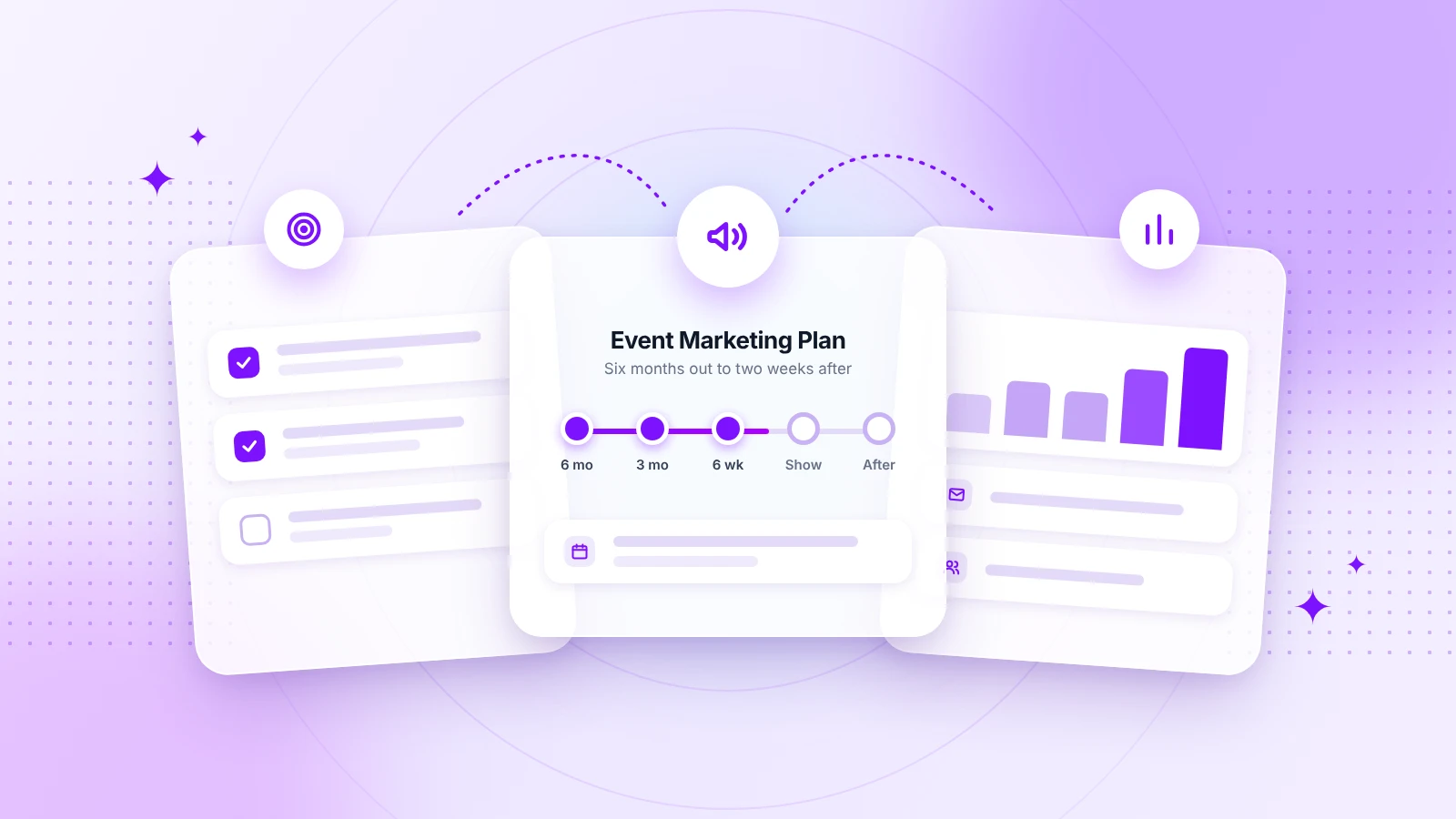
A good rollout is mostly communication. Here is a timeline that works for most internal events.
Four to six weeks out: Build the agenda, upload speaker bios, and set up your branding. Decide which features you will use. Fewer is better.
Two to three weeks out: Announce the app with a clear reason to download it. "Get your personal agenda and room assignments" beats "Download the event app."
One week out: Send a reminder with login steps. Have a short walkthrough ready for people who will not read the email.
During the event: Use push notifications sparingly, send updates the moment plans change, and let leaders mention the app from the stage. A keynote shout-out does more than any email.
After the event: Send a survey through the app, keep the content library open, and pull your engagement data while it is fresh. For a deeper look at how large organizations handle this, read our post on how enterprise events use mobile apps at scale.
How to Measure Success
Attendance is not the same as engagement. Track these instead.
- App adoption: the share of invited employees who downloaded and logged in.
- Session engagement: which sessions people saved, rated, or asked questions in.
- Participation: poll responses, challenge completions, and messages sent.
- Feedback: post-event survey scores and open comments.
The point of internal events is behavior change after the event ends. If your app data shows which topics people engaged with, you can follow up on those in team meetings and training in the weeks after. That is how a two-day kickoff keeps working in March.
Common Mistakes With Internal Event Apps
These come up again and again.
- Launching too late. Employees need time to download and log in before the event starts.
- Turning on every feature. A simple app that people use beats a complex one they ignore.
- Treating the app as optional. If leaders do not use it, nobody will.
- Sending too many notifications. Three useful alerts a day is plenty.
- Forgetting remote and hybrid employees. Give them live content, polls, and Q&A so they are not watching from the sidelines.
Internal Event App FAQ
What is the best app for internal company events?
The best app is the one your employees will use. Look for a branded mobile app with a live agenda, push notifications, engagement tools, and strong support. Amego's mobile event app is built for exactly this.
How much does an employee event app cost?
Pricing usually depends on attendee count, features, and support level. See Amego's pricing page or request a demo for a quote.
Can we use one app for both internal and external events?
Yes. Many teams run a customer conference and an internal kickoff on the same platform, which saves setup time and keeps data in one place.
How do we get employees to download the app?
Give them a reason: personal schedules, room assignments, and a challenge or leaderboard tied to the event. Then have leadership talk about it before and during the event.
Is an internal event app secure?
It should be. Look for SOC 2 compliance, access controls, and a clear data policy.
Ready to Run a Better Internal Event?
The best internal events do not feel like meetings. They feel like the one week a year when everyone is in the same room and pulling the same direction. A good app does not create that feeling, but it clears the obstacles that get in its way.
If you are planning a kickoff, offsite, or all-hands, take a look at our internal events solution or book a demo and we will walk through what it would look like for your team.

Sign up for our newsletter
Get insights delivered to your email.